HTML Editor
This HTML editor is a playground in your browser: write HTML, CSS and JavaScript and the page changes as you type. Start blank, or from a Tailwind CSS, Bootstrap or canvas starter. Nothing to install, and no account to start; sign in to save and share a link. It’s part of Playcode Classic, Playcode’s free code tools.
Free. No account needed to start.

Been here before? Your projects are in Home.
Playcode’s HTML editor lived at this address for years. Sign in with the same account, and Home lists every project you saved. Old project links still open.
Open your projects
Type HTML. The page follows.
The preview redraws a moment after you stop typing, with your CSS and JavaScript applied. Press Ctrl+J to open the console and see what your scripts print.
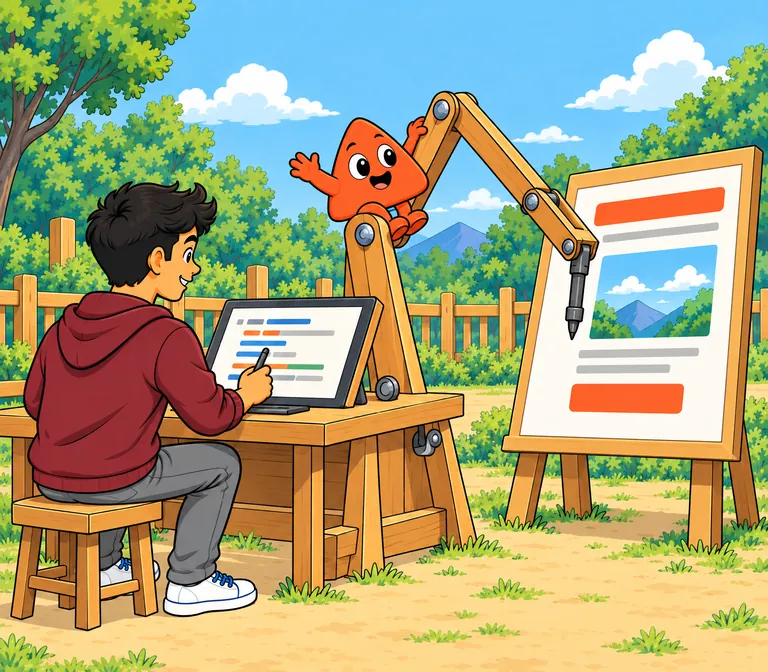
Write less. Start from more.
Type an Emmet abbreviation such as ul>li*3, press Tab, and the tags appear. Or start from a page that already has its stack.

From a page to a website
- Sign in and save your project.
- Publish it on a Playcode address, free, with Playcode branding.
- Connect your own domain on a paid plan.

Part of Playcode Classic
Playcode began in 2016 as a browser coding environment. This editor is one of its free code tools, which we now call Playcode Classic.
Playcode today is an AI platform for building and running websites and apps.

Questions people ask
Is this HTML editor free?
Yes. Writing and previewing is free and needs no account. A free account keeps up to three saved projects, public or private; downloads and a custom domain need a paid plan, and the AI chat uses credits.
Where are my old Playcode projects?
Sign in with the account you used and open Home: every saved project is listed there. Old project links still open their projects.
Can I write CSS and JavaScript too?
Yes. Put them in the page or in their own files. The starter has Tailwind CSS ready, and CDN libraries work as written.
Does it check my HTML for errors?
It highlights the syntax, completes tags and expands Emmet abbreviations, but it doesn’t check HTML for errors. Press Ctrl+J to see JavaScript errors in the console.
Can I use Bootstrap or Tailwind CSS?
Yes. Start from the Bootstrap or the HTML starter, which has Tailwind CSS, or add any CDN link.
Can I build a site with several pages?
Yes; it publishes as a website with every page. In the preview, a second page shows when SPA mode is off in Project settings.
Can I publish my page?
Yes. Sign in and publish it free on a Playcode address with Playcode branding; a custom domain needs a paid plan.
Does it work on a phone?
Yes, in your phone’s browser. The editor shows one panel at a time and opens on the AI chat; your files are in the drawer.
Can I download my files?
On a paid plan, as a ZIP. On any plan you can copy the code or publish the page.
Is this editor part of Playcode?
Yes. This editor is part of Playcode Classic, Playcode’s free code tools. Playcode began in 2016 as a browser coding environment. Today it is an AI platform for building and running websites and apps.
More free code tools
- HTML Runner
Run HTML on your phone.
- Tailwind Playground
Utility classes, instant preview.
- CSS Editor
Styles with a live page.
- JavaScript Playground
HTML, CSS and JavaScript with a live preview.
- Code Playground
Every language in one place.
Write a page. Watch it appear.