Playcode Email
Send the emails your app needs.
Password resets, receipts and notifications, sent from your Cloud app through Playcode Email. No email provider to sign up for, no key to paste.
Delivery needs a Cloud app on a Pro or Max plan.

A new Cloud app already sends three emails.
- A welcome email when someone registers.
- A password reset link.
- Each contact form message, sent to you.
Until you verify a domain, they reach your team and the inboxes you verify.
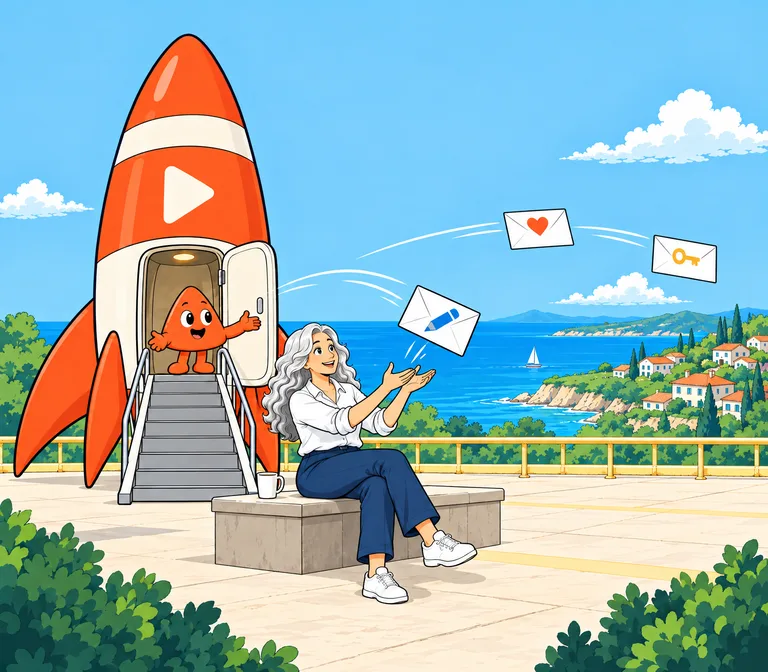
Ask for the next email in your own words.
“Email me each time someone signs up.”
The agent writes the sending code, sends a test and reads the email back. Verifying another inbox or your own domain stays with you.
import { Playcode } from '@playcode/sdk'

const pc = new Playcode()
const { status } = await pc.email.send({
  to: 'anna@example.com',
  subject: 'Your receipt',
  html: '<p>Thank you for your order.</p>',
})
Leave out the to address, and the email goes to your own account address: a quick test that needs no verification.
Verify your domain, and your app can email anyone.
Until then, it emails your team and the inboxes you verify. The project's Settings show which of these applies:
| Delivery | Who gets the email |
|---|---|
| Capture | Nobody. Playcode stores every email and delivers none: the workspace has no Pro or Max plan. |
| Sending | You, your workspace's members and up to 10 inboxes you verify. Email to anyone else is held. |
| Sending · to anyone | Anyone, from an address at your verified domain. |
To verify a domain, you add the DNS records Playcode shows: they sign your email and handle bounces. A domain bought in Playcode, in the same workspace, gets them added for you.
Every email tells you what happened to it.
Each send answers with one of four words:
sending- Playcode accepted it for delivery.
held- Playcode kept it back: a recipient is not verified, or the address bounced, reported spam or unsubscribed.
captured- Stored, not delivered: the workspace has no Pro or Max plan, or it is out of credits past the included amount.
withheld- Never sent: the app's sending is paused.
Later you see whether the receiving server accepted the email, refused it, or the person marked it as spam. Ask the agent to list your app's emails, or to read one back and follow its links.
Included with Pro and Max.
- 500recipients each billing cycle on Pro
- 2,000recipients each billing cycle on Max
- 500more emails for each credit after that
An email to three people counts as three. Email to your workspace's members is free and does not count, and captured email costs nothing.
For the emails people expect.
Playcode Email carries transactional email: messages a person's own action triggers, sent to that person, or to your team about it.
Send
- Password resets, sign-in links and codes
- Order and booking confirmations
- Receipts and invoices
- A message to your team when someone fills in a form
Not for
- Marketing email and newsletters
- Cold outreach
- Email to a bought, scraped or imported list
Playcode Email only sends. It hosts no inbox and cannot receive replies: they go to the reply-to address you set. One email reaches up to 10 recipients, each app sends up to 60 emails a minute and 500 a day, and attachments are not delivered.
Questions about Playcode Email
Do I need an account with an email provider?
No. Your Cloud app sends through Playcode Email with the key Playcode gives it. There is no provider to sign up for and no key to paste.
Can my customers reply?
Replies go to the email's reply-to address, or else to its from address. Set a reply-to address you read on every email that expects an answer.
Can I send a newsletter?
No. Playcode Email carries transactional email only. For a newsletter or a campaign, use an email marketing service beside your app.
Can an app hosted somewhere else use it?
Playcode sets up Email for apps on Playcode Cloud. A static site cannot send email: it has no server to keep the key.
Is delivery guaranteed?
No. Playcode shows what happened to each email, and it pauses an app's sending by itself when the app loops or its email bounces or draws spam reports.
What happens when my credits run out?
Email past the included amount is stored, not delivered. Included email and email to your workspace's members still go out.
Send your app's first email.