
Playcode School / Change an AI-built app
Change an AI-built app one step at a time.
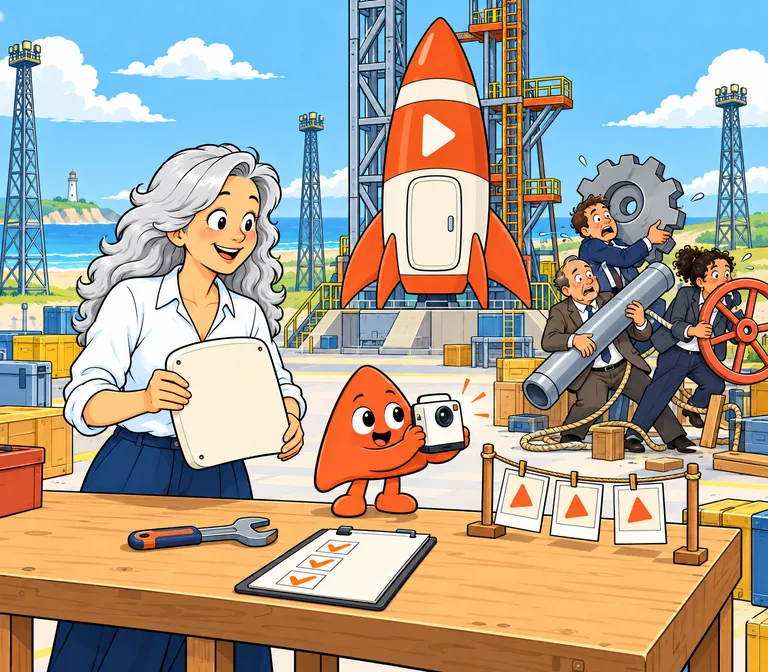
AI can change many parts of an app in one request. When something breaks after a big change, it is hard to tell which part caused it.
Work in small steps instead: save a version you can return to, make one change, check it, look at the data it touches, and only then publish.
Start from a version you can return to.
Before you ask for a change, save the version that works now. If the change goes wrong, you go back to it instead of untangling the damage by hand.
In Playcode that version is a checkpoint, saved from the project menu or, in a Cloud app, by asking the agent. In a Cloud app, a checkpoint holds the code, installed packages, database and files of either the preview or the live app. Restoring one discards everything made there after it, so restoring the live app also removes what customers saved since.
Example: "Save a checkpoint called before the Word upload." Name it after the change, so later you know what it protects.
Ask for one change you can check.
Ask for one change you can describe in a sentence and check in a few minutes. DORA's research article "Working in small batches" (2025) explains why this matters more with AI: it writes large blocks of code quickly, and large changes are hard to review, test and integrate safely.
If your request needs the word "and", it is probably two changes. Ask for the first, check it, then ask for the second.
Check what people do, not only what changed.
After each change, try three things yourself in the preview.
- The change itself
- Does it do what you asked? Example: upload a sample Word file and read the summary it makes.
- The part next to it
- Does what sits beside it still work? Example: upload a sample PDF file, as recruiters did before the change.
- The main task
- Can someone still finish what the product is for? Example: save a checked summary and open it again.
Look at the stored data before you publish.
Ask what the change does to stored data: does it add, rename or delete anything? Going back to earlier code does not bring back data that a change renamed or deleted.
Pramod Sadalage and Martin Fowler's "Evolutionary Database Design" (2016) keeps each database change as small as possible and tries it on a copy of the database first. In a Playcode Cloud app, the preview runs on its own computer with its own database, so try the change there before you publish.
Plan your next change.
Fill this in before you ask for the change, or edit the example below. Your answers stay in this browser. Copy the checklist into your project's chat, or download it to keep with your notes.
This is an editable example, not a guarantee. Checking each change makes problems easier to find; it does not prove there are none.
Publish, then watch the task.
Publish when the checks pass, then try the main task once more on the live app. Over the next days, watch whether people still finish it. If fewer do, look at the latest change first.
Decide how you would go back before you need to. In a Cloud app, restoring the live app also removes what customers saved since the checkpoint, so compare it with a quick fix first.