Building a website used to mean hiring a developer, learning to code, or wrestling with clunky drag-and-drop templates. Not anymore. In 2026, you can describe what you want in plain English and have AI build a professional website for you in minutes. Here's exactly how to do it.
What You'll Need
That's the best part - almost nothing. To build a website with AI, you need:
- A web browser (Chrome, Safari, Firefox - anything works)
- An idea for what your website should be about
- About 15 minutes of your time
No coding knowledge. No design experience. No expensive software to install. You're going to describe your website in your own words, and AI will handle the rest.
We'll use Playcode for this tutorial. It's an AI website builder that works with 15+ AI models and lets you build, customize, and publish - all from your browser.
Step 1: Describe Your Business to AI
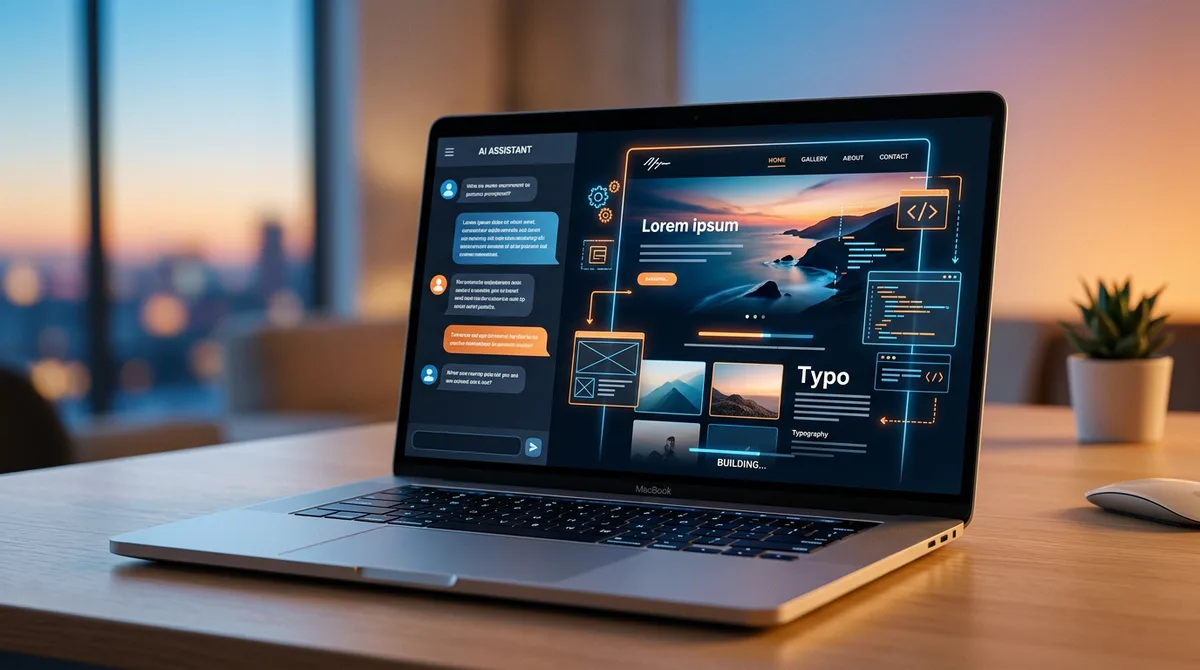
When you open Playcode, you'll see a chat interface. Think of it like texting a web designer who works incredibly fast. Just tell the AI what you need.
Let's say you're a yoga instructor opening a new studio. You might type something like:
Create a website for my yoga studio called "Sunrise Yoga." We offer beginner and advanced classes, private sessions, and a teacher training program. The vibe should be calm, warm, and welcoming. Use earthy tones - greens and warm whites.
That's it. No technical jargon needed. The more specific you are about your business, the better the result. Here are a few things worth mentioning in your description:
- What your business does - products, services, or your personal brand
- Who your audience is - local customers, online shoppers, professionals
- The feeling you want - modern, playful, corporate, minimalist
- Pages you need - home, about, services, contact, pricing
You can also use voice input in any language. Just tap the microphone icon and describe your website out loud. Playcode will transcribe and process your request.
Step 2: Watch Your Website Come to Life
Once you hit send, the AI gets to work. You'll see your website appear in the live preview panel - in real-time, as the AI builds it. It's not a mockup or wireframe. It's a real, working website.
The AI generates everything automatically:
- Multiple pages - home, about, services, contact, and more
- Responsive design - looks great on phones, tablets, and desktops
- Navigation - menus, links, and page structure
- Content - headlines, descriptions, and placeholder text tailored to your business
- Visual styling - colors, fonts, spacing, and layout based on your description
The whole process takes under a minute. You'll go from a blank screen to a complete website faster than you could make a cup of coffee.
Step 3: Customize with Visual Editing
Your AI-generated website is a great starting point, but you'll want to make it yours. This is where visual editing comes in.
Click on any element - a heading, a button, an image, a section - and change it. No code required. You can:
- Edit text - click on any text and start typing
- Change colors - adjust your color palette to match your brand
- Swap fonts - pick from hundreds of web fonts
- Rearrange sections - move content blocks around
- Resize and reposition - fine-tune the layout
You can also keep using the chat to make changes. For example:
Make the hero section taller. Add a testimonials section with three customer quotes. Change the call-to-action button to say "Book a Free Class."
Mixing visual editing with AI chat gives you the best of both worlds. Click to fix small things. Chat to make bigger structural changes.
Step 4: Add Your Content
Now it's time to replace the placeholder content with your actual business information.
- Upload your photos - your team, products, location, or portfolio pieces. Real photos always outperform stock images.
- Write your copy - or refine what the AI wrote. The AI drafts solid starting text, but your authentic voice makes it better.
- Add your logo - if you have one. If not, the AI can create a text-based logo for you.
- Update contact info - phone number, email, address, social media links.
- Set up forms - contact forms, newsletter signups, booking requests.
This step usually takes the most time, but it's also what makes your website stand out. Visitors can spot a generic template from a mile away. Your real content makes all the difference.
Step 5: Publish and Go Live
When you're happy with your website, publishing is one click away. Playcode gives you two options:
- Included subdomain - get a URL like
yoursite.playcode.ioincluded with your account. Perfect for testing or personal projects. - Custom domain - connect your own domain name (like
www.yourbusiness.com) for a professional look.
Your site goes live instantly. It's fast, secure, and works on all devices. You can make changes anytime and republish with a single click.
Tips for Getting Better Results
AI is powerful, but the quality of the output depends on the quality of your input. Here are some tips to get a website you'll love on the first try:
Be specific about your business
"Create a website for my bakery" is good. "Create a website for an artisan sourdough bakery in Portland that sells bread, pastries, and offers baking workshops. Target food-loving locals aged 25-45. Modern and warm aesthetic with a rustic touch" is much better.
Mention websites you admire
If there's a competitor or brand whose website you like, say so. "I like the clean layout of Apple's website" or "Give it a similar vibe to Airbnb" helps the AI understand your taste.
Iterate with follow-up prompts
You don't have to get everything right in one message. Build incrementally. Start with the basics, then refine. "Add a pricing table with three tiers." "Make the header sticky." "Add a dark mode toggle." Each prompt improves your site.
Choose the right AI model
Playcode offers 15+ AI models including Claude, GPT-4, and Gemini. Different models have different strengths. Try a couple to see which produces results you prefer for your specific project.
What Makes AI Different from Templates
You might be wondering - how is this different from picking a Wix or Squarespace template? The difference is fundamental.
Templates are generic. Thousands of websites use the same template. You swap out photos and text, but the structure, layout, and feel are identical to everyone else. Your bakery website looks like someone's law firm because you started from the same template.
AI builds custom. Every website is generated from scratch based on your specific description. Your yoga studio website won't look like anyone else's because it was built specifically for your yoga studio, with your style preferences, your content structure, and your brand personality.
Other advantages of AI over templates:
- No limitations - templates restrict you to predefined layouts. AI can create any layout you describe.
- Real code - AI generates actual HTML, CSS, and JavaScript using professional frameworks like React and Tailwind CSS. Templates use proprietary formats that lock you in.
- No lock-in - with Playcode, you can export your site and host it anywhere. Most template builders won't let you export anything.
- Evolves with you - need a new section? Describe it. Want to change direction entirely? Just ask. Templates make pivoting painful.
FAQ
Can AI really build a full website?
Yes. AI website builders like Playcode create complete, multi-page websites from plain English descriptions. The AI generates real code using professional technologies like React, Vue, and Tailwind CSS - the same tools professional developers use. The result is a production-ready website, not a mockup.
How long does it take to build a website with AI?
Most people have a working website in 5-15 minutes. The AI generates the initial site in under a minute. The rest of the time is spent customizing content, uploading photos, and fine-tuning details to match your brand.
Do I need coding skills to build a website with AI?
Not at all. You describe what you want in plain English (or any language - Playcode supports voice input in dozens of languages) and the AI handles all the technical work. Visual editing lets you click to change anything without writing a single line of code. That said, if you do know code, you have full access to it and can edit it directly.
Can I use my own domain name?
Yes. Playcode supports custom domains with one-click setup. You can also start with an included Playcode subdomain and add your custom domain later when you're ready.
Start Building Your Website Today
The gap between "I wish I had a website" and "I have a website" used to be weeks of work and thousands of dollars. Now it's 15 minutes and a conversation with AI.
Try Playcode AI Builder and describe the website you've been thinking about. You might be surprised how good the first draft is. And if it's not perfect, just keep talking to the AI until it is.
No coding. No templates. No limits. Just describe what you want and watch it come to life.