
Two things decide this, and neither is a feature list. Whether you keep what the builder makes, and whether the product stops at a website or keeps going when the business needs a domain, business email, a real backend, or an app. This guide keeps custom sites, design-led marketing sites, WordPress, and bundled business sites in their proper lanes. If the project is primarily an application, use our compare ai app builders instead.
Direct answer
Two questions separate these twelve
Do you keep what it builds, or are you renting it? And does it stop at a website, or keep going into the backend, the domain, the email, and the mobile app the business needs next? Playcode is the one built for an owner with no developer that answers both, on one balance. For a WordPress site, 10Web. For design-led work, Framer or Webflow. For a managed store, Squarespace or Wix. For the cheapest bundle, Hostinger.
A site, the software it becomes, and a mobile app, with no developer
One account covers the website, its backend and database, the domain, email, and an iPhone and Android app, on one balance, with code export, snapshots, and rollback included.
WordPress or WooCommerce
Its first-party documentation specifically covers AI-generated WordPress, Elementor editing, managed hosting, and WooCommerce.
Design-led marketing site with static export
AI generation hands into a visual Designer, and eligible Workspaces have a documented static-code export with explicit exclusions.
AI-first web app with managed backend
Both document managed Cloud services and source workflows; choose by the actual credit, database, deployment, and recovery boundary.
Managed business-site ecosystem
Both pair AI assistance with a mature hosted website system; plan, editor, commerce, export, and handoff boundaries differ.
Design-led portfolio or landing page
Framer centers visual site creation and AI tools, while explicitly retaining the hosting boundary and not offering standalone HTML export.
AI-assisted code workspace and deployments
Both expose project files and live deployment paths, with different build and production meters.
Fast managed small-business starting point
These products emphasize guided hosted setup; verify the exact plan, domain, business feature, portability, and renewal boundary.
Methodology
Eight checks, applied without scores
The same eight non-scoring questions are applied to every product. Current first-party documentation establishes product boundaries, while unknown findings remain open questions for the selected plan and representative project.
- 1. Site type and output
- What kind of website does the product create and operate? Use the official product boundary; do not infer output quality from a gallery.
- 2. AI workflow
- Where does AI help, and what remains manual? Record the current usage boundary without treating prompt count as a quality score.
- 3. Website essentials
- How do hosting, publishing, domains, content, and production limits work? A generated preview does not prove a production domain, capacity, or monitoring.
- 4. Business features
- Which forms, commerce, content, or workflow needs fit the documented product? Name plan and provider boundaries instead of implying universal built-ins.
- 5. Backend and recovery boundary
- What runtime state exists, and how can the owner recover or hand it off? Keep code history, live data, backup, restore, transfer, and ownership separate.
- 6. SEO controls
- Which URLs, metadata, structures, and rendered output can the owner verify? No builder guarantees rankings; unknown means the reviewed sources did not prove the control.
- 7. Code and data portability
- Which code, content, live data, and configuration artifacts can leave? Static HTML, Git source, content, live records, domains, and secrets are separate assets.
- 8. Pricing and production meter
- What consumes money while building and after launch? Price current plans, usage, sites, collaborators, providers, promotions, and renewals together.
- No controlled 12-product build, speed, accessibility, Core Web Vitals, SEO, support, or migration benchmark was completed.
- Prices, promotions, limits, plan names, and features can vary by region, term, account, and rollout.
- A source-code or content export does not prove a complete, lossless, or runnable migration.
- A capability does not guarantee rankings, revenue, conversion, accessibility, security, or business outcomes.
Evidence checked: August 1, 2026, with portability, pricing, and SEO-control sources re-read on August 25, 2026. Review by: August 31, 2026. Findings are limited to the dated first-party sources in this file. Every source was re-read on September 6, 2026, which is the date recorded against each one. That pass moved four vendor links that had died or been renamed (Durable moved its help centre to help.durable.com, 10Web replaced two help articles, GoDaddy dropped a locale prefix, Hostinger renamed Horizons to AI Builder agentic mode) and corrected the Durable SEO and portability cells. A source can document a product boundary, but it does not prove generated-site quality, performance, accessibility, SEO outcomes, support quality, or a complete migration.
At a glance
AI website builder comparison
This compact table shows three decision-critical fields. The full eight-field evidence record follows for every product.
| Builder | Site type and output | AI workflow | Pricing and production meter |
|---|---|---|---|
| Playcode | Custom websites and web applications with backend and database behavior where required, plus an iPhone and Android app from the same project. | Plain-language building and iteration with visual and direct-file editing in the supported product flow. | Current plans meter AI credits, Cloud apps, resources, collaborators, and other plan limits rather than one unlimited website price. |
| Replit | Websites and applications built in a code workspace rather than a fixed hosted-site template. | Agent access and usage depend on plan and included credits; ongoing manual code and workspace work remain available. | Plan credits and live deployment usage are separate cost inputs; price the selected deployment against the expected workload. |
| Webflow | Design-led websites generated into and edited with the Webflow Designer. | AI can generate a site, pages, and sections before visual editing; current plans introduce explicit AI-credit boundaries. | Site plan, Workspace, bandwidth, CMS, AI credits, seats, and add-ons can be separate production inputs. |
| Lovable | AI-built web projects that can use Lovable Cloud or other documented deployment paths. | Building consumes the current unified workspace-credit model rather than the older separate balance model. | Current pricing and the June announcement describe unified workspace credits across building, Cloud, and in-app AI; verify the live account meter before committing. |
| 10Web | AI-generated WordPress websites with Elementor editing; the current product scope also documents WooCommerce generation. | AI generates or recreates a WordPress site, while the 10Web AI Editor supports later changes through AI chat, visual editing, and code, at one AI credit per request. | Platform plans vary by websites, AI use, hosting resources, and ecommerce packaging; use the current plan page rather than the retired flat-price claims from the legacy article. |
| Bolt.new | AI-built websites and web applications stored as editable project files. | Prompt-led building consumes the current token and plan model, while files remain available for direct inspection and editing. | Current plans include token and Cloud boundaries; price both the build work and expected live workload. |
| Squarespace Blueprint AI | Managed template and Blueprint AI websites within Squarespace. | Blueprint AI and other AI features help create structure and content, with explicit owner responsibility for review. | Plan, billing cycle, commerce features, contributors, extensions, domains, and transaction or provider fees can affect the live cost. |
| Framer | Design-led hosted websites with current page, CMS, and bandwidth plan limits. | Framer documents AI tools plus a separate AI-credit and agent-pricing model. | Site plan, pages, CMS, bandwidth, editors, add-ons, and AI credits can all affect cost. |
| Durable | Managed AI-generated small-business websites. | AI provides an initial website and editing assistance; ongoing business content and accuracy remain owner work. | Use current plan and account terms; the legacy article price and AI-unit claims are not carried forward. |
| Wix AI Website Builder | Managed Wix websites generated from an AI requirements conversation and edited in Wix. | AI creates a new site and then hands editing to Wix Editor; it is not described as a universal transformation of every existing site. | Plan, site, domain, storage, collaborators, commerce, apps, and external services can all affect cost. |
| GoDaddy Airo | Airo can create a GoDaddy-hosted website as part of a broader domain, brand, email, and marketing workflow. | Airo uses AI across website and business setup, but the exact editing surface depends on whether the account has Airo or Websites + Marketing. | Airo AI Builder documents a free plan with a monthly AI-credit allowance and paid plans that each include a credit bundle for building and running apps. The Websites + Marketing plan, introductory term, renewal, and add-on total for a specific buyer remains unverified. |
| Hostinger AI Website Builder | Hosted websites created in Hostinger Website Builder. Hostinger AI Builder agentic mode, formerly Horizons, is a separate AI application-building product. | Website Builder documents AI site and image generation; the image generator has its own credit behavior. | Website Builder plans are priced on a 48-month term with a stated renewal rate: Premium at $2.99 per month renewing at $10.99, Unlimited at $3.99 renewing at $16.99, and Cloud Startup at $7.99 renewing at $25.99. Each plan carries a fixed AI-credit allowance, and the free domain and mailboxes are first-year terms. |
Product evidence
The 12 builders, compared by the same criteria
Prompt-led custom website and web app
Playcode
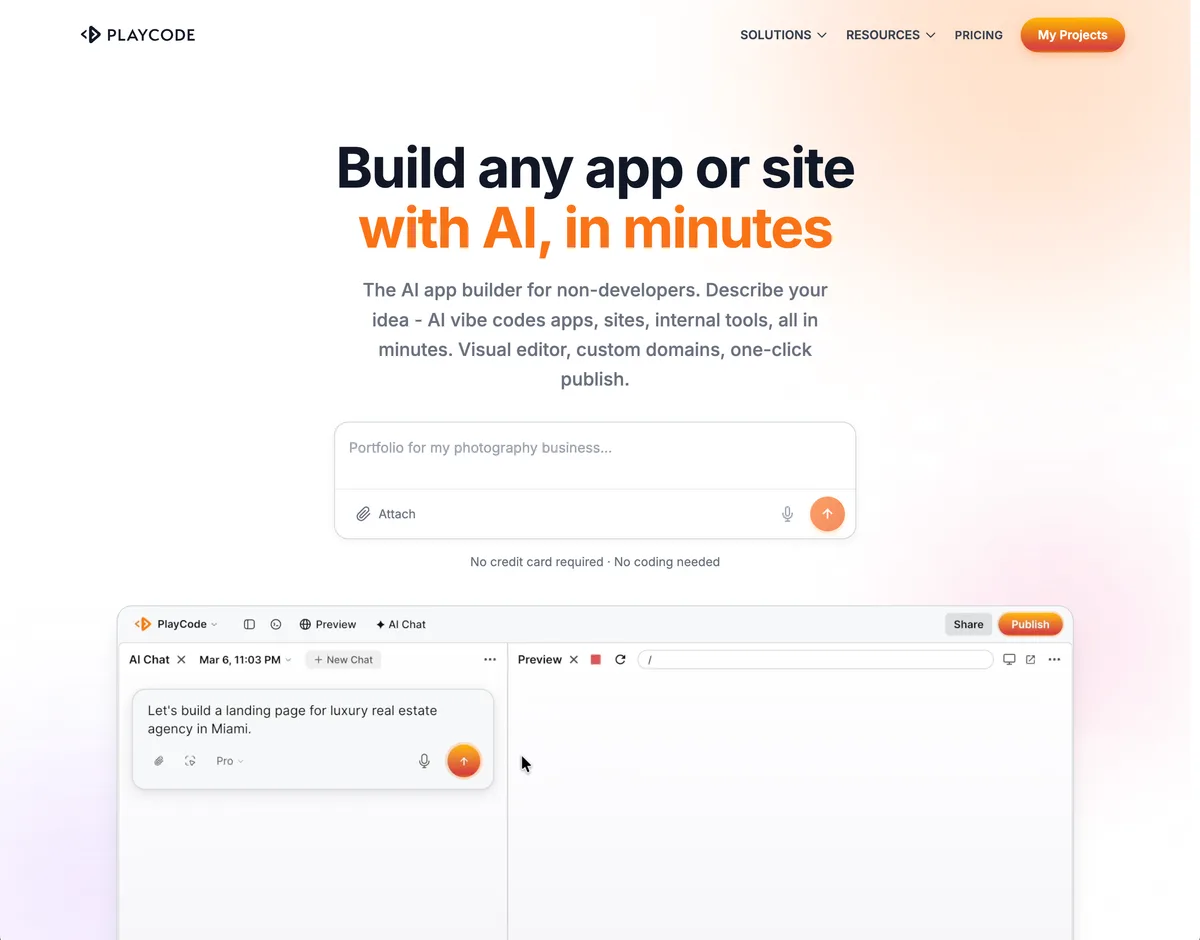
Built for people who do not write code, and the only product here that does not stop at the website. One account covers the site, the backend and database it grows into, the domain you buy inside it, business email, an iPhone and Android app, and the video and slides you need to sell it, all drawn from one balance. Project-code export and live-state migration remain separate boundaries.
- Best fit
- An owner with no developer who wants one system for the whole business: the site, the software it grows into, the domain, email, and the mobile app.
- Look elsewhere when
- A buyer who needs a compliance certification Playcode does not currently hold, such as SOC 2 or HIPAA.
- Site type and output
Custom websites and web applications with backend and database behavior where required, plus an iPhone and Android app from the same project.
Sources: Playcode: AI Website Builder; Playcode: Playcode Cloud; Playcode: AI Mobile App Builder
- AI workflow
Plain-language building and iteration with visual and direct-file editing in the supported product flow.
Sources: Playcode: AI Website Builder
- Website essentials
Playcode Pages or Playcode Cloud publication with HTTPS, previews, custom domains, and current plan limits.
Sources: Playcode: AI Website Builder; Playcode: Playcode Cloud; Playcode: Pricing
- Business features
Cloud documents backend, database, files, jobs, and WebSockets; provider accounts, credentials, authorization, and workflow rules remain project-specific.
Sources: Playcode: Playcode Cloud
- Backend and recovery boundary
Cloud documents internal git plus snapshots and rollback for supported state. Handoff should inventory code, live data, domains, credentials, billing, and provider accounts.
Sources: Playcode: Playcode Cloud; Playcode: Pricing
- SEO controls
Public output can be made SEO-friendly where relevant, but URLs, metadata, schema, rendered content, and indexability still require project-specific verification.
Sources: Playcode: AI Website Builder; Playcode: Playcode Cloud
- Code and data portability
Paid-plan project-code export is documented. Live database records, files, secrets, domains, and provider state need a separate migration plan.
Sources: Playcode: Pricing; Playcode: Playcode Cloud
- Pricing and production meter
Current plans meter AI credits, Cloud apps, resources, collaborators, and other plan limits rather than one unlimited website price.
Sources: Playcode: Pricing; Playcode: Playcode Cloud
Trade-offs to verify
- The team must review generated content, access rules, integrations, and production behavior.
- AI credits and Cloud limits are separate planning inputs.
- There is no fixed template library to start from, so the first result comes from a written brief rather than a pre-designed theme.
AI-assisted code workspace
Replit
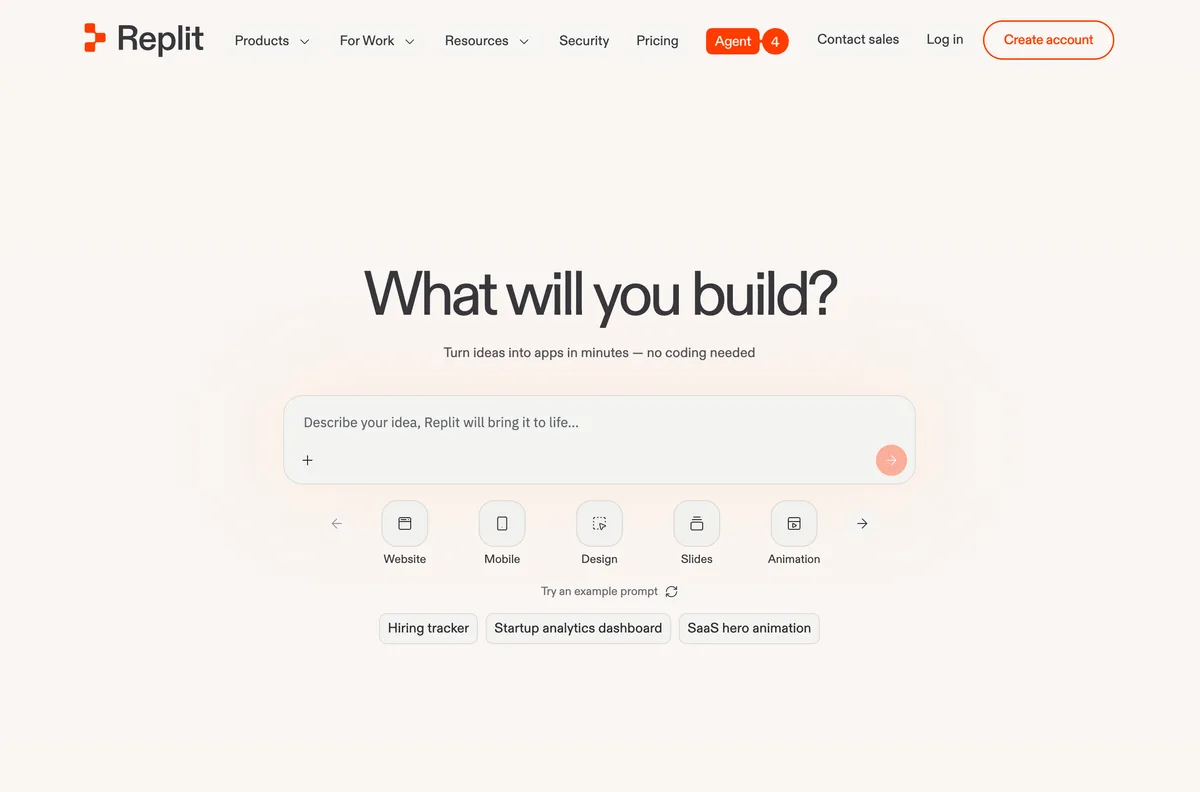
Replit combines Agent, a browser development environment, and separate deployment meters. It is closer to an AI-assisted software workspace than a template-only website builder.
- Best fit
- A team that wants an AI-assisted code workspace and several documented deployment shapes.
- Look elsewhere when
- A buyer who wants a fixed template editor with every website default decided for them.
- Site type and output
Websites and applications built in a code workspace rather than a fixed hosted-site template.
Sources: Replit: Pricing; Replit Docs: Starter Plan
- AI workflow
Agent access and usage depend on plan and included credits; ongoing manual code and workspace work remain available.
Sources: Replit: Pricing; Replit Docs: Starter Plan
- Website essentials
Multiple deployment types use distinct request, compute, and workload meters, with logs and status available after publication.
Sources: Replit Docs: Publishing Costs; Replit Docs: Monitor a Deployment
- Business features
The environment can build general software, but the reviewed plan and deployment pages do not establish a universal built-in database, commerce, or authorization contract for every site.
Sources: Replit: Pricing; Replit Docs: Publishing Costs
- Backend and recovery boundary
Monitoring is documented, but a complete project plus production-data restore and account-handoff contract is unknown from the reviewed sources.
Sources: Replit: Pricing; Replit Docs: Publishing Costs; Replit Docs: Monitor a Deployment
- SEO controls
Output is project code rather than a managed site, so the SEO markup is whatever the project contains. The reviewed sources document deployment types and monitoring, not a product-level control surface for metadata, canonicals, sitemaps, or server rendering.
Sources: Replit Docs: Projects and files; Replit Docs: Publishing Costs
- Code and data portability
Download as zip and two-way GitHub sync are documented for project files. Replit states that secrets, the database, and deployment configuration are not included in a project copy, so live state is a separate exit.
Sources: Replit Docs: Projects and files; Replit Docs: Publishing Costs
- Pricing and production meter
Plan credits and live deployment usage are separate cost inputs; price the selected deployment against the expected workload.
Sources: Replit: Pricing; Replit Docs: Publishing Costs; Replit Docs: Starter Plan
Trade-offs to verify
- Production cost depends on the selected deployment and workload.
- The reviewed source set does not establish universal website SEO defaults.
- A complete code, data, and production-state recovery contract was not verified in this source pass.
Design-led visual website builder
Webflow
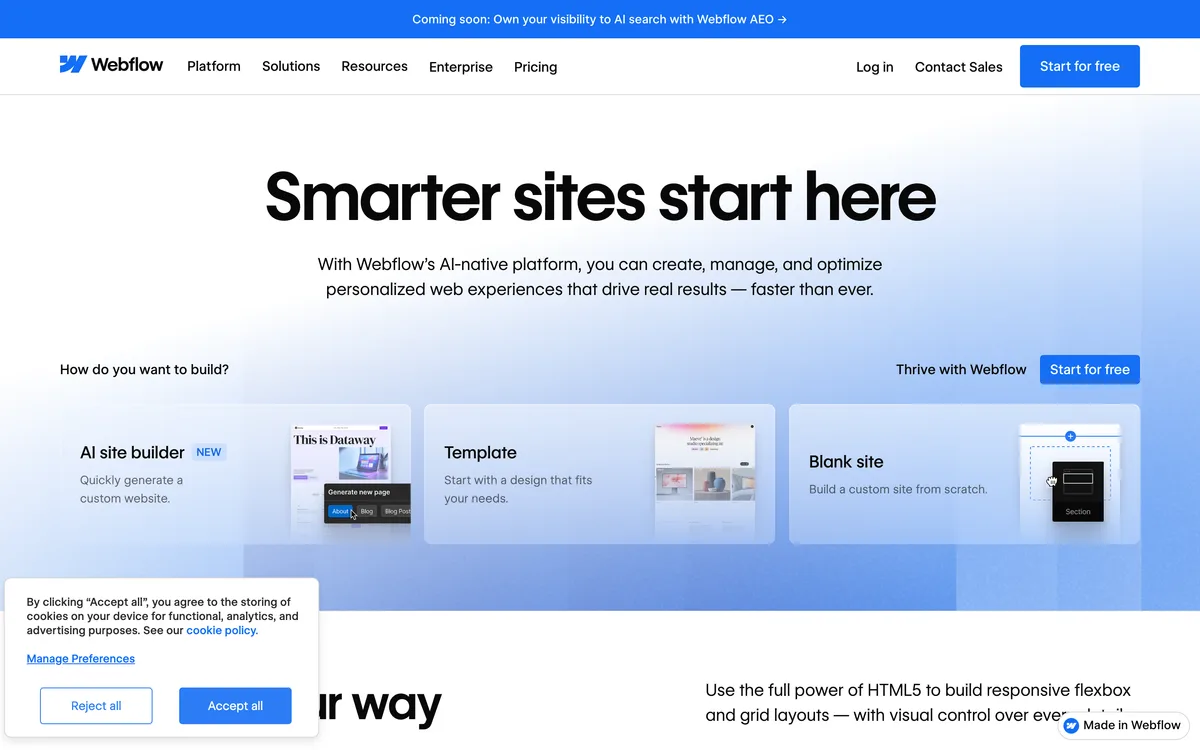
Webflow now documents an AI site builder that hands generated work into its visual Designer. Its static export is useful, but hosted CMS, ecommerce, forms, search, accounts, and localization are separate boundaries.
- Best fit
- Design-led marketing sites whose team wants a visual canvas, CMS options, and a documented static-code export boundary.
- Look elsewhere when
- A team that expects static export to preserve hosted CMS, commerce, forms, or accounts.
- Site type and output
Design-led websites generated into and edited with the Webflow Designer.
- AI workflow
AI can generate a site, pages, and sections before visual editing; current plans introduce explicit AI-credit boundaries.
Sources: Webflow Help Center: Build a Site with Webflow AI; Webflow Help Center: Updated Pricing and Simplified Plans for May 2026
- Website essentials
Webflow site plans provide hosted publication with plan, bandwidth, CMS, and other limits.
Sources: Webflow Help Center: Updated Pricing and Simplified Plans for May 2026
- Business features
CMS and hosted-site features depend on plan; the reviewed sources do not make every generated site a database-backed application.
Sources: Webflow Help Center: Updated Pricing and Simplified Plans for May 2026; Webflow Help Center: Export Webflow Site Code
- Backend and recovery boundary
A static export can support a narrow code handoff, but complete CMS, ecommerce, form-data, domain, account, and restore behavior is unknown from this source set.
Sources: Webflow Help Center: Updated Pricing and Simplified Plans for May 2026; Webflow Help Center: Export Webflow Site Code
- SEO controls
The reviewed AI-builder page proves generation and Designer handoff, not search performance. Verify page metadata, URLs, canonicals, structured data, sitemap, and rendered output on the chosen plan.
Sources: Webflow Help Center: Build a Site with Webflow AI; Webflow Help Center: Updated Pricing and Simplified Plans for May 2026
- Code and data portability
Eligible Workspaces can export static HTML, CSS, JavaScript, and assets; hosted CMS, ecommerce, forms, site search, accounts, and localization do not transfer as working hosted features.
- Pricing and production meter
Site plan, Workspace, bandwidth, CMS, AI credits, seats, and add-ons can be separate production inputs.
Sources: Webflow Help Center: Updated Pricing and Simplified Plans for May 2026
Trade-offs to verify
- Designer and CMS concepts still require learning.
- Plan, bandwidth, AI-credit, Workspace, and add-on meters must be priced together.
- Static export does not carry all hosted Webflow functionality.
AI-first web-app builder
Lovable
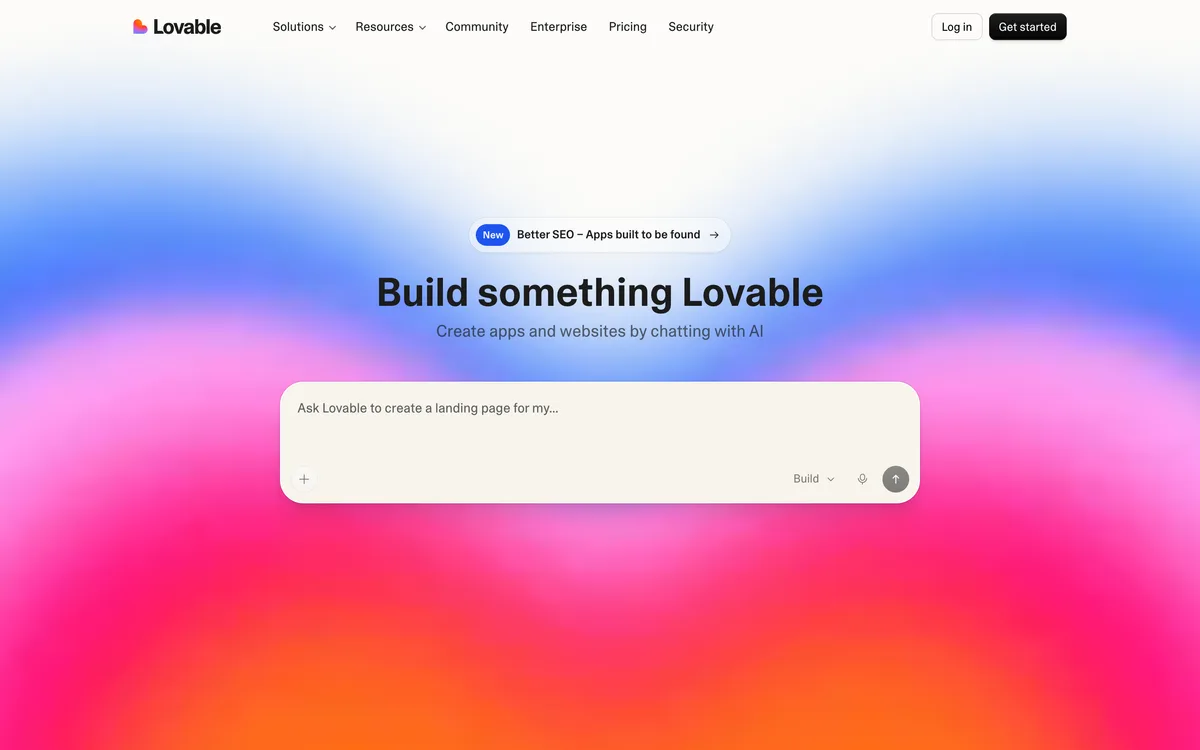
Lovable combines AI building, managed Cloud services, publication, and GitHub synchronization. June 2026 billing changed to unified workspace credits, so older separate-balance language should not be reused.
- Best fit
- An AI-first web-app workflow with managed Cloud services and an explicit GitHub source path.
- Look elsewhere when
- A team that assumes Git source is also a complete export of managed Cloud state.
- Site type and output
AI-built web projects that can use Lovable Cloud or other documented deployment paths.
Sources: Lovable Docs: Lovable Cloud; Lovable Docs: Deployment, Hosting, and Ownership
- AI workflow
Building consumes the current unified workspace-credit model rather than the older separate balance model.
Sources: Lovable: Pricing; Lovable: Simplifying Billing
- Website essentials
Lovable documents integrated Cloud services and deployment choices; region and service boundaries still apply.
Sources: Lovable Docs: Lovable Cloud; Lovable Docs: Deployment, Hosting, and Ownership
- Business features
Lovable Cloud documents managed backend, database, authentication, and storage for application-style projects.
Sources: Lovable Docs: Lovable Cloud
- Backend and recovery boundary
Git history supports source handoff, but a complete managed Cloud state restore or migration is not proved by the Git repository alone.
Sources: Lovable Docs: Lovable Cloud; Lovable Docs: GitHub Integration; Lovable Docs: Deployment, Hosting, and Ownership
- SEO controls
Lovable documents metadata, Open Graph tags, canonical tags, indexing meta tags, sitemap.xml, and robots.txt, generated automatically or repaired in one click by its SEO review, and states these are not always generated up front.
Sources: Lovable Docs: Optimize your app for SEO and AI search; Lovable Docs: Lovable Cloud
- Code and data portability
GitHub provides a documented source path. Managed database records, files, secrets, domains, and service configuration remain separate exit work.
Sources: Lovable Docs: GitHub Integration; Lovable Docs: Lovable Cloud; Lovable Docs: Deployment, Hosting, and Ownership
- Pricing and production meter
Current pricing and the June announcement describe unified workspace credits across building, Cloud, and in-app AI; verify the live account meter before committing.
Sources: Lovable: Pricing; Lovable: Simplifying Billing
Trade-offs to verify
- GitHub source and managed Cloud data are separate migration surfaces.
- Credit use spans building and current platform services.
- Deployment ownership does not prove a complete managed-backend restore elsewhere.
AI-assisted WordPress builder
10Web
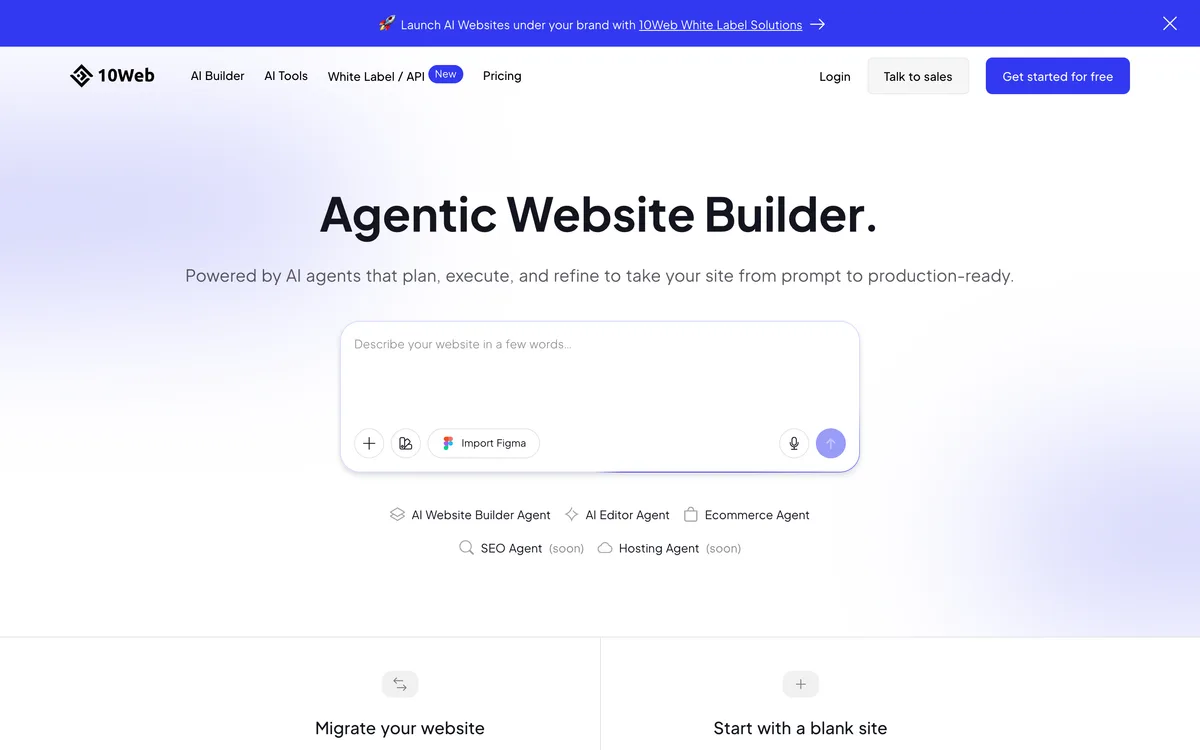
10Web is the WordPress-specific pick in this guide. It generates a WordPress site, provides Elementor-based editing and AI assistance, and packages managed hosting and ecommerce options. WordPress output does not by itself prove a complete, one-click migration.
- Best fit
- A buyer who specifically wants AI-assisted WordPress creation, including a documented WooCommerce path.
- Look elsewhere when
- A team that does not want WordPress, plugins, or WooCommerce in its operating model.
- Site type and output
AI-generated WordPress websites with Elementor editing; the current product scope also documents WooCommerce generation.
Sources: 10Web Help Center: AI Website Builder: Automated WordPress Creation; 10Web: AI Website Builder Pricing; 10Web: Product Releases
- AI workflow
AI generates or recreates a WordPress site, while the 10Web AI Editor supports later changes through AI chat, visual editing, and code, at one AI credit per request.
Sources: 10Web Help Center: AI Website Builder: Automated WordPress Creation; 10Web Help Center: 10Web AI Editor
- Website essentials
Current platform plans package managed hosting and website limits; verify domain, traffic, storage, staging, and renewal terms for the selected plan.
Sources: 10Web: AI Website Builder Pricing; 10Web Help Center: AI Website Builder: Automated WordPress Creation
- Business features
10Web documents a WooCommerce path. Payments, tax, shipping, plugins, customer data, and store operations still require exact configuration and verification.
Sources: 10Web Help Center: AI Website Builder: Automated WordPress Creation; 10Web: AI Website Builder Pricing; 10Web: Product Releases
- Backend and recovery boundary
Unknown from the reviewed first-party sources which backups, restore points, transfer steps, and account handoff apply to every current plan.
Sources: 10Web Help Center: AI Website Builder: Automated WordPress Creation; 10Web: AI Website Builder Pricing; 10Web: Product Releases
- SEO controls
WordPress provides an extensible content base, but the reviewed sources do not prove universal metadata, canonical, structured-data, sitemap, speed, or ranking outcomes for each generated site.
Sources: 10Web Help Center: AI Website Builder: Automated WordPress Creation; 10Web Help Center: 10Web AI Editor
- Code and data portability
The output is editable WordPress with documented file and database movement, so content and media can be taken out. The reviewed sources do not document a single-step export of plugins, licences, orders, and service configuration together.
Sources: 10Web Help Center: How to Use 10Web Migration Assistant; 10Web Help Center: AI Website Builder: Automated WordPress Creation
- Pricing and production meter
Platform plans vary by websites, AI use, hosting resources, and ecommerce packaging; use the current plan page rather than the retired flat-price claims from the legacy article.
Sources: 10Web: AI Website Builder Pricing
Trade-offs to verify
- WordPress and plugin maintenance remain part of the operating model.
- Plan, site, generation, hosting, and ecommerce limits need current verification.
- The reviewed sources do not prove a complete export of every site, order, account, file, and service setting.
AI-first website and web-app builder
Bolt.new
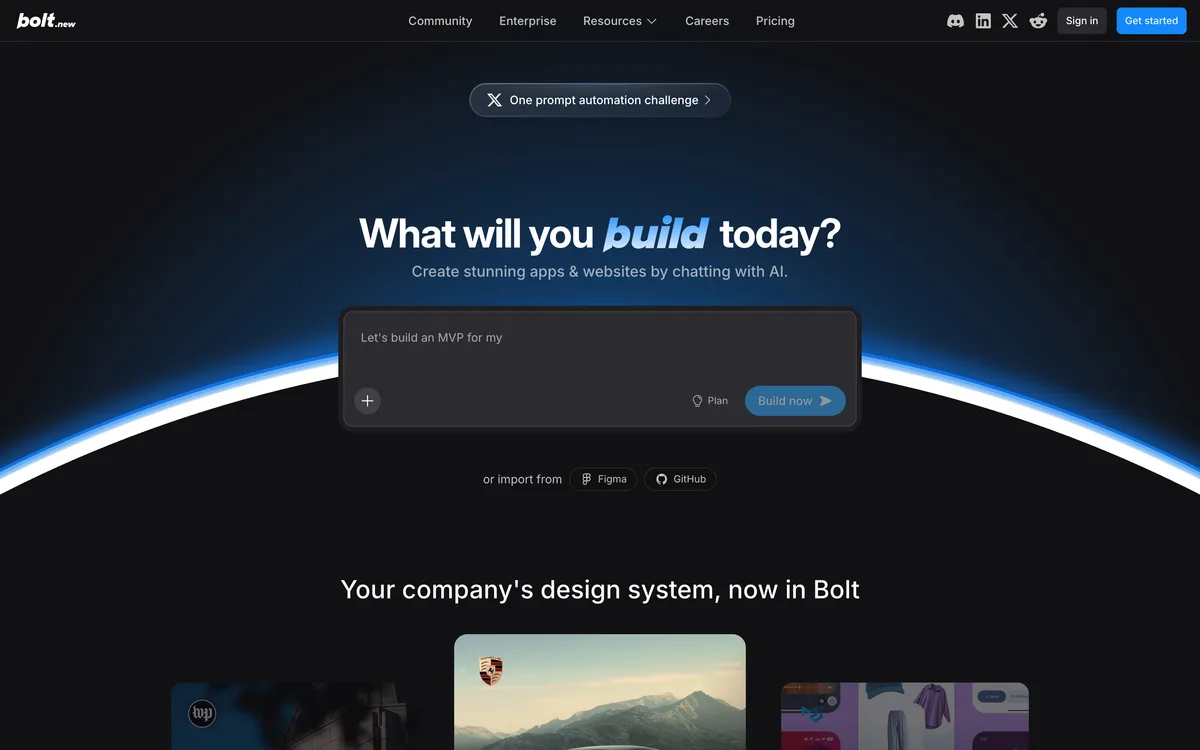
Bolt now documents a broad Cloud surface, so the legacy claim that it is only a demo generator is stale. The important boundaries are token use, cloud services, Git source, live data, and the separate recovery path for each.
- Best fit
- An AI-first website or web-app project that benefits from Bolt Cloud, database services, files, and GitHub integration.
- Look elsewhere when
- A team that expects Git history alone to restore current database and Cloud state.
- Site type and output
AI-built websites and web applications stored as editable project files.
Sources: Bolt Support: Bolt Cloud; Bolt Support: Projects and Files
- AI workflow
Prompt-led building consumes the current token and plan model, while files remain available for direct inspection and editing.
- Website essentials
Bolt Cloud documents hosting, domains, functions, storage, analytics, and related production services.
Sources: Bolt Support: Bolt Cloud; Bolt: Pricing
- Business features
Cloud documents database, authentication, file storage, functions, analytics, and payments surfaces. Application-specific access and provider rules still need review.
- Backend and recovery boundary
Git can support source handoff, but a complete current-database and Cloud-state restore is not established by the Git integration.
Sources: Bolt Support: Bolt Cloud; Bolt Support: Database; Bolt Support: Git Integration
- SEO controls
Output is editable project code, so the SEO markup is whatever the project contains. Bolt publishes semantic-markup, meta-tag, sitemap, and Open Graph defaults for its templates rather than a documented per-site SEO control surface.
Sources: Bolt Support: Projects and Files; Bolt Support: Bolt Cloud
- Code and data portability
Project files and GitHub integration provide a source path. Current database records, files, secrets, domains, and provider configuration remain separate migration assets.
Sources: Bolt Support: Projects and Files; Bolt Support: Git Integration; Bolt Support: Database
- Pricing and production meter
Current plans include token and Cloud boundaries; price both the build work and expected live workload.
Sources: Bolt: Pricing; Bolt Support: Bolt Cloud
Trade-offs to verify
- Token and Cloud meters can change the production cost.
- Git history does not automatically restore current database records.
- Website SEO defaults still require project-level verification.
Managed website platform with Blueprint AI
Squarespace Blueprint AI
Squarespace AI assists Blueprint and content work inside a mature managed website platform. Its export is a partial WordPress XML path, not a complete clone of the hosted site.
- Best fit
- A managed marketing, portfolio, content, or commerce site within the Squarespace product system.
- Look elsewhere when
- A buyer who needs a complete export of the design and every hosted commerce feature.

- Site type and output
Managed template and Blueprint AI websites within Squarespace.
Sources: Squarespace Help Center: Using Squarespace AI; Squarespace: Pricing
- AI workflow
Blueprint AI and other AI features help create structure and content, with explicit owner responsibility for review.
- Website essentials
Publication is tied to the Squarespace site plan and its current domain and feature boundaries.
Sources: Squarespace: Pricing
- Business features
Current plans package content, marketing, and commerce features at different levels; provider and fee boundaries still apply.
Sources: Squarespace: Pricing
- Backend and recovery boundary
A partial content export can support a narrow handoff, but complete version restore, commerce data, account, domain, and provider transfer are unknown from this source set.
Sources: Squarespace: Pricing; Squarespace Help Center: Exporting Your Site
- SEO controls
Squarespace documents automatic sitemap creation and updates, static page URLs, generated structured data, generated meta tags and image alt text, mobile-optimized rendering, and automatic redirects from connected domains to the primary domain. SEO descriptions are owner work.
Sources: Squarespace Help Center: How does Squarespace optimize my site for search results?; Squarespace Help Center: Using Squarespace AI
- Code and data portability
The documented WordPress XML export covers only supported content classes and is not a complete export of the design or all hosted features.
- Pricing and production meter
Plan, billing cycle, commerce features, contributors, extensions, domains, and transaction or provider fees can affect the live cost.
Sources: Squarespace: Pricing
Trade-offs to verify
- AI output still requires factual, brand, and rights review.
- Commerce and marketing features depend on plan and region.
- The documented export excludes several content and hosted-feature classes.
Design-led hosted website builder
Framer
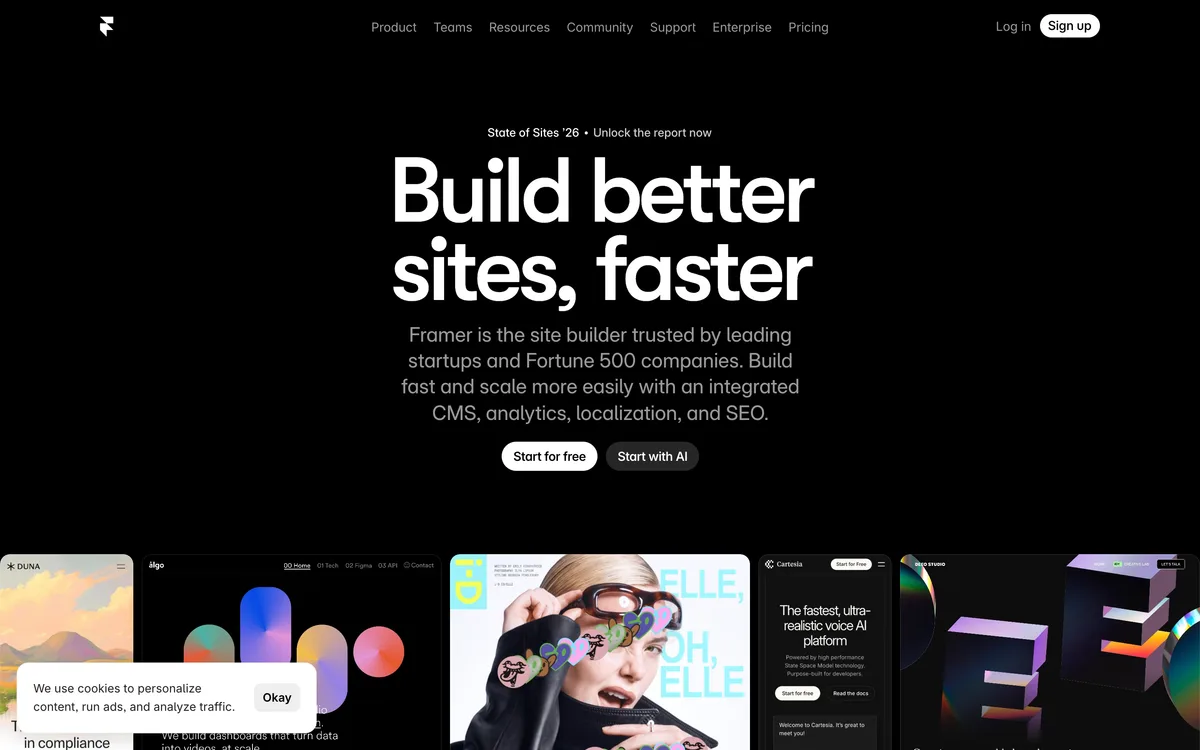
Framer combines a visual design workflow, AI tools, site plans, CMS, and hosting. Framer explicitly says standalone HTML export and self-hosting are not supported.
- Best fit
- Design-led landing pages, portfolios, and marketing sites built and hosted in Framer.
- Look elsewhere when
- A team that requires standalone HTML export or a first-party application backend.
- Site type and output
Design-led hosted websites with current page, CMS, and bandwidth plan limits.
- AI workflow
Framer documents AI tools plus a separate AI-credit and agent-pricing model.
Sources: Framer Help: Framer Agents Help; Framer Help: AI Credits and Agent Pricing
- Website essentials
Site publication and production limits are tied to Framer plans, bandwidth, CMS, roles, and add-ons.
Sources: Framer: Pricing
- Business features
The reviewed sources establish site and CMS capabilities, not a universal first-party backend, database, commerce, or authorization contract.
Sources: Framer: Pricing
- Backend and recovery boundary
Unknown from this source set which version-history, restore, transfer, and account-handoff guarantees apply; no HTML export is available as a fallback.
Sources: Framer: Pricing; Framer Help: Can I Export My Website to HTML and Self-Host It?
- SEO controls
Framer documents custom titles and descriptions for the whole site and for individual pages, automatic sitemap.xml and robots.txt, a custom canonical URL setting, redirects in site settings, and JSON-LD structured data as owner work.
Sources: Framer Help: Guide to SEO features and tools; Framer Help: Set up a custom canonical URL
- Code and data portability
Framer says sites cannot be exported as standalone HTML for self-hosting; inventory content, domains, analytics, and other data separately before a move.
Sources: Framer Help: Can I Export My Website to HTML and Self-Host It?
- Pricing and production meter
Site plan, pages, CMS, bandwidth, editors, add-ons, and AI credits can all affect cost.
Sources: Framer: Pricing; Framer Help: AI Credits and Agent Pricing
Trade-offs to verify
- AI credits and site-plan resources are separate constraints.
- No standalone HTML export means the live rendering path remains tied to Framer.
- Application-style data and business workflows need a different or additional system.
Managed small-business website builder
Durable
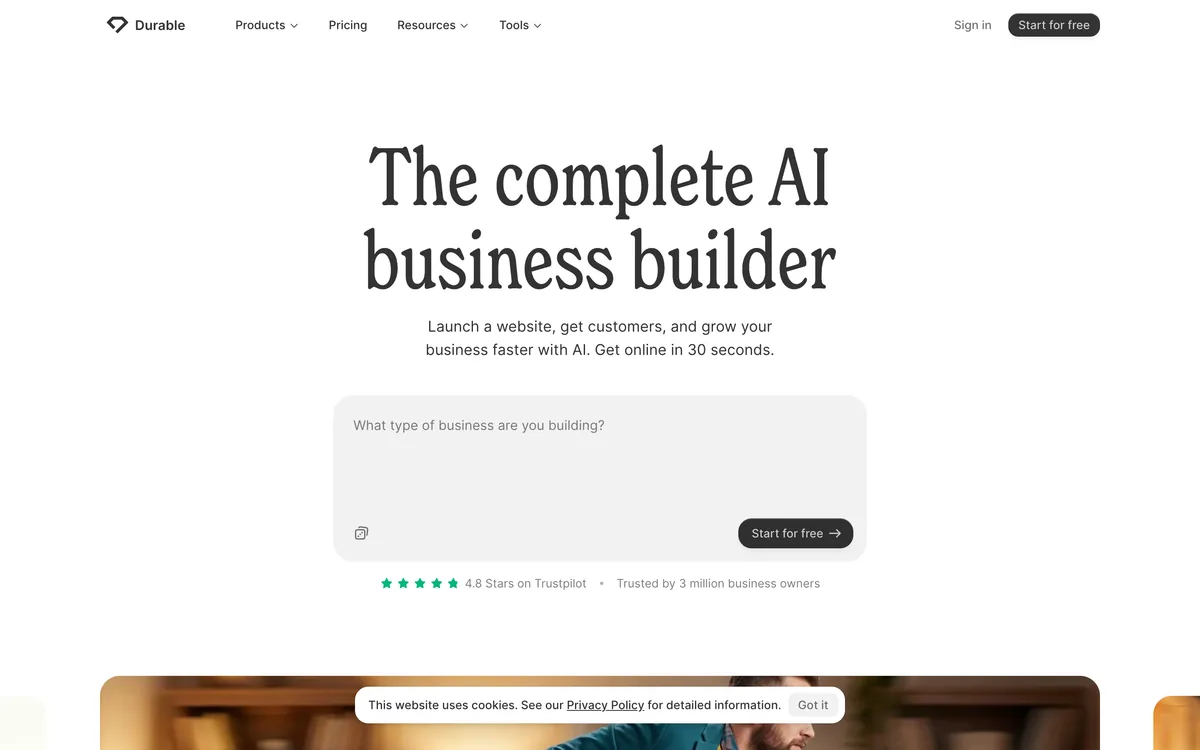
Durable documents AI website generation, editing, publishing, domains, and packaged small-business tools. The reviewed first-party set does not justify legacy claims about SEO tactics, design quality, or universal ease.
- Best fit
- A small-business owner seeking a fast managed website starting point and packaged business tools.
- Look elsewhere when
- A buyer who needs verified code export, complete data portability, or full-state restore.
- Site type and output
Managed AI-generated small-business websites.
Sources: Durable: AI Website Builder; Durable Help Center: Durable Essentials
- AI workflow
AI provides an initial website and editing assistance; ongoing business content and accuracy remain owner work.
Sources: Durable: AI Website Builder; Durable Help Center: Durable Essentials
- Website essentials
Durable documents hosted publication and domain basics within the subscription model.
Sources: Durable Help Center: Durable Essentials; Durable: Pricing
- Business features
Durable packages small-business website and related tools, but exact forms, CRM, commerce, provider, and data boundaries depend on the current plan.
Sources: Durable: Pricing; Durable Help Center: Durable Essentials
- Backend and recovery boundary
Unknown from the reviewed first-party sources which version restore, backup, transfer, and account-handoff paths apply.
Sources: Durable: Pricing; Durable Help Center: Durable Essentials
- SEO controls
Durable documents page SEO settings, slugs, and redirects in the website editor, plus custom code, a Google Search Console indexing path, and automatic meta tags, structured data, and sitemaps it says it applies to every site. Per-site output still needs project-specific verification.
Sources: Durable Help Center: Website editor; Durable: AI Website Builder
- Code and data portability
Durable documents a customers CSV export, but no source-code or whole-site export appears in the reviewed documentation. Treat the site itself as non-portable until Durable documents otherwise, and plan content, submissions, and domain moves separately.
Sources: Durable Help Center: Website editor; Durable Help Center: Durable Essentials
- Pricing and production meter
Use current plan and account terms; the legacy article price and AI-unit claims are not carried forward.
Sources: Durable: Pricing; Durable Help Center: Durable Essentials
Trade-offs to verify
- The generated starting point still needs content and production review.
- Current plan and renewal terms must be checked for the buyer account.
- Code export, complete data portability, and full recovery were not verified in this source pass.
Managed business website platform
Wix AI Website Builder
Wix AI creates a new site through a requirements chat and hands it into the Wix Editor. Wix also documents custom development, but that is not the same as a complete portable site export.
- Best fit
- A managed business website that benefits from Wix plans, editor tools, and its broader hosted product system.
- Look elsewhere when
- A team that assumes custom code access is a complete export of the hosted site.
- Site type and output
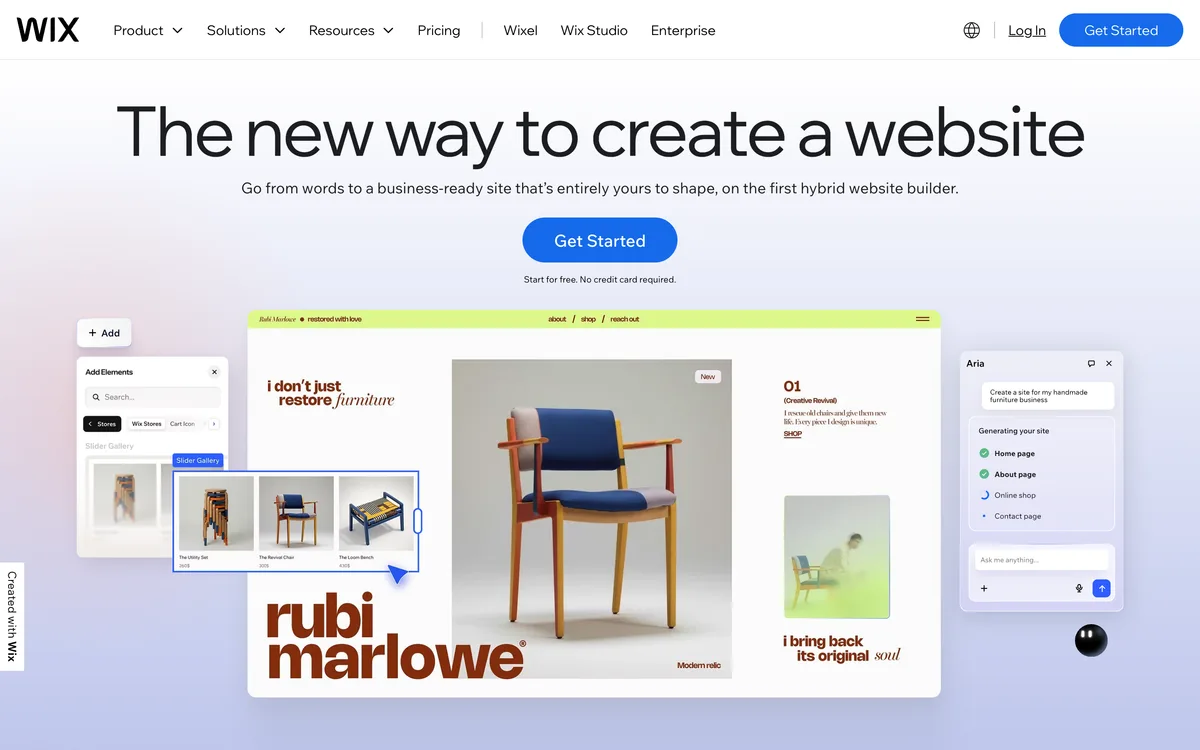
Managed Wix websites generated from an AI requirements conversation and edited in Wix.
Sources: Wix Help Center: Creating an AI-Generated Site; Wix: Plans
- AI workflow
AI creates a new site and then hands editing to Wix Editor; it is not described as a universal transformation of every existing site.
- Website essentials
Custom domains and production features depend on the selected Wix plan and site.
Sources: Wix: Plans
- Business features
Plans and custom development support broader business features, code, APIs, and data, with exact plan and provider boundaries.
Sources: Wix: Plans; Wix Help Center: Developing Custom Websites
- Backend and recovery boundary
Unknown from the reviewed first-party sources which full-site restore, transfer, and live-data handoff paths apply to the selected editor and plan.
Sources: Wix: Plans; Wix Help Center: Developing Custom Websites
- SEO controls
The Wix SEO panel documents per-page control of the title tag, meta description, URL slug, search-engine indexing, canonical tag, JSON-LD structured data, social tags, and custom meta tags, alongside an automatic sitemap, an editable robots.txt, and a URL redirect manager.
Sources: Wix Help Center: Customizing Your Page's SEO Settings in the SEO Panel; Wix Help Center: Creating an AI-Generated Site
- Code and data portability
Custom code access does not by itself prove a complete export of the hosted site, Wix services, app data, customer records, domains, or provider settings.
Sources: Wix Help Center: Developing Custom Websites; Wix: Plans
- Pricing and production meter
Plan, site, domain, storage, collaborators, commerce, apps, and external services can all affect cost.
Sources: Wix: Plans; Wix Help Center: Developing Custom Websites
Trade-offs to verify
- One Premium plan applies to one site and features vary by plan.
- Apps and custom development add provider and maintenance boundaries.
- The reviewed sources do not prove a complete code plus live-data exit.
Guided domain, brand, and website product family
GoDaddy Airo
GoDaddy Airo is a product family rather than a generic label for every GoDaddy website editor. The official help page distinguishes Airo from Websites + Marketing, so plan and editor claims should name the exact product.
- Best fit
- A buyer who wants GoDaddy domain, website, brand, and marketing setup in one guided product family.
- Look elsewhere when
- A buyer who has not confirmed which GoDaddy editor and plan terms apply.
- Site type and output
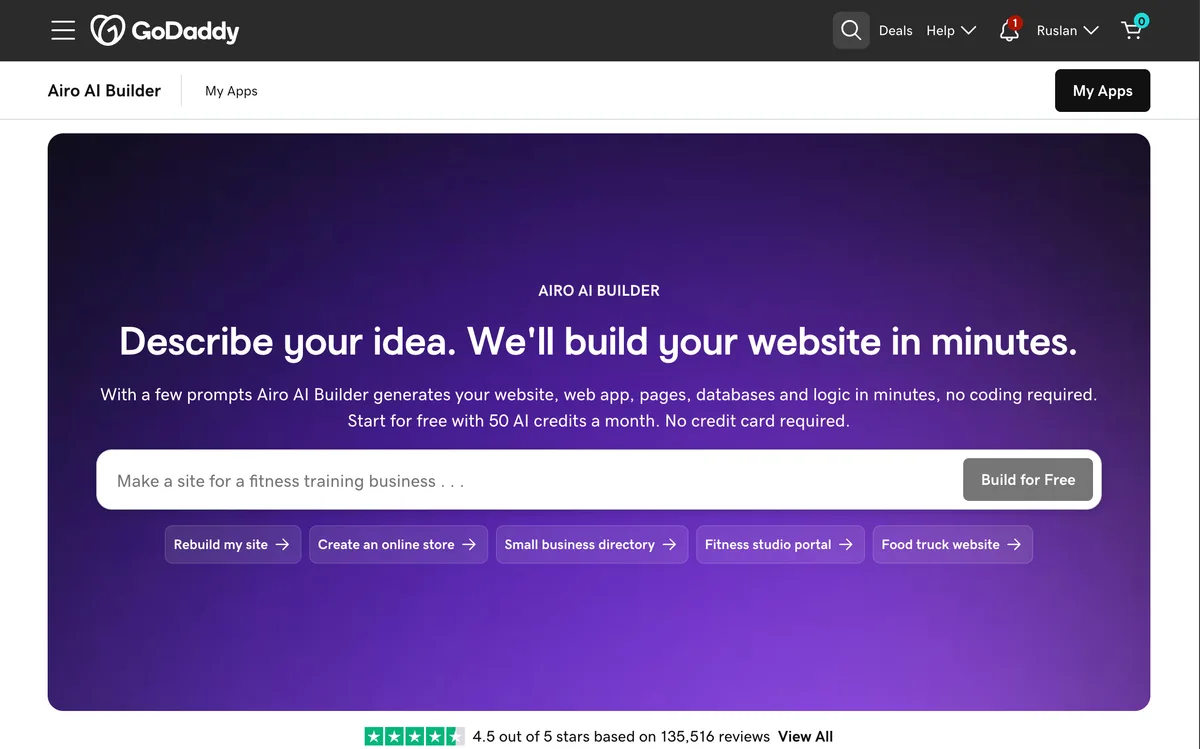
Airo can create a GoDaddy-hosted website as part of a broader domain, brand, email, and marketing workflow.
Sources: GoDaddy: GoDaddy Airo; GoDaddy Help: Which GoDaddy Website Builder Do I Have?
- AI workflow
Airo uses AI across website and business setup, but the exact editing surface depends on whether the account has Airo or Websites + Marketing.
Sources: GoDaddy: GoDaddy Airo; GoDaddy Help: Which GoDaddy Website Builder Do I Have?
- Website essentials
GoDaddy describes a hosted website path, but the reviewed sources do not establish every plan, domain, storage, traffic, or renewal limit.
Sources: GoDaddy: GoDaddy Airo; GoDaddy Help: Which GoDaddy Website Builder Do I Have?
- Business features
Airo spans website, domain, logo, email, and marketing tasks; exact commerce, reservation, form, and provider behavior is unknown from this source set.
Sources: GoDaddy: GoDaddy Airo
- Backend and recovery boundary
Unknown from the reviewed first-party sources which backup, version restore, transfer, and account-handoff paths apply to Airo and Websites + Marketing.
Sources: GoDaddy: GoDaddy Airo; GoDaddy Help: Which GoDaddy Website Builder Do I Have?
- SEO controls
Unknown from the reviewed first-party sources whether every generated site receives appropriate metadata, canonical, schema, sitemap, and rendered-performance defaults.
Sources: GoDaddy: GoDaddy Airo
- Code and data portability
GoDaddy documents full source-code access and code download for Airo AI Builder on a paid plan. That is a different product from Websites + Marketing, whose site content, contacts, submissions, media, and settings export path is not established by the reviewed sources.
Sources: GoDaddy: Airo AI Builder; GoDaddy Help: Which GoDaddy Website Builder Do I Have?
- Pricing and production meter
Airo AI Builder documents a free plan with a monthly AI-credit allowance and paid plans that each include a credit bundle for building and running apps. The Websites + Marketing plan, introductory term, renewal, and add-on total for a specific buyer remains unverified.
Sources: GoDaddy: Airo AI Builder; GoDaddy Help: Which GoDaddy Website Builder Do I Have?
Trade-offs to verify
- The Airo and Websites + Marketing boundaries must not be conflated.
- Exact current price and renewal terms were not verified in the reviewed sources.
- Code export, complete data portability, and recovery remain unknown in this source pass.
Hosted AI website builder
Hostinger AI Website Builder
Hostinger Website Builder and Hostinger AI Builder agentic mode, the product formerly sold as Horizons, are separate offerings with separate meters. This guide compares the website builder; the agentic-mode credit source is included only to prevent its per-request credit meter from being misapplied to Website Builder plans.
- Best fit
- A hosted website-builder package with AI site and image tools, distinct from Hostinger AI Builder agentic mode.
- Look elsewhere when
- A buyer who is comparing AI Builder agentic-mode credit limits instead of Website Builder plan terms.
- Site type and output
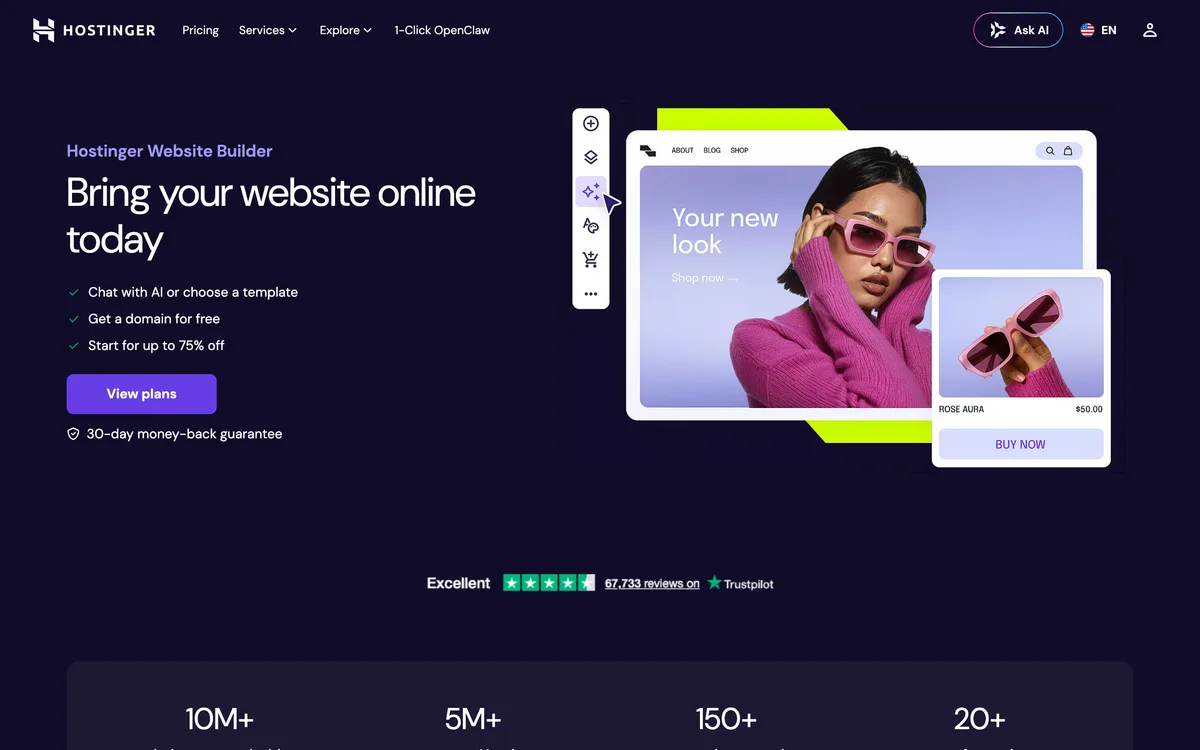
Hosted websites created in Hostinger Website Builder. Hostinger AI Builder agentic mode, formerly Horizons, is a separate AI application-building product.
Sources: Hostinger: Website Builder; Hostinger Help Center: AI Builder: AI credits and top-ups in agentic mode
- AI workflow
Website Builder documents AI site and image generation; the image generator has its own credit behavior.
Sources: Hostinger: Website Builder; Hostinger Help Center: AI Builder: AI image generator in manual mode
- Website essentials
Hosting and website publication are packaged with Website Builder under current plan terms.
Sources: Hostinger: Website Builder
- Business features
Website Builder documents ecommerce and marketing features; exact payments, fees, catalog, customer-data, and provider boundaries depend on the current plan.
Sources: Hostinger: Website Builder
- Backend and recovery boundary
Unknown from the reviewed first-party sources which Website Builder backup, restore, transfer, and account-handoff paths apply.
Sources: Hostinger: Website Builder
- SEO controls
The product page describes SEO and marketing tools, but rankings and the exact metadata, canonical, schema, sitemap, and rendered defaults require finished-site verification.
Sources: Hostinger: Website Builder
- Code and data portability
Hostinger documents exporting regular pages, text, images, and other files to WordPress, and states that website styles and layout, the online store, integrations, forms, collected submissions, and SEO settings cannot be exported.
Sources: Hostinger Support: AI Builder: How to export content to WordPress in manual mode; Hostinger: Website Builder
- Pricing and production meter
Website Builder plans are priced on a 48-month term with a stated renewal rate: Premium at $2.99 per month renewing at $10.99, Unlimited at $3.99 renewing at $16.99, and Cloud Startup at $7.99 renewing at $25.99. Each plan carries a fixed AI-credit allowance, and the free domain and mailboxes are first-year terms.
Sources: Hostinger: Website Builder
Trade-offs to verify
- Promotional, term, and renewal pricing require current account-level review.
- Image credits are not the whole website-build meter.
- Complete source, data, and recovery boundaries were not verified in this source pass.
Common questions
AI website builder FAQ
Will I still need other tools alongside an AI website builder?
Usually yes, and that is the cost nobody prices in. Most builders here make a website and stop, so the mobile app, the backend behind a real workflow, business email, and the video or deck you need to sell all come from somewhere else, each with its own bill, its own login, and its own thing to keep wired up. Playcode is the exception on this list: the site, the backend and database, the domain, email, the iPhone and Android app, and generated video and slides sit in one account and draw on one balance.
What is the best AI website builder in 2026?
There is no universal best AI website builder. Choose by the site you need, how AI and manual editing work together, the production hosting and cost meter, required business capabilities, SEO controls you can verify, and the code, content, data, domain, and recovery boundary you can accept.
Which AI website builder is best for WordPress and WooCommerce?
10Web is the WordPress-specific pick in this comparison because its current first-party documentation covers AI-generated WordPress, Elementor editing, managed hosting, and a WooCommerce path. Verify the current plan, plugins, store configuration, backup, migration, and operating responsibilities before choosing it.
Can an AI-built website rank in Google?
An AI builder cannot guarantee rankings. Check that the finished public site has useful content, crawlable rendered output, deliberate URLs, titles, descriptions, canonical tags, structured data where appropriate, a sitemap, accessible navigation, and acceptable production performance. Then monitor the deployed site rather than relying on a product label.
How should I compare AI website-builder pricing?
Price one representative build and one realistic production month. Include the site or workspace plan, AI credits or tokens, published sites, collaborators, traffic, storage, database or Cloud usage, domains, apps, providers, commerce fees, taxes, promotional terms, and renewal terms. Do not compare headline monthly prices alone.
Can I export my AI-built website?
It depends on the artifact. Some products document project code, static HTML, Git synchronization, WordPress output, or partial content export. None of those automatically includes live database records, files, users, orders, form submissions, secrets, domains, analytics, or external-provider settings. Inventory each exit asset separately.
Did Playcode test and score all 12 builders?
No. We reviewed dated first-party documentation but did not run a controlled 12-product build, performance, accessibility, SEO, support, or migration benchmark. The guide uses no numeric scores or universal ranking. Its use-case recommendations are editorial deductions from the cited product boundaries.
What does unknown mean in this comparison?
Unknown means the reviewed first-party source set did not verify the specific fact. It does not prove that a feature is absent. Treat it as a question to resolve in the vendor documentation, selected plan, and a representative project before purchase.
Audit trail
First-party source registry
These 53 pages support the current product facts. Each source carries its own check date: August 1, 2026, or August 25, 2026 for the pass that closed the open portability, pricing, and SEO-control questions. Pricing, promotions, limits, and product scope should be reconfirmed before purchase.
1. Playcode
AI Mobile App BuilderOne project producing a website and a React Native iPhone and Android app, cloud builds without a Mac, store upload and listing draft, and the owner-performed submit step.
2. Replit Docs
Projects and filesDownload as zip, GitHub two-way sync, and the secrets, database, and deployment configuration a copy excludes.
3. Lovable Docs
Optimize your app for SEO and AI searchMetadata, Open Graph, canonical tags, indexing meta tags, sitemap, and robots.txt handling.
4. Squarespace Help Center
How does Squarespace optimize my site for search results?Automatic sitemap, static URLs, generated structured data and meta tags, mobile rendering, and domain redirects.
5. Framer Help
Guide to SEO features and toolsSite and page titles and descriptions, automatic sitemap.xml and robots.txt, redirects, and JSON-LD as owner work.
6. Framer Help
Set up a custom canonical URLPer-page canonical URL control.
7. Wix Help Center
Customizing Your Page's SEO Settings in the SEO PanelPer-page title, meta description, slug, indexability, canonical tag, JSON-LD, social tags, and custom meta tags.
8. Hostinger Support
AI Builder: How to export content to WordPress in manual modeThe exact content classes that can and cannot leave Website Builder.
9. 10Web Help Center
How to Use 10Web Migration AssistantWordPress file and database movement, and the assistant scope for inbound migration.
10. Durable Help Center
Website editorThe documented editor surface, including page SEO settings, slugs, redirects, custom code, and the absence of a source-code or whole-site export path.
11. GoDaddy
Airo AI BuilderSource-code access and code download on a paid plan, the free-plan AI-credit allowance, and the boundary against Websites + Marketing.
12. Playcode
AI Website BuilderPrompt-led website workflow, editing, publishing, and product scope.
13. Playcode
PricingCurrent plan, AI-credit, Cloud-app, domain, collaboration, and code-export limits.
14. Playcode
Playcode CloudBackend, database, files, HTTPS, domains, jobs, WebSockets, git, snapshots, and rollback.
15. Replit
PricingCurrent plan framing, included credits, collaborators, and product limits.
16. Replit Docs
Publishing CostsDeployment types, credits, request, compute, and workload meters.
17. Replit Docs
Starter PlanStarter-plan Agent, app, publication, and usage boundaries.
18. Replit Docs
Monitor a DeploymentDeployment logs, analytics, status, and monitoring workflow.
19. Webflow Help Center
Build a Site with Webflow AIAI site generation, page and section workflow, and Designer handoff.
20. Webflow Help Center
Updated Pricing and Simplified Plans for May 2026Dated plan, bandwidth, CMS, AI-credit, and pricing-model changes.
21. Webflow Help Center
Export Webflow Site CodeStatic code export gate, included files, and excluded hosted functionality.
22. Lovable
PricingCurrent workspace credits, build usage, Cloud and AI use, and team pooling.
23. Lovable
Simplifying BillingJune 2026 move from separate balances to unified workspace credits.
24. Lovable Docs
Lovable CloudManaged backend, database, authentication, storage, regions, and Cloud boundary.
25. Lovable Docs
GitHub IntegrationRepository creation, two-way sync, branch behavior, and disconnect cautions.
26. Lovable Docs
Deployment, Hosting, and OwnershipDeployment choices and the distinction between code, hosting, and managed services.
27. 10Web
AI Website Builder PricingCurrent platform plans, website limits, AI generation, hosting, and ecommerce packaging.
28. 10Web
Product ReleasesDated product changes and current AI website-builder capabilities.
29. 10Web Help Center
10Web AI EditorAI chat editing, visual and code editing, theme settings, version restore, and the one-credit-per-AI-request meter.
30. 10Web Help Center
AI Website Builder: Automated WordPress CreationWordPress generation, page-by-page recreation from a URL, hosting, and Elementor editing.
31. Bolt
PricingCurrent plan, token, collaboration, hosting, and domain limits.
32. Bolt Support
Bolt CloudHosting, domains, database, auth, file storage, functions, analytics, and payments scope.
33. Bolt Support
DatabaseBolt database creation, management, and data boundary.
34. Bolt Support
Git IntegrationGitHub repository connection, synchronization, and source workflow.
35. Bolt Support
Projects and FilesProject, file, code-view, download, and local project boundaries.
36. Squarespace Help Center
Using Squarespace AIBlueprint AI, AI templates, generated content, and owner-review responsibility.
37. Squarespace
PricingCurrent plan, commerce, contributor, marketing, and fee boundaries.
38. Squarespace Help Center
Exporting Your SiteWordPress XML export and the supported and excluded content classes.
39. Framer
PricingCurrent site plans, pages, CMS, bandwidth, AI credits, roles, and add-ons.
40. Framer Help
AI Credits and Agent PricingAI credit allocation, consumption, reset, purchase, and agent pricing boundaries.
41. Framer Help
Can I Export My Website to HTML and Self-Host It?No standalone HTML export and dependence on Framer rendering and hosting.
42. Framer Help
Framer Agents HelpCurrent AI tools and their authoring scope.
43. Durable
AI Website BuilderAI website generation and small-business site scope.
44. Durable
PricingCurrent plan and packaged product boundaries.
45. Durable Help Center
Durable EssentialsPublishing, domain transfer, subscription, cancellation, support, and account basics.
46. Wix Help Center
Creating an AI-Generated SiteAI requirement chat, new-site generation, and Wix Editor handoff.
47. Wix
PlansCurrent plan, domain, storage, collaborator, marketing, and commerce boundaries.
48. Wix Help Center
Developing Custom WebsitesCustom development, code, APIs, data, and hosted Wix runtime boundary.
49. GoDaddy
GoDaddy AiroAiro generation, website, domain, logo, email, and marketing product scope.
50. GoDaddy Help
Which GoDaddy Website Builder Do I Have?Current Airo and Websites + Marketing product distinction and account identification.
51. Hostinger
Website BuilderWebsite Builder product scope, plan names, 48-month promotional rates, stated renewal rates, AI-credit allowances, and first-year domain and mailbox terms.
52. Hostinger Help Center
AI Builder: AI image generator in manual modeWebsite Builder AI image credits, generation, and credit renewal behavior.
53. Hostinger Help Center
AI Builder: AI credits and top-ups in agentic modeThe dynamic AI-credit meter and top-up terms of AI Builder agentic mode, formerly Hostinger Horizons, which are separate from Website Builder plan pricing.