SQL Playground
This SQL playground is an online SQL sandbox, PostgreSQL 17 in your browser, with a small sample database already loaded: a music store with artists, albums, tracks, customers and invoices. Write a query, press Run and read the result as a table. Nothing to install and no account to start. It’s part of Playcode Classic, Playcode’s free code tools.
Free. No account needed to start.

A database with data already in it
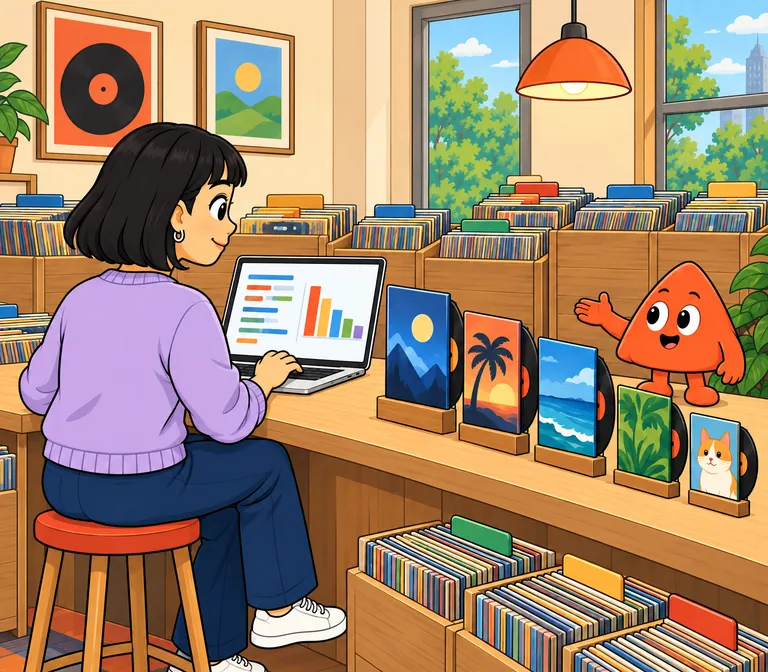
A small music store in PostgreSQL. Join albums to artists, group tracks by genre, total invoices by country.
- artists
artist_idname
- albums
album_idtitleartist_id
- tracks
track_idnamealbum_idgenre_idunit_price
- customers
customer_idfirst_namelast_namecountryemail
- invoices
invoice_idcustomer_idinvoice_datetotal
- genres
genre_idname
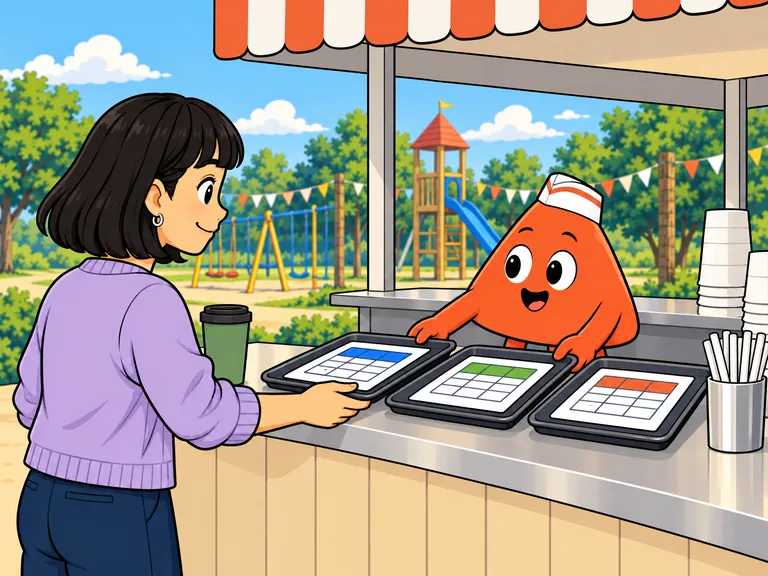
Every query gets its own table.
Write several queries and press Run once: each SELECT comes back as its own table, in order. INSERT, UPDATE and CREATE say OK.
Click a table to query it.
The panel beside your code lists your tables and columns, primary keys marked. Click one and the editor writes the SELECT for you.
Close the tab. Your tables wait.
Your database lives in this browser, so the tables you make are still there next time. Reset to the music store, or start with an empty database.
A shared link opens your queries, not your data: each browser has its own database.
It’s PostgreSQL
Works
- Joins, GROUP BY and HAVING
- Window functions and common table expressions (WITH)
- JSON and arrays
- CREATE TABLE, INSERT, UPDATE and DELETE
- pgvector, for embeddings
Not here (yet)
- MySQL-only syntax, such as AUTO_INCREMENT or LIMIT 5, 10
- SQL Server syntax, such as TOP
- Extensions other than pgvector
- Functions and triggers with several statements in their body
- Importing a CSV file
Describe it. Get the query.
Ask the editor’s AI chat in plain words, for example the five customers who spent the most, and it writes the SQL. It sees your errors too. It uses credits; eligible new accounts get trial credits.
Part of Playcode Classic
Playcode began in 2016 as a browser coding environment. This playground is one of its free code tools, which we now call Playcode Classic.
Playcode today is an AI platform for building and running websites and apps.

Questions people ask
Is this online SQL playground free?
Yes. Running queries is free and needs no account. Saving and sharing need a free account, which keeps up to three saved projects, public or private; the AI chat uses credits.
Which database does it run?
PostgreSQL 17, compiled to WebAssembly, running in your browser.
Does it come with sample data?
Yes. It’s a SQL playground with data already in it, a small sample: the Chinook music store, with artists, albums, tracks, genres, customers and invoices. Reset to it at any time, or start with an empty database.
Can I use MySQL or SQL Server syntax?
Only where it matches PostgreSQL. Standard SELECT, JOIN, GROUP BY and window functions work; MySQL- or SQL Server-only syntax, such as AUTO_INCREMENT or TOP, doesn’t.
Do my tables stay after I close the tab?
Yes, in this browser. The database is stored in your browser, so another browser or device starts fresh, and a shared link shares your queries, not your data.
Can I create my own tables?
Yes. CREATE TABLE, INSERT, UPDATE and DELETE all work.
Can I import a CSV file?
Not yet. Paste SQL statements into the editor and run them.
Does it support pgvector?
Yes: CREATE EXTENSION vector works. Other extensions aren’t available yet.
Can I practise SQL here?
Yes. Write queries against the music store: join albums to artists, group tracks by genre, total invoices by country.
Is this playground part of Playcode?
Yes. This playground is part of Playcode Classic, Playcode’s free code tools. Playcode began in 2016 as a browser coding environment. Today it is an AI platform for building and running websites and apps.
More free code tools
- SQL Editor
Write and run SQL online.
- SQL Compiler
Run SQL, read the result.
- Python Playground
A sandbox where imports work.
- Python Compiler
Run Python, read the output.
- JSON Formatter
Tidy and check JSON.
- Code Playground
Every language in one place.
Ask the database something.