Angular Playground
Build Angular apps online. No setup required.
Free online Angular editor with live preview, hot reloading, and npm packages. Create components, test services, and prototype ideas instantly in your browser.
No credit card required · Free to use

'%3e%3cg%20filter='url(%23filter0_f_1223_4505)'%3e%3cpath%20d='M440.165%204.42742e-06L440.31%20148.958C440.332%20174.248%20450.362%20198.051%20467.352%20213.159C491.537%20234.653%20524.743%20234.294%20548.563%20212.235L777.936%205.04348e-05L623.873%204.42742e-06V4.42742e-06C590.691%2028.4166%20563.473%2051.6658%20563.473%2051.6658C553.363%2060.3614%20539.069%2051.9548%20539.069%2037.3436V5.04348e-05L440.165%204.42742e-06Z'%20fill='url(%23paint0_linear_1223_4505)'/%3e%3cpath%20d='M348.804%2037.3441V5.04348e-05H264C297.182%2028.4169%20324.401%2051.6663%20324.401%2051.6663C334.51%2060.3619%20348.804%2051.9553%20348.804%2037.3441Z'%20fill='url(%23paint1_linear_1223_4505)'/%3e%3c/g%3e%3c/g%3e%3cdefs%3e%3cfilter%20id='filter0_f_1223_4505'%20x='254'%20y='-10'%20width='533.936'%20height='249.033'%20filterUnits='userSpaceOnUse'%20color-interpolation-filters='sRGB'%3e%3cfeFlood%20flood-opacity='0'%20result='BackgroundImageFix'/%3e%3cfeBlend%20mode='normal'%20in='SourceGraphic'%20in2='BackgroundImageFix'%20result='shape'/%3e%3cfeGaussianBlur%20stdDeviation='5'%20result='effect1_foregroundBlur_1223_4505'/%3e%3c/filter%3e%3clinearGradient%20id='paint0_linear_1223_4505'%20x1='502.033'%20y1='-315.941'%20x2='502.033'%20y2='188.417'%20gradientUnits='userSpaceOnUse'%3e%3cstop%20offset='0.222678'%20stop-color='%239ca3af'%20stop-opacity='0.05'/%3e%3cstop%20offset='0.507678'%20stop-color='%239ca3af'%20stop-opacity='0.1'/%3e%3cstop%20offset='0.623498'%20stop-color='%239ca3af'%20stop-opacity='0.2'/%3e%3cstop%20offset='0.685425'%20stop-color='%239ca3af'%20stop-opacity='0.1'/%3e%3cstop%20offset='0.827678'%20stop-color='%23d1d5db'%20stop-opacity='0.03'/%3e%3cstop%20offset='1'%20stop-color='%23d1d5db'%20stop-opacity='0'/%3e%3c/linearGradient%3e%3clinearGradient%20id='paint1_linear_1223_4505'%20x1='502.033'%20y1='-315.941'%20x2='502.033'%20y2='188.417'%20gradientUnits='userSpaceOnUse'%3e%3cstop%20offset='0.222678'%20stop-color='%239ca3af'%20stop-opacity='0.05'/%3e%3cstop%20offset='0.507678'%20stop-color='%239ca3af'%20stop-opacity='0.1'/%3e%3cstop%20offset='0.623498'%20stop-color='%239ca3af'%20stop-opacity='0.2'/%3e%3cstop%20offset='0.685425'%20stop-color='%239ca3af'%20stop-opacity='0.1'/%3e%3cstop%20offset='0.827678'%20stop-color='%23d1d5db'%20stop-opacity='0.03'/%3e%3cstop%20offset='1'%20stop-color='%23d1d5db'%20stop-opacity='0'/%3e%3c/linearGradient%3e%3cclipPath%20id='clip0_1223_4505'%3e%3crect%20width='1000'%20height='281'%20fill='white'/%3e%3c/clipPath%3e%3c/defs%3e%3c/svg%3e)
Part of Playcode Classic
Playcode began in 2016 as a browser coding environment. This playground is one of its free code tools, which we now call Playcode Classic.
Playcode today is an AI platform for building and running websites and apps.
Playcode is the fastest Angular Playground online . Build Angular components, test services, and prototype apps without any setup. Just open your browser and start coding Angular instantly.
A complete Angular sandbox with live preview. Hot reloading shows your changes instantly. Import any npm package with a single line. Build with Angular 17+, standalone components, signals, and all the latest features.
Angular online editor with full project support. Create multiple components, organize files in folders, and build complete Angular applications. Share your Angular playground with a simple link or deploy instantly.
Why Use an Angular Playground?
An Angular playground lets you experiment with components without setting up Angular CLI locally. Playcode's Angular sandbox supports TypeScript, RxJS, dependency injection, and NgModules out of the box. Whether you're learning Angular, testing ideas, or building prototypes, our online Angular editor is the fastest way to go from idea to working app.
Get on Board
            // Task 1: Sum of All Elements in an Array
// Example:
console.log(sumArray([1, 2, 3, 4])); // 10
            // Hmm... Let me try
function sumArray(arr) {
    return arr.reduce((acc, curr) => acc + curr, 0);
}
// That's a really elegant solution!

Features
JavaScript Playground
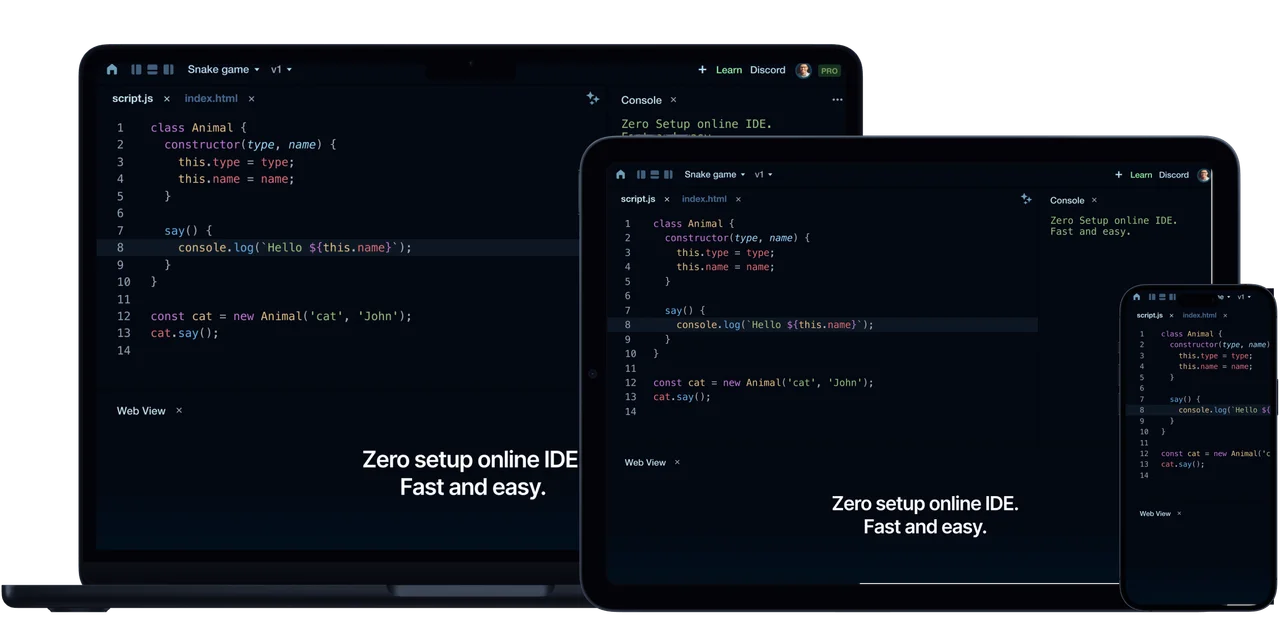
Code seamlessly from any device
What our users value
Online Playgrounds & Compilers
Write, compile, and run code instantly in your browser. No setup required.
Ready to Build Something?
Open PlaygroundTry out Playcode Coding Courses
Learn HTML, CSS, JavaScript and React easily through our interactive Playcode Courses. Take a leap in your learning journey and upgrade your skills today.