TL;DR - Quick Answer
Bolt.new by StackBlitz is blazingly fast at generating initial prototypes. It runs entirely in the browser using WebContainers technology, making setup instant.
Playcode prioritizes reliability over raw speed. The AI asks questions before building, resulting in fewer iterations and more predictable outcomes.
Bottom line: Bolt is for rapid prototyping when you expect to iterate heavily. Playcode is for building production websites when you want to get it right the first time.
What is Bolt.new?
Bolt.new is StackBlitz's AI-powered app generator. It uses their WebContainers technology to run a complete development environment in your browser - no server-side processing required.
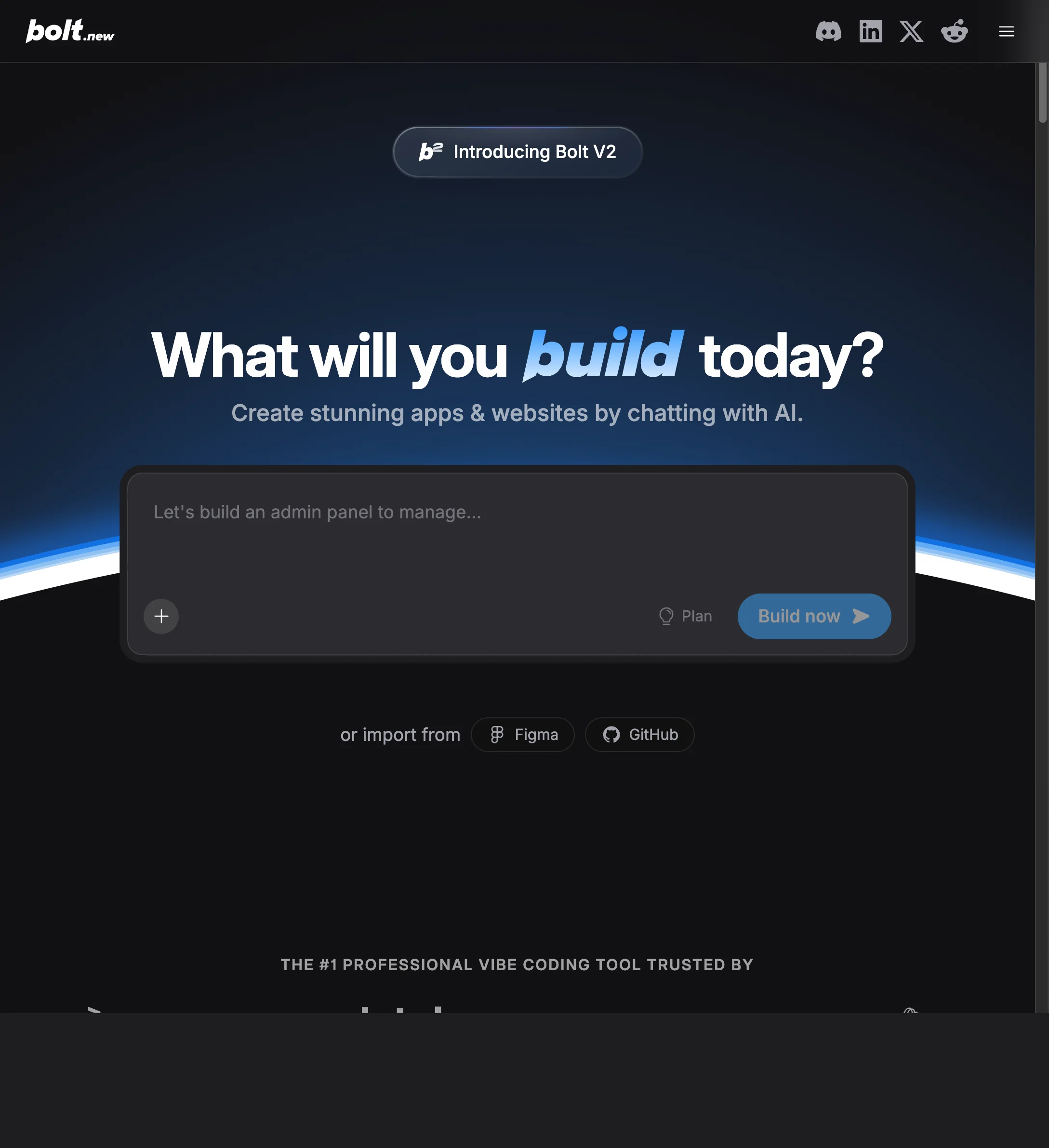
The speed is genuinely impressive. Type a prompt, and within seconds you see something on screen. Bolt excels at getting you from zero to "something" faster than almost any alternative.
But speed has trade-offs. Bolt's approach is "generate fast, fix later," which works great for experienced developers who can troubleshoot issues but can frustrate others.
Bolt's Strengths
- Incredibly fast - Initial generation is almost instant
- Runs in browser - No setup, works immediately
- Full development environment - Terminal, file system, npm - all in browser
- Multiple frameworks - React, Vue, Svelte, and more
- Good for developers - Full code access and control
Bolt's Problems
- Unpredictable outputs - Quality varies significantly between generations
- Iterating burns tokens - Multiple attempts to get it right add up
- Basic hosting - Deployment options are limited
- Desktop-focused - Mobile experience is limited
- Steep learning curve - Need to understand development to fix issues
The pattern I see repeatedly: Bolt generates something quickly, but then you spend time (and tokens) fixing issues, adjusting the approach, or regenerating entirely.
What is Playcode?
Playcode is an AI website builder that prioritizes getting it right over getting it fast. Instead of generating immediately, the AI first understands what you actually need.
The experience is more methodical:
- Describe your project in plain English
- AI asks clarifying questions about goals, audience, features
- Suggests an approach and explains the reasoning
- Builds incrementally with explanations
- Changes are targeted - one thing at a time without breaking others
This takes longer upfront but means fewer surprises and less time fixing things that shouldn't have been broken.
Playcode's Strengths
- Guided approach - AI asks questions before building
- Predictable changes - Edits don't randomly break other parts
- All-inclusive hosting - CDN, SSL, custom domains included
- Multiple AI models - Claude, GPT-4, Gemini for different tasks
- Full mobile support - Complete editor works on phone
- No coding required - Works for non-developers
Playcode's Limitations
- Slower initial generation - Q&A takes time upfront
- Less framework flexibility - Makes technology choices for you
- Web-focused - Not for complex app development
The Key Differences
The fundamental difference is philosophy: Bolt optimizes for initial speed. Playcode optimizes for final quality.
The Speed Trap
Bolt feels faster because you see something on screen in seconds. But total time to a working result often isn't faster. The rapid generation frequently requires:
- Multiple regeneration attempts
- Manual fixes for issues the AI created
- Troubleshooting mysterious errors
- Undoing changes that broke other features
Playcode's slower start (asking questions, planning approach) often results in faster total completion time because you avoid these correction cycles.
The Token Economy
Both tools use tokens/credits. The difference is efficiency:
Bolt pattern: Generate quickly → find issues → regenerate → fix broken things → regenerate again. Each cycle costs tokens.
Playcode pattern: Discuss requirements → build incrementally → targeted fixes. Fewer cycles, better token efficiency.
Developer vs Everyone
Bolt assumes development knowledge. When things go wrong (and they do), you need to understand error messages, npm issues, and framework quirks to recover.
Playcode handles complexity behind the scenes. Non-developers can build without understanding what React is or why a dependency failed to install.
The Hosting Question
Bolt generates code but hosting is basic. For production use, you'll likely need to deploy elsewhere.
Playcode includes production-ready hosting: CDN, SSL certificates, custom domains. One click to publish, nothing else to configure.
Side-by-Side Comparison
When Bolt Makes Sense
Bolt is the right choice in specific scenarios:
Rapid Prototyping
When you need to visualize an idea quickly and don't care about keeping the code, Bolt's speed advantage matters. Generate, evaluate, throw away if needed.
You're a Developer
If you understand React/Vue/Svelte and can troubleshoot issues, Bolt's raw power is accessible. You can fix problems the AI creates and iterate effectively.
You Want Framework Control
Bolt lets you choose your stack. If you specifically need Svelte or have strong framework preferences, Bolt gives you that control.
Experimentation and Learning
For trying out ideas, learning new frameworks, or exploring what's possible, Bolt's instant feedback loop is valuable. Less concern about getting it "right."
When Playcode Makes Sense
Playcode wins in these scenarios:
Production Websites
If you're building something real - a business site, client project, or product - Playcode's reliability matters more than Bolt's speed. Fewer surprises, cleaner code.
You're Not a Developer
When things go wrong in Bolt, you need technical knowledge to recover. Playcode handles complexity invisibly. Non-developers can build without understanding npm or why a webpack config broke.
Token Efficiency Matters
If you've watched credits disappear on regeneration cycles, Playcode's question-first approach is refreshing. More thought upfront means fewer wasted attempts.
You Need Real Hosting
CDN, SSL, custom domains - all included. No separate hosting decision, no deployment configuration. Click publish, your site is live.
Mobile Editing
Playcode's full editor works on phone and tablet. Make updates from anywhere. Bolt is desktop-focused.
Pricing Breakdown
Similar prices, different value propositions:
Bolt.new
$20/month
- Fast generation
- Full dev environment in browser
- Multiple frameworks
- Basic hosting
- CDN not included
- Custom domain costs extra
Playcode
$25/month or $21/mo yearly
- Guided AI building
- Multiple AI models
- CDN hosting included
- Custom domain included
- SSL certificate included
- Mobile editing
The $5 difference is small, but what you get differs significantly. Bolt gives you a fast dev environment. Playcode gives you a complete solution with hosting included.
My Verdict
After extensive time with both tools:
Bolt is exciting but unpredictable. The speed is genuinely impressive, and when it works, it feels like magic. But "when it works" is the key phrase. The iteration cycles can be frustrating.
Playcode is boring but reliable. No "wow" moment of instant generation. But the methodical approach means fewer surprises. You end up where you wanted to be more often.
For developers experimenting and prototyping: Bolt. For anyone building something real they'll actually use: Playcode.
The question isn't "which generates faster" but "which gets you to a working result more efficiently." In my experience, the tortoise often beats the hare.
Ready to build something that works the first time? Try the guided approach.
Try Playcode FreeFrequently Asked Questions
Is Bolt faster than Playcode?
Initial generation is faster. Total time to a working result often isn't. Bolt's speed advantage can be offset by iteration and fixing cycles.
Can non-developers use Bolt?
Technically yes, but when things go wrong, you'll need technical knowledge to troubleshoot. Playcode is more forgiving for non-technical users.
Does Playcode use WebContainers like Bolt?
Playcode uses different technology optimized for website building rather than general development environments. You don't need to know or care about the technical details.
Can I export code from both?
Yes, both give you code access. You can view, edit, and export from either tool.
Which has better hosting?
Playcode includes production-ready hosting with CDN, SSL, and custom domains. Bolt's hosting is more basic - for production use, you'd typically deploy elsewhere.
Can I use both?
Yes. Some people use Bolt for quick experiments and Playcode for production websites. They serve different purposes.