
An AI app builder is not an AI website builder. A website is HTML, CSS, and content. An app is a database, user accounts, business logic, integrations with Stripe and SendGrid, a real backend, and a hosting story that scales beyond one anonymous visitor. The category looks crowded - but most products in 2026 only do half of that and pretend they do all of it.
This guide maps the 13 AI application builders that actually matter, scored on real criteria: does it ship a working backend, can you own the code, will the app survive past the first demo. Pricing, AI-credit math, hosting story, and vendor-lock-in risk for each. The kind of fine print every vendor hopes you'll skim past - collected here so you don't have to spend three weekends signing up for free trials. If you wanted a marketing site instead, see our AI website builder guide - it's a different category with a different roster.
TL;DR - best AI app builder by use case
If you only have 30 seconds, here's which AI application builder to pick based on what you're trying to ship. The full rubric scores and reasoning live below.
| Real full-stack apps for non-developers (database, auth, payments, custom domain - own everything) | Playcode· 9.7/10 · #1 overall |
| Technical founders / engineers building full-stack apps | Replit· 8.2/10 |
| AI code editor for developers (you write, AI assists) | Cursor or Windsurf |
| Internal tools + admin dashboards (connect to existing data) | Retool· 6.6/10 |
| Next.js / React UI generation (bring your own backend) | v0 by Vercel· 6.1/10 |
| Quick SaaS prototype (accept vendor lock-in) | Lovable· 5.8/10 |
| Mature no-code platform (rich backend, no code export) | Bubble· 5.2/10 |
| Throwaway demo to show your team | Bolt.new· 5.2/10 |
| Apps on top of existing Airtable / Sheets data | Softr or Glide |
How we score each AI app builder
To make this guide genuinely useful - not just an editorial opinion - every AI app builder in this list is scored 1-10 on eleven criteria. The weighted total gives the Overall Score shown on each section and in the comparison table. The weights are different from our website-builder rubric: SEO readiness doesn't matter (apps don't need to rank), but "Backend depth" is critical (an app without a database isn't an app):
| Criterion | Weight | What it measures |
|---|---|---|
| Output quality | 15% | Real production app vs. a UI in a browser tab that breaks the moment a real user touches it. |
| Full-stack breadth | 18% | Can the app actually grow - database, Stripe / payments, email, auth, custom integrations, scaling beyond a single-user demo. The whole point of an app builder. |
| Backend depth | 12% | Native database, real auth providers (Google / GitHub / email / OAuth), API + webhook support, real-time / WebSocket, multi-user support. The opposite of a "demo backend." |
| AI flow | 10% | Senior-agency-style guidance (clarify, plan, build) vs. junior-developer code-dive that ships whatever you typed. |
| AI model freedom | 8% | User picks the AI model vs. locked to one (often cheap) model the vendor picks for margin reasons. |
| Hosting + infrastructure | 10% | Quality and transparency of the cloud underneath - own infra with snapshots and scaling, vs. opaque "managed somewhere" you can't inspect. |
| Pricing transparency | 8% | AI credit math published on the pricing page vs. discovered after subscribing and burning through your monthly allowance in three days. |
| Code export / portability | 8% | Can you leave with your app, or are you locked in? Practical portability - exported code that actually runs on another server, not just a file dump. |
| Focus | 4% | Is AI app building this company's main product, or a feature bolted onto an IDE / no-code platform / hosting business. |
| Free tier value | 3% | Real free option you can actually use, vs. a 7-day trial that needs a credit card. |
| Track record | 4% | Years on the market + reliability. How likely is this builder to still exist and be supported in three years. |
Honest scoring caveat: Playcode is the product we built, and we publish this guide. We score Playcode using the same rubric we apply to every other builder. The weights reflect our editorial position about what matters; the per-criterion scores are the measurement. If you disagree with the weights, the per-criterion scores let you re-weight on your own. This guide is reviewed quarterly; new builders are added as the category evolves.
Side-by-side: 13 AI app builders at a glance
Pricing and feature data verified May 2026 across every AI application builder in this comparison. The Backend depth column is where most competitors get exposed - see the breakdown below.
| # | Builder | Score | Best for | Starting price | AI / credit limit | Backend depth | Code export |
|---|---|---|---|---|---|---|---|
| 1 | Playcode | 9.7 | Real full-stack apps, non-developer | $199/yr ($17/mo) or $19/mo | Transparent | Full (DB, auth, APIs, real-time) | Yes, runs anywhere |
| 2 | Replit | 8.2 | Technical founders, full-stack apps | $20/mo | Effort-based credits | Full (DB, auth, secrets, real) | Yes, full IDE |
| 3 | Cursor | 6.8 | Developers (IDE + AI) | $20/mo (~$16 annual) | Credit pool $; pay overages | None native (BYO) | Yes (your code) |
| 4 | Windsurf | 6.8 | Developers, cheaper than Cursor | $15/mo | 500 credits/mo Pro | None native (BYO) | Yes (your code) |
| 5 | Retool | 6.6 | Internal tools + admin dashboards | $10/user/mo | Workflow runs metered | Strong (100+ connectors) | No (JSON config locked) |
| 6 | v0 by Vercel | 6.1 | Next.js / React UI generation | $20/mo | Token-metered (Max-Fast 30x) | None native (frontend only) | Yes (Next.js code) |
| 7 | Lovable | 5.8 | Quick SaaS prototypes (locked) | $25/mo | 100 credits/mo (~20-30 prompts) | Forked Supabase (lock-in) | GitHub but won't run elsewhere |
| 8 | Tempo Labs | 5.7 | Full-stack React + Supabase | $30/mo Pro | 150 prompts/mo (~5/day) | Supabase (DB, auth, real) | Yes (full React) |
| 9 | Bubble | 5.2 | No-code apps, marketplaces, MVPs | $29/mo annual | Workload Units (opaque) | Native (DB, auth, API, real-time) | No (total lock-in) |
| 10 | Bolt.new | 5.2 | Internal demos, fast prototypes | $25/mo | 10M tokens/mo (burns fast) | Limited (BYO backend) | Yes (Stackblitz) |
| 11 | Softr | 4.8 | Client portals on Airtable / Sheets | $49/mo annual | App-user caps (20/100/2,500) | BYO (Airtable/Sheets) | No (lock-in) |
| 12 | Base44 | 4.8 | CRUD apps, non-technical founders | $16/mo annual | Dual credits, no rollover | NoSQL + OAuth (locked) | Partial (frontend only) |
| 13 | Glide | 4.8 | Apps from spreadsheets | $25/mo Maker | Updates metered, $0.02 overage | Glide Tables (limited) | No (lock-in) |
Two traps app builders hide on the pricing page
Trap 1 - Credit math. Every AI app builder advertises $15-30/month. Most never tell you how many messages, prompts, tokens, or "workload units" you actually get for it. Lovable's $25/month buys ~100 credits (20-30 real prompts before top-ups). Bolt's 10M tokens chew through in days on a real project. Bubble's Workload Units are notorious for surprise bills. v0's "Max-Fast" model burns 30x faster than Mini, same dollar credit. Tempo's $30/month is ~5 prompts per day. Cursor and Windsurf bill overages in arrears so the bill arrives after you've used it.
Trap 2 - Vendor lock-in disguised as code export. Bubble, Glide, Softr, Retool, and Base44 give you zero code to leave with. Lovable offers a GitHub export but the exported code is bound to their forked Supabase variant and will not run anywhere else - practical lock-in dressed as portability. Only Playcode, Replit, Cursor, Windsurf, v0, Bolt, and Tempo give you code that actually runs on someone else's server.
We publish our credit math and we ship code that runs anywhere. The rest leave you to discover both after subscribing.
Playcode - Real Full-Stack Apps With Zero Vendor Lock-In
Overall score 9.7 / 10Ranked #1 by rubric

Playcode is the only AI builder in this list that ships dead-simple onboarding for non-developers AND a real production-grade full-stack architecture underneath. You describe the app you want in plain language; the AI gives you a working full-stack project with backend logic, a real database, persistent files, WebSockets, background jobs, custom integrations to anything with an API, and code you actually own. Most competitors give you one or the other. Playcode is the only one giving both.
The AI behaves like a senior agency, not a junior freelancer who dives straight into code from a one-line prompt. It clarifies what you actually want, proposes data models, lets you steer the architecture - then builds. The work order comes before the work. For an app builder this matters more than for websites: getting the database schema or auth model wrong on prompt #1 means rewriting everything later.
Under the hood is where Playcode separates from the field. The output is real full-stack code: a real backend, a real database, persistent files, background jobs, WebSocket / real-time channels, and any third-party API the AI wires for you. Hosting is on Playcode Cloud with custom domains, snapshots, and rollback across code and data - but you can export the project when you want.
And the part that genuinely matters once you've used a few of these tools: Playcode has zero vendor lock-in. The code is ordinary code, the database is an ordinary database, your configurations live in plain files. Export the project, put it on any server, and it runs - because there's no proprietary runtime, no forked Supabase variant, no captive integrations. Compare that to Lovable (their forked Supabase variant won't run elsewhere - "code export" is theatrical), Bubble (no code export at all - total lock-in), Retool / Softr / Glide (locked JSON configs, you leave with nothing), Base44 (frontend exports, backend stays hostage). On the rubric this is the difference between a 9 and a 5.
Verdict. The only AI builder shipping real full-stack apps for non-developers without trapping you in a proprietary runtime. Real backend, real DB, real hosting, real rollback, real ownership.
Best for: Non-developer founders who want a real app (database, auth, payments, real integrations) and refuse to be locked to one vendor. Starting price: $17/month billed yearly ($199/year), or $19/month. Free tier: Yes, no credit card. Code export: Yes, full ownership - runs anywhere.
Pros: simple onboarding for non-developers · senior-agency AI flow (clarify, plan, build) · real backend + real DB + real Cloud hosting with snapshots and rollback · bring-your-own integrations when needed · zero vendor lock-in (code runs on any server) · choose your AI model (Claude, GPT, Gemini) · transparent credit pricing · custom domains on every plan.
Cons: newer brand than Replit or Bubble · not the cheapest entry-level price.
Start building with Playcode - no credit card needed.
Replit - Technical Founders' Full-Stack AI
Overall score 8.2 / 10Ranked #2 by rubric
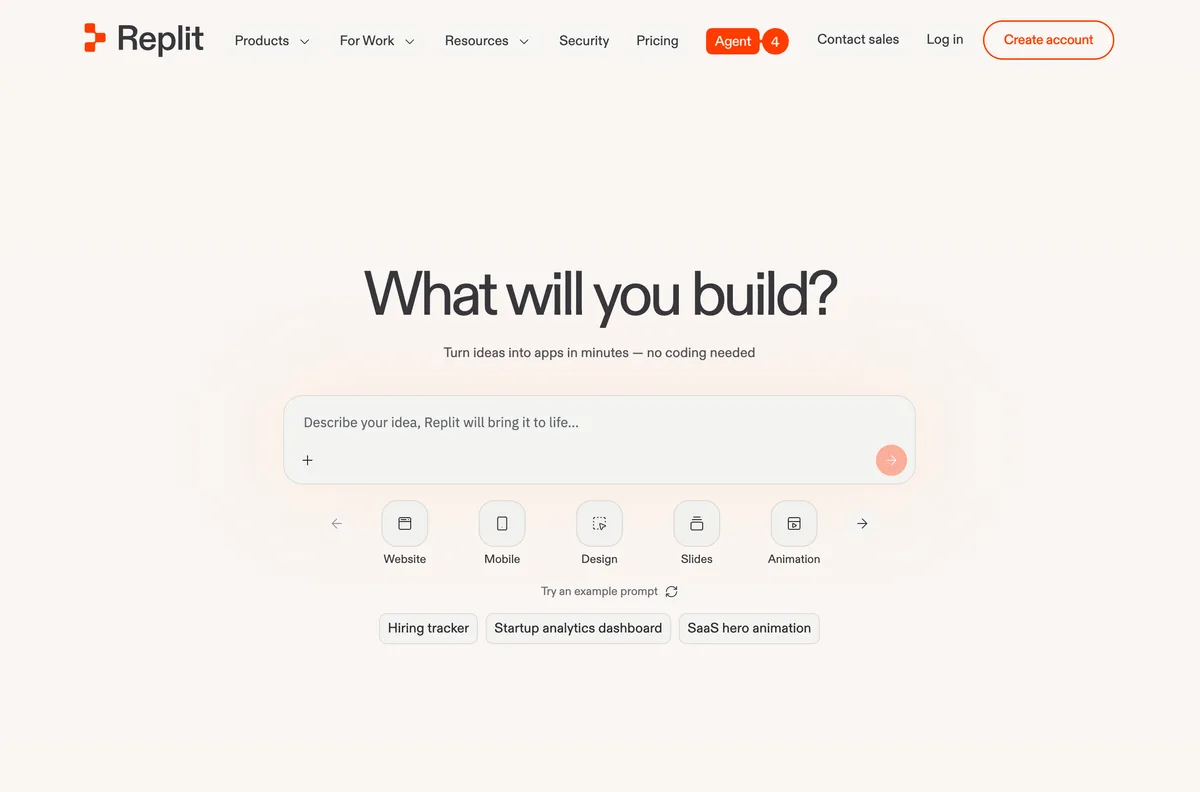
Replit started as a browser-based IDE in 2016 - a place engineers wrote, ran, and shared code without setting up a local environment. Over the past two years they pivoted hard into AI: first Ghostwriter (autocomplete), then Replit Agent (multi-step app generation), now a serious full-stack AI offering with managed Postgres, secrets, deployments, and one-click custom domains. It's the most technically credible AI app builder for engineers in this list.
What it does well: real full-stack output you fully own. Replit Agent generates the backend, the frontend, the database schema, and the deployment config - all visible in the IDE, all editable, all yours. The managed Postgres is a real Postgres database, not a forked variant. Secrets management is sane. Deployments are one-click to their cloud or exportable to anywhere a container runs. For technical founders building real apps and engineering teams shipping internal tools, this is a serious tool.
Where it falls down: the IDE is the product. Replit assumes you can read code, understand stack traces, debug a failing migration, and reason about why the Postgres connection string the AI generated isn't quite right. Non-technical founders get lost in the IDE panels (Agent, Files, Database, Secrets, Deployments, Console, Shell) and bounce within an hour. This isn't a flaw, it's a positioning choice - Replit is for technical users.
On app-builder fit: clearest credit math in the entire category. Effort-Based Pricing means dollar-denominated credits, a usage dashboard, a budget cap, and 1-month rollover - the rest of this list should copy this verbatim. Native Postgres + secrets + deployments + custom domains in one $20/month plan is genuinely good value for technical buyers.
Verdict. The best AI app builder for technical founders and engineers. Wrong tool if you can't read code or don't want to.
Best for: Technical founders, engineers, internal-tools teams. Starting price: $20/mo Core. Free tier: Yes (Starter), daily Agent credits with monthly cap. Code export: Yes, full code in the IDE - runs anywhere.
Pros: real full-stack output you own · managed Postgres + auth + secrets + deploy in one plan · clearest credit math in this category (effort-based, dashboard, rollover) · strong fit for engineers and technical teams.
Cons: assumes technical fluency (IDE, not a builder) · not for non-developers · effort-based credits can still surprise on long agent runs · UI density overwhelms beginners.
Cursor - AI Code Editor That Builds Apps
Overall score 6.8 / 10Ranked #3 by rubric
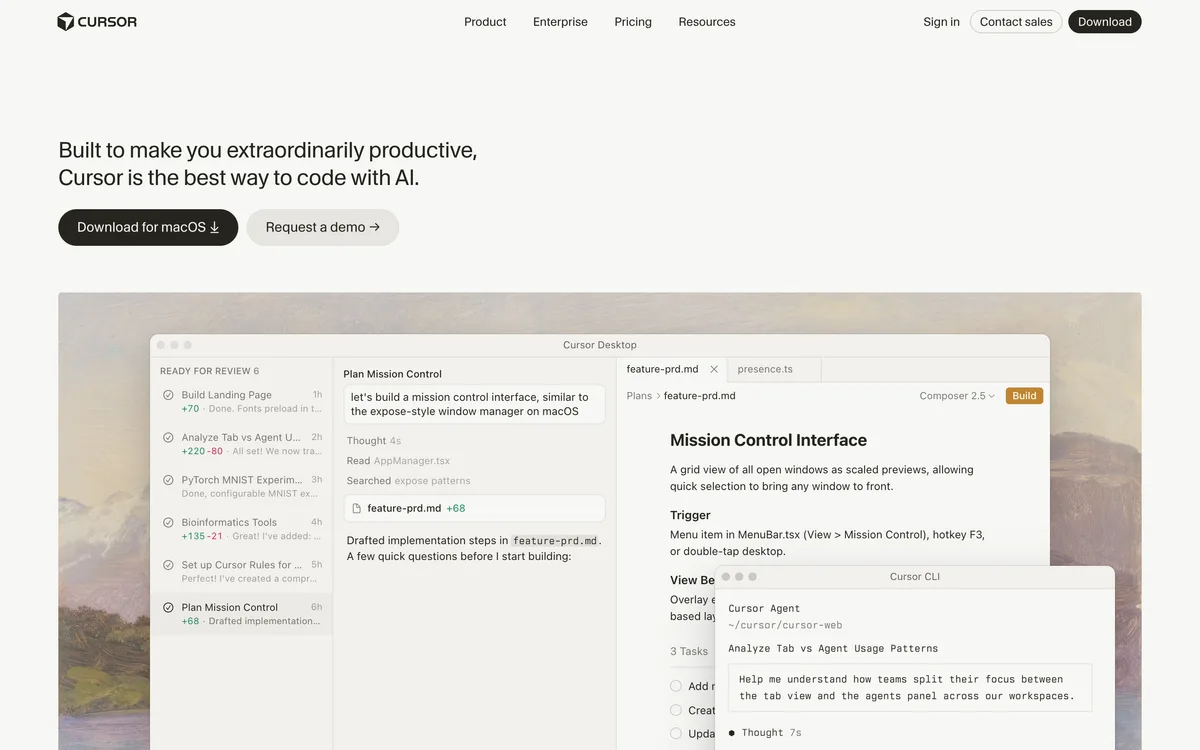
Cursor is a fork of VS Code with AI baked deep into the editor surface - inline autocomplete, multi-file edits, an agent that can plan and execute changes across an entire codebase. It launched in 2023 and quickly became the default AI editor for serious developers. It's not an "app builder" in the no-code sense; it's the tool engineers reach for when they want AI assistance inside their existing workflow.
What it does well: agentic code generation that respects an existing project. Drop Cursor into a real codebase and it understands the structure, follows your conventions, edits across files coherently, and gives you a diff to review before committing. Crucially, you pick the AI model per request - Claude Opus, GPT-5, Gemini, or Cursor's own auto-router. Real model freedom, not the locked single-model arrangement most app builders ship.
Where it falls down for app building specifically: zero native backend. Cursor is an editor, not a platform - it writes the code, but you still need to choose your database (Postgres, Supabase, whatever), wire up auth, set up hosting, and run the migrations yourself. The Pro plan's $20 credit pool burns fast on Claude Opus or GPT-5 in agent mode, and overages bill in arrears - Reddit is full of $50-$200 surprise bills from people who switched to "Max" mode mid-project.
On app-builder fit: best for engineers who already know how to wire up an app and want AI as a fast pair-programmer inside their own stack. Bad fit for non-developers - the editor exposes hundreds of small decisions (extensions, terminals, debug configurations) that have nothing to do with shipping an app.
Verdict. Best AI editor for developers building real apps in their own stack. Not an app builder for non-coders.
Best for: Working developers who want AI assistance inside an IDE they control. Starting price: $20/mo Pro (~$16/mo annual). Free tier: Yes (Hobby), limited Agent + Tab completions. Code export: Yes - the code lives on your machine, full ownership.
Pros: real AI model freedom (Claude, GPT, Gemini, auto) · agentic edits across whole codebase · works inside your existing project · code lives on your machine.
Cons: zero native backend (bring your own DB, auth, hosting) · $20 credit pool drains fast on frontier models · surprise overage bills · not for non-developers.
Windsurf - Cheaper Cursor With Cascade Flow
Overall score 6.8 / 10Ranked #4 by rubric
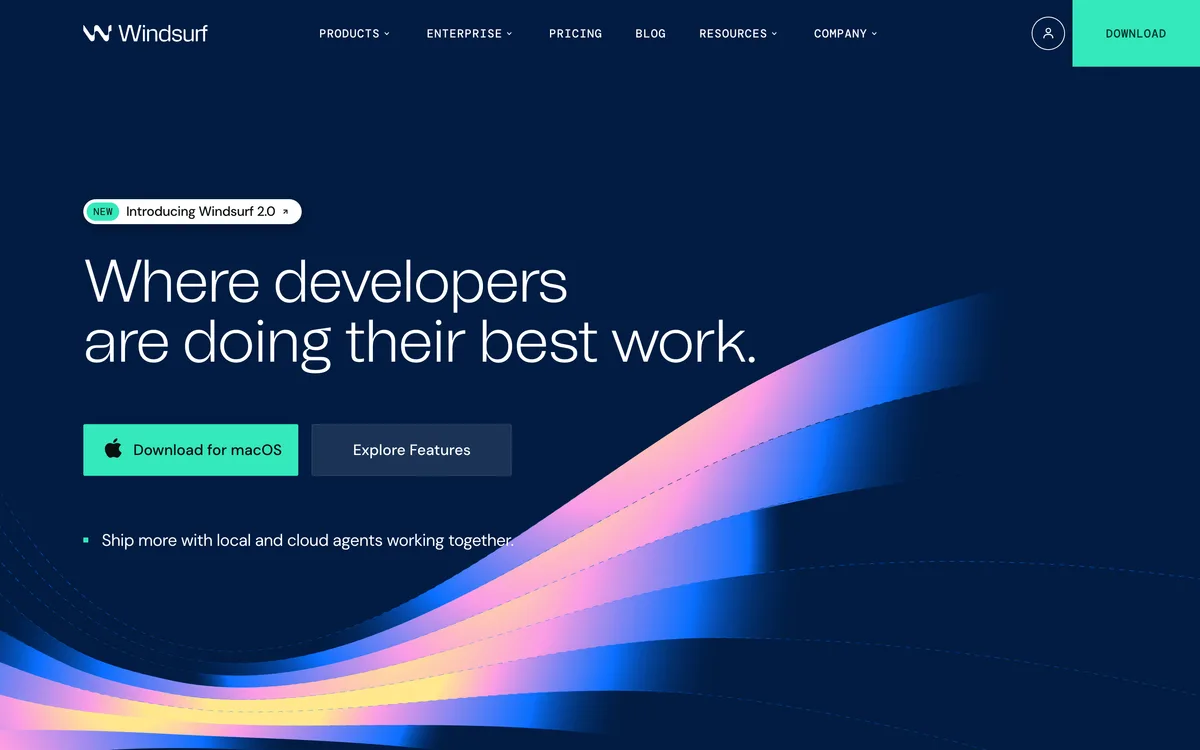
Windsurf is the rebranded Codeium IDE, acquired by Cognition (the Devin shop) in 2025. It's another VS Code fork with AI built in - a direct Cursor competitor positioned $5/month cheaper at the Pro tier ($15 vs $20). Same audience: working developers who want AI assistance inside the editor rather than a no-code abstraction on top.
What it does well: their differentiator is "Cascade" - a flow where the AI plans, edits, and tests across many files in one orchestrated run, then surfaces a single diff for review. In practice this often produces tighter multi-file edits than Cursor's per-message agent loop on the same prompt. SWE-1.5, their own coding model, is genuinely competitive on Python and TypeScript. Pricing transparency is a notch better than Cursor: 500 credits/month on Pro, posted clearly, fewer surprise-bill stories on Reddit.
Where it falls down for app building: same fundamental shape as Cursor - zero native backend, no managed database, no auth, no hosting. You bring everything. Credits drain fast on Cascade because a single multi-file edit can cost 5-15 credits at once. The Devin Cloud agent feature is gated behind the $35+ Max plan, and the per-credit cost ramps at higher usage ($120 for 1,000 pooled Team credits = $0.12/credit).
On app-builder fit: same caveat as Cursor - this is a developer IDE, not a builder for non-coders. The bet vs Cursor is "Cascade orchestrates better, costs less"; the audience is identical.
Verdict. Cheaper Cursor with a better multi-file edit flow. Same hard ceiling: developer tool, not a non-developer app builder.
Best for: Developers who like Cursor's model but want a lower monthly price and tighter multi-file edits. Starting price: $15/mo Pro. Free tier: Yes, 25 credits/mo. Code export: Yes - the code lives on your machine.
Pros: $5/mo cheaper than Cursor · Cascade flow handles big multi-file edits well · model freedom (Claude, GPT, Gemini, SWE-1.5) · clearer credit count than Cursor (500/mo posted) · Devin Cloud agents on higher tiers.
Cons: zero native backend · 500 credits drain fast on Cascade runs · Devin Cloud locked behind $35+ tier · still a developer IDE - not for non-coders.
Retool - The Internal Tools King, AI-Enhanced
Overall score 6.6 / 10Ranked #5 by rubric
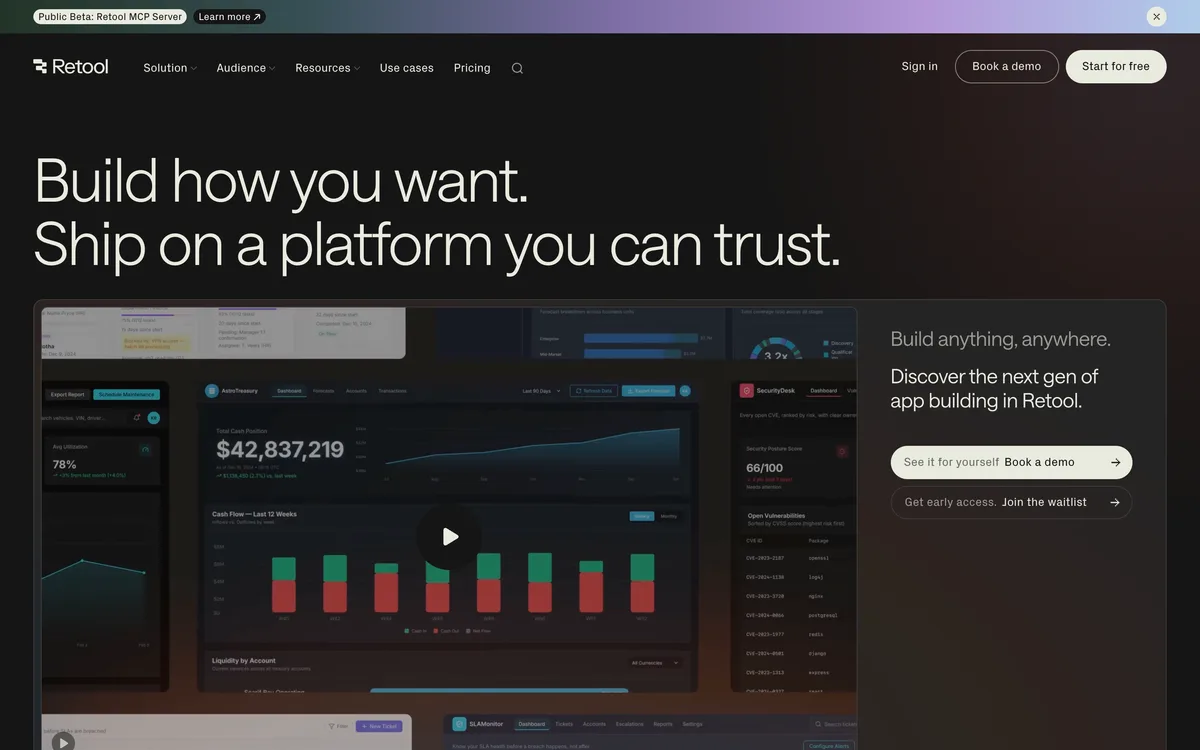
Retool launched in 2017 as the low-code platform for internal tools and has dominated that niche for nearly a decade. The pitch was always the same: drag components onto a canvas, connect them to your existing databases and APIs, ship an admin panel in an afternoon. In the last two years they've layered AI on top - Retool AI generates queries, scaffolds workflows, and assembles dashboards from natural-language prompts.
What it does well: the broadest backend connector set of anyone in this list. 100+ native integrations - Postgres, MySQL, MongoDB, Snowflake, BigQuery, REST/GraphQL/gRPC, Stripe, Salesforce, S3, on and on. Drop in credentials and you have queryable data. Retool Database (managed Postgres) is solid for greenfield use cases. RBAC, SSO, audit logs, Git-backed source control on Business+ - the kind of enterprise plumbing real ops teams actually need.
Where it falls down: the pricing is the rubric-killer. Three user types (standard / end / external) is a maze - businesses routinely misjudge end-user counts and find their bill 3-5x the sticker. Workflow runs are metered on top. Retool AI credits sit in a separate quota that isn't publicly clear. And zero code export - the entire app is a proprietary JSON config that only runs inside Retool. Leaving Retool is a full rewrite.
On app-builder fit: best in this list for internal tools where the data already lives in 5 different databases. Wrong tool for customer-facing apps, public products, or anything you might want to take portable later.
Verdict. The internal-tools veteran with the strongest backend connectors. Lock-in is total - you don't leave Retool with anything.
Best for: Engineering and ops teams shipping internal tools and admin dashboards on top of existing databases. Starting price: $10/standard user/mo Team (annual 20% off). Free tier: Yes - up to 5 users, 500 workflow runs/mo. Code export: No - proprietary JSON config locked to Retool.
Pros: strongest backend connector set in this list (100+ databases / APIs) · enterprise plumbing (SSO, RBAC, audit, Git) · mature platform, 8+ years in production · usable free tier for POCs.
Cons: three-user-type pricing maze (real bills surprise) · workflow runs metered separately · Retool AI credit quotas unclear · zero code export (total lock-in) · not for customer-facing apps.
v0 by Vercel - UI Generation For Vercel Users
Overall score 6.1 / 10Ranked #6 by rubric
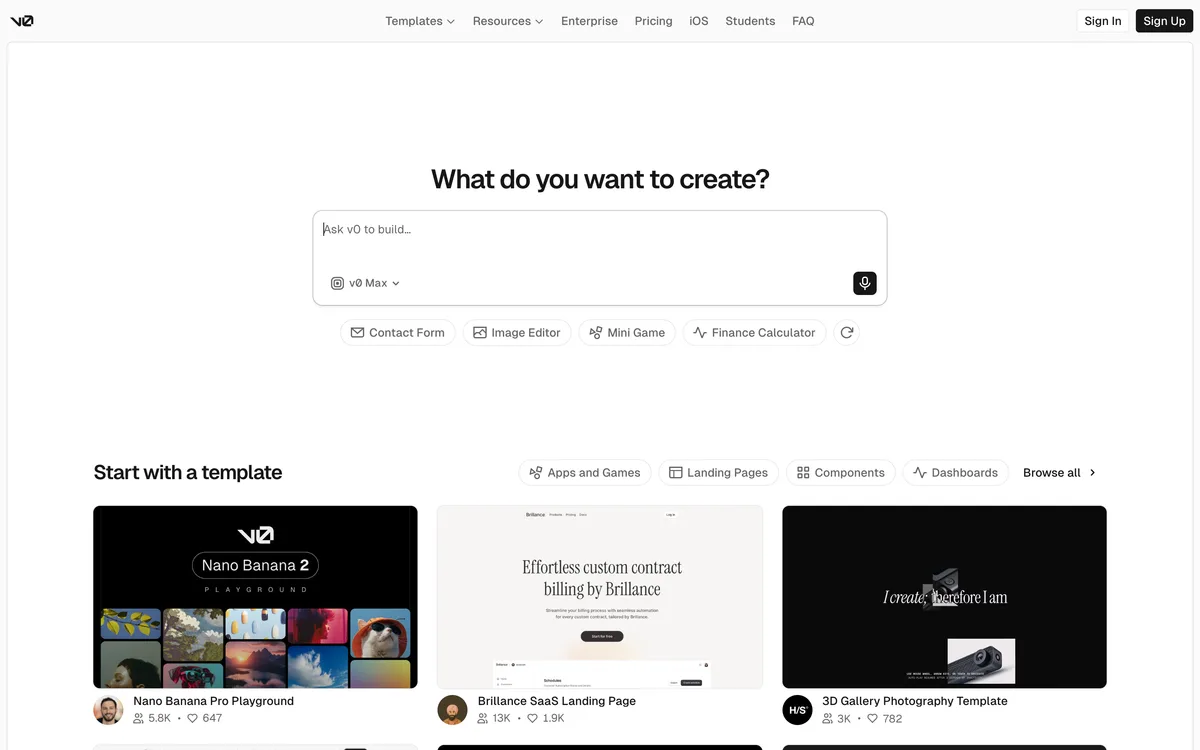
v0 launched in 2023 as Vercel's AI UI generator - describe a component or a page, get back React + Next.js + Tailwind code that drops straight into a Vercel project. It evolved into a full chat-driven app generator on top of the Vercel stack. Their pitch is tightly aimed: if you're already building on Next.js and deploying to Vercel, v0 is the path of least resistance to a slick UI.
What it does well: UI quality is genuinely the best in this list. The components v0 generates look like a senior designer made them - Tailwind tokens used correctly, accessibility considered, mobile responsive by default. Figma imports work. One-click deploy to Vercel. The exported Next.js code is clean and you fully own it. For frontend-heavy work where the look matters, v0 wins.
Where it falls down: zero native backend. v0 generates frontend - it cannot give you a database, an auth system, an email service, or a Stripe integration that just works. You wire all of that yourself in the generated code, then deploy. The token-metered pricing is also a dark pattern: v0 Max-Fast burns through credits 30x faster than Mini for the same dollar credit ($30/1M input vs $1/1M). One Max-Fast chat session can easily drain a month's $20 credit. The free tier hits its 7-message/day wall fast.
On app-builder fit: best as a UI generator for engineers already living in the Vercel stack. Wrong tool if you want a full backend out of the box or if you're a non-developer who can't wire Supabase + Clerk + Stripe yourself.
Verdict. The best UI generator in the category. Not a full-stack app builder - you bring everything below the React layer.
Best for: Engineers on the Vercel / Next.js stack who want fast, high-quality UI generation. Starting price: $20/mo Premium. Free tier: Yes - $5 credits/mo, 7 messages/day cap. Code export: Yes - full Next.js project, your code.
Pros: best-in-class UI generation · clean Next.js + Tailwind output · Figma imports · one-click Vercel deploy · full code ownership.
Cons: zero native backend (BYO database, auth, email, Stripe) · token-metered with 30x cost difference between Max-Fast and Mini · free tier capped at 7 msgs/day · locked to Vercel's own v0 model family.
Lovable - Hot Brand, Heavy Vendor Lock-In
Overall score 5.8 / 10Ranked #7 by rubric
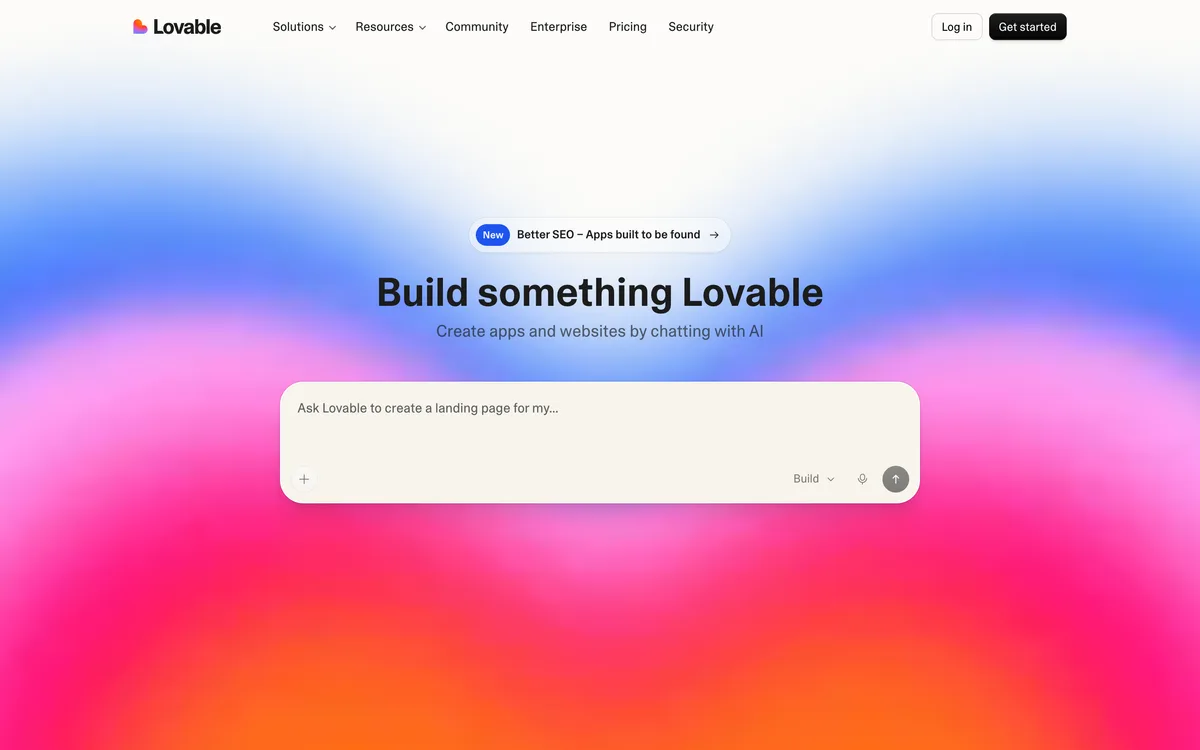
Lovable is one of the most-hyped AI-first builders in 2026 - a genuinely capable competitor that generates working full-stack web apps fast from natural language. The brand is hot, the marketing is sharp, and the demos look impressive. They've pushed hard into internal tools and enterprise lately, chasing the bigger money.
What it does well: capable AI flow, fast initial generation, recognizable brand, real momentum in the space. For a quick SaaS-prototype demo to send to your co-founder, Lovable is a defensible pick. Output looks polished out of the box.
Where it falls down - and this is the part the homepage doesn't surface: Lovable is a heavily vendor-locked platform underneath. Their "full-stack" is a forked Supabase wrapper - their own database, their own email, their own edge functions, their own "integrations" - all bound tightly into Lovable's runtime. They offer code export via GitHub, but the exported code does not realistically run anywhere else. There's no plain database to lift, no standard backend to deploy. Even technical users find that "leaving Lovable" is a rewrite, not a migration. They also don't let you choose the AI model - the cheap default behind the scenes makes more design mistakes and gets stuck in loops. Credit math is brutal: $25/month is roughly 100 credits (~20-30 real prompts), Reddit users report blowing through this in 2-3 days on serious projects.
On app-builder fit: acceptable if you commit to Lovable as your permanent platform. Dangerous if you assume "GitHub export = portability" - you will be rebuilding from scratch when you try to leave.
Verdict. Capable AI, hot brand, real lock-in. The GitHub export is theatrical - the exported code doesn't run anywhere else.
Best for: Quick SaaS prototypes where you accept Lovable as the permanent platform (not a starting point). Starting price: $25/mo Pro. Free tier: Yes, lovable.app subdomain, limited credits. Code export: Technically yes (GitHub) but realistically locked - exported code won't run elsewhere.
Pros: capable AI flow · fast initial generation · polished UI output · strong brand recognition and momentum.
Cons: heavy vendor lock-in (forked Supabase, captive runtime, exported code won't run elsewhere) · no AI model choice (cheap default behind the scenes) · 100 credits/mo burns in 2-3 days · opaque backend infrastructure.
Tempo Labs - Full-Stack React You Actually Own
Overall score 5.7 / 10Ranked #8 by rubric
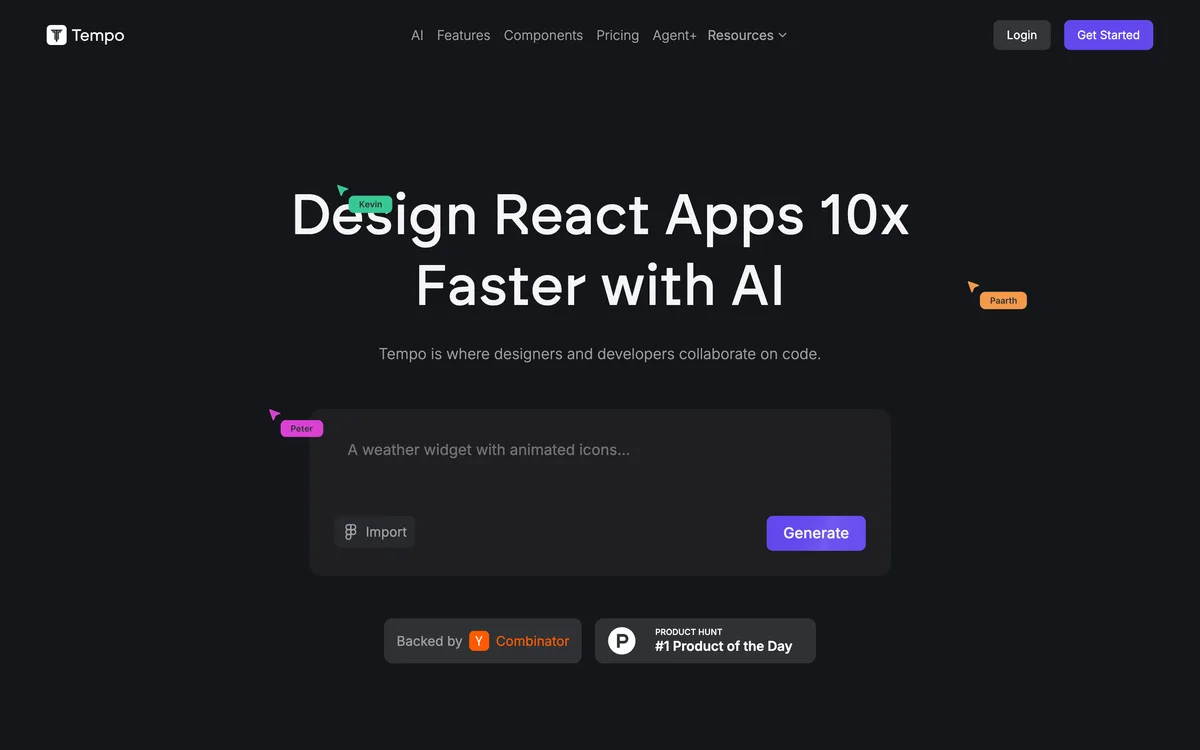
Tempo Labs is a newer entrant (tempo.new) that pitches design-to-code AI for full-stack React + Supabase apps. The interface marries a visual editor with a multi-agent AI - planning agent decomposes the request, coding agents implement, design reviews happen between rounds. You get a real React codebase you can export, deploy yourself, and continue evolving outside Tempo.
What it does well: the real code export is unusually honest for this category. You get a full React project that runs anywhere Node + Supabase run. Supabase integration is well-engineered - auto-generated SQL, typed handlers, real-time channels wired. The visual editor + AI hybrid is a credible workflow for designer-developer teams who want to manipulate the canvas and the code in the same session.
Where it falls down: credit math is tight. Pro at $30/month gets you 150 prompts/month - roughly 5 per day, which evaporates on any non-trivial bug-fix session. Free tier is 30/mo with a 5/day cap. Top-up packs cost $0.20/prompt. Worse: the jump from Pro ($30) to the next real tier (Agent+ at $4,500/month) is brutal - no mid-tier business plan for serious users. AI model selection isn't user-facing.
On app-builder fit: best for designer-developer hybrid teams comfortable with React + Supabase who want a visual scaffold they can take with them. Wrong tool if you need cheap unlimited iterations or you don't want to deploy Supabase yourself.
Verdict. Honest full-React export, tight prompt budget. The $30 to $4,500 pricing cliff is the real catch.
Best for: Designer-developer teams building React + Supabase apps who want real code ownership. Starting price: $30/mo Pro. Free tier: Yes - 30 credits/mo, 5/day cap. Code export: Yes - full React project, runs anywhere.
Pros: real full-React export · Supabase integration is well-engineered · visual + AI hybrid workflow · multi-agent planning system · transparent prompt budget (not token-metered).
Cons: 150 prompts/mo on Pro burns in days · brutal pricing cliff ($30 → $4,500, no mid-tier) · AI model not user-selectable · newer brand, smaller track record.
Bubble - Mature No-Code, AI Bolted On
Overall score 5.2 / 10Ranked #9 by rubric
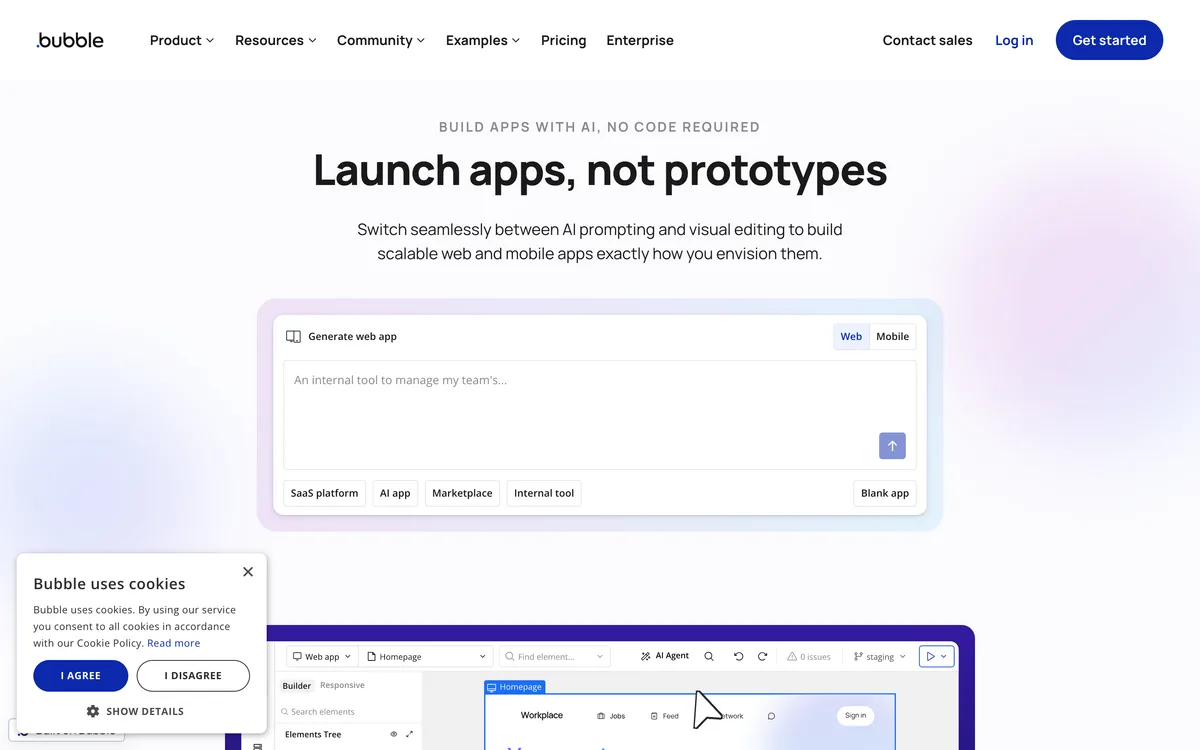
Bubble has been the OG no-code app builder since 2012. Visual workflow editor, native database, native auth, native API connector, native real-time data binding - everything an app needs, all proprietary, all running on Bubble's AWS infrastructure. They've added "Bubble AI" recently to generate workflows from prompts, but the AI is bolted onto a mature visual platform - not the other way around.
What it does well: the native everything story is real. Bubble's database is genuinely usable for marketplaces, internal tools, and SaaS MVPs. Auth handles email/password plus OAuth out of the box. The API connector plus webhook receivers are flexible. Real-time data updates live across users without you wiring WebSockets. After 14 years there's a massive plugin ecosystem and a deep community.
Where it falls down - and these are the load-bearing complaints: Workload Units (WU) is the most notorious pricing model in no-code. Every database query, every workflow run, every API call burns WUs. The $32/month Starter buys 175K WU; a moderately busy app (~1K active users) blows through that in days. Overages auto-bill. WUs don't roll over. Reddit's "Bubble pricing crisis" threads run dozens of pages. Worse: zero code export. Your app is a proprietary visual config that only runs on Bubble's servers. Leaving Bubble is rebuilding from scratch in a different tool. The AI is layered on - it generates Bubble workflows, not portable code.
On app-builder fit: best for non-developer founders who commit fully to Bubble as their permanent runtime AND can budget for surprise WU bills. Wrong tool if you might want to leave with your work, or if the Workload Units math feels like a trap (because it is one).
Verdict. Mature native stack, infamous pricing, total lock-in. The AI is a recent veneer over an old visual platform.
Best for: Non-developer founders committing to Bubble as a permanent runtime, with budget for WU overages. Starting price: $29/mo Starter (annual) or $32/mo monthly. Free tier: Yes - dev mode, bubble.io subdomain, no production launch. Code export: No - total lock-in to Bubble.
Pros: mature native stack (DB, auth, API, real-time) · 14 years in production · large plugin ecosystem and community · usable free dev tier.
Cons: Workload Units pricing is notorious for surprise bills · WUs don't roll over · zero code export (total lock-in) · AI is bolted on, generates Bubble workflows not portable code · AI model not user-selectable.
Bolt.new - Demo Generator Stretching Into Real Apps
Overall score 5.2 / 10Ranked #10 by rubric
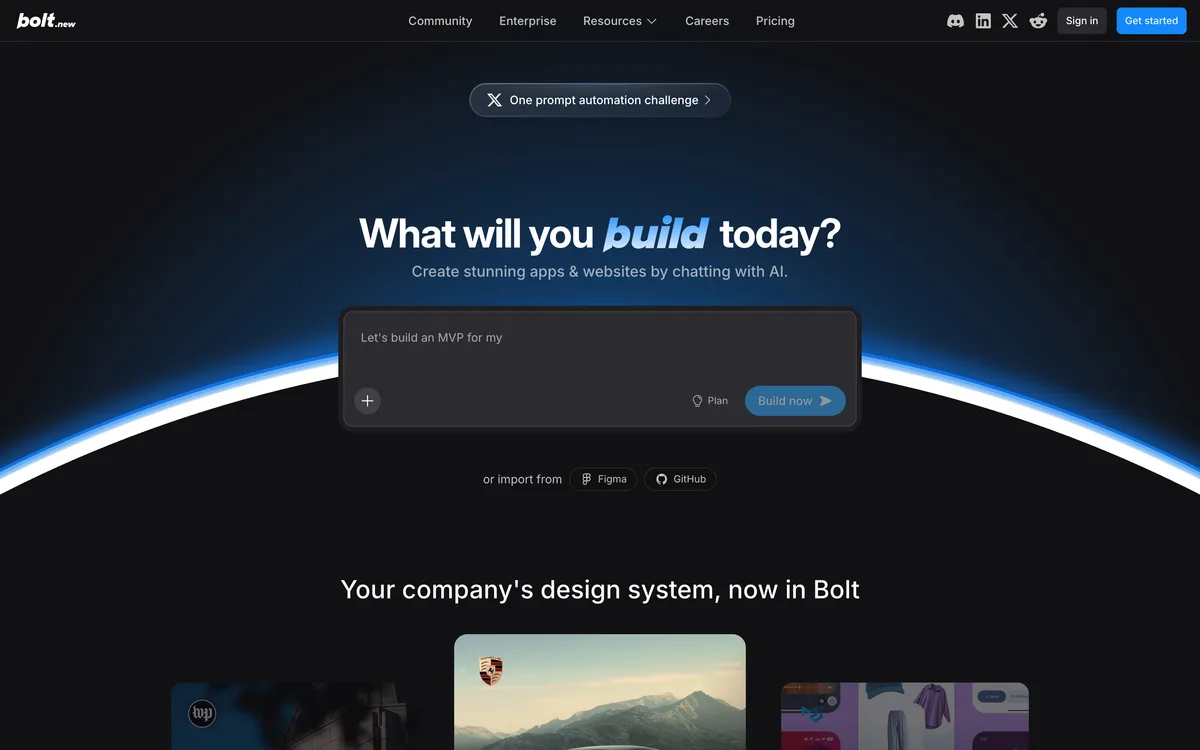
Bolt.new is StackBlitz's AI pivot - the same team that built the browser-based WebContainers runtime now uses it as the substrate for AI-generated full-stack apps. The product is fast: watching Bolt produce a "complete app" in 30 seconds is the demo that hooked the early AI-builder hype cycle, and the speed is genuinely impressive.
What it does well: instant demo generation. The browser-runtime trick means there's no provisioning step - you describe an app and watch it materialize in seconds, running, with a live preview. For showing a teammate "imagine if we had this" or sketching a concept before a stakeholder meeting, Bolt is unmatched. Code export to StackBlitz means you walk away with the source.
Where it falls down for real apps: those impressive demos are demos. The output is largely frontend single-page apps - real backends require bring-your-own (Supabase, Convex, whatever), and the AI isn't great at wiring them robustly across iterations. Edits often regress what worked. Token pricing chews fast: $25/month buys 10M tokens, which sounds enormous but a serious project burns through in days because each iteration consumes input + output at scale. And Bolt's discoverability is social-hype-driven - they don't rank in Google for relevant queries, which says something about who they're optimized for.
On app-builder fit: best for internal "look what AI can do" demos. Wrong tool for a real app that needs to outlast the demo stage.
Verdict. Best demo generator in the category. Not a serious tool for shipping production apps.
Best for: Quick prototype demos, internal mockups, "imagine if" sketches inside companies. Starting price: $25/mo Pro. Free tier: Yes - 300K tokens/day, 1M/mo, Bolt branding. Code export: Yes (StackBlitz).
Pros: extremely fast demo generation · browser-runtime means no provisioning · code export via StackBlitz · genuinely useful for internal mockups.
Cons: output is demos, not production apps · BYO backend (Supabase, Convex) · edits regress what worked · 10M tokens deplete fast on real projects · low organic discoverability.
Softr - Apps On Top Of Airtable
Overall score 4.8 / 10Ranked #11 by rubric
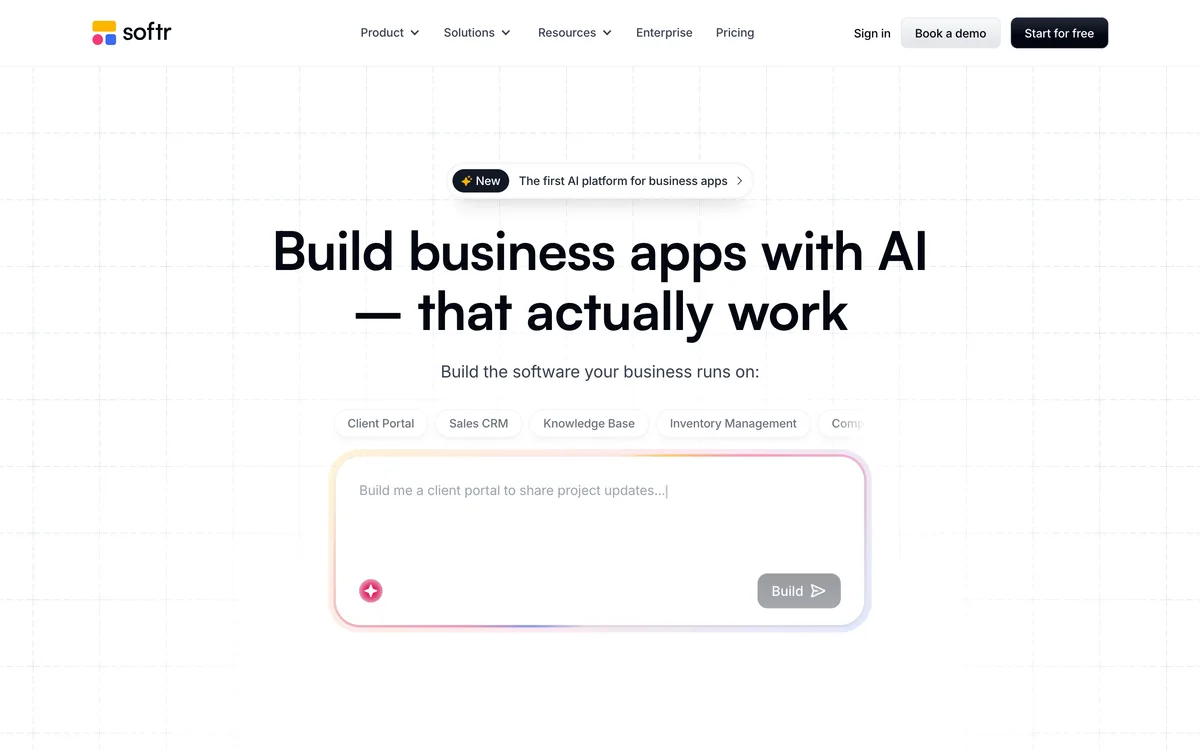
Softr launched in 2019 with a specific bet: take Airtable (or Google Sheets) as the backend and build a clean front-end client portal or internal tool on top. The AI Co-Builder came later - generate the front-end app from a natural-language prompt that maps to your existing spreadsheet schema. It's tightly scoped, which is the source of both its strengths and its limits.
What it does well: fast turnaround for the use case it nails. Client portals, member directories, internal CRMs - if your data is already in Airtable, Softr gives you a polished interface in an afternoon. Auth handles email/password, magic links, Google OAuth, and SSO at the higher tiers. User groups + permissions are real. The hosted PWA option (on Pro+) is handy for client-facing tools.
Where it falls down: the app-user caps are the real handcuffs. Basic plan ($49/mo annual): 20 app users. Professional ($139): 100. Business ($269): 2,500. Overage packs are $10 per 10 extra users - which compounds fast on any successful tool. AI Co-Builder credit limits aren't clearly published. No native database - everything you build sits on top of Airtable, Sheets, HubSpot, or similar; if Airtable changes pricing or terms, you're exposed. And zero code export - apps are proprietary Softr configs.
On app-builder fit: best for client portals on top of existing Airtable data with a small known user base. Wrong tool for customer-facing apps that might scale past 100 users, or for anything where you want native database control.
Verdict. Best in this list for Airtable-backed client portals. App-user caps and lock-in cap the scoring.
Best for: Internal CRMs and client portals built on existing Airtable / Sheets data with known user counts. Starting price: $49/mo Basic (annual) or $59/mo monthly. Free tier: Yes - 1 published app, 10 users, Softr-branded. Code export: No - proprietary lock-in.
Pros: fast turnaround for Airtable-backed apps · auth, user groups, permissions out of the box · PWA option on Pro+ · mature product with real customer base.
Cons: hard app-user caps (20/100/2,500) · BYO data source (no native DB) · AI Co-Builder credit limits not publicly clear · zero code export · pricing climbs fast on overage user packs.
Base44 - CRUD Apps For Non-Technical Founders
Overall score 4.8 / 10Ranked #12 by rubric
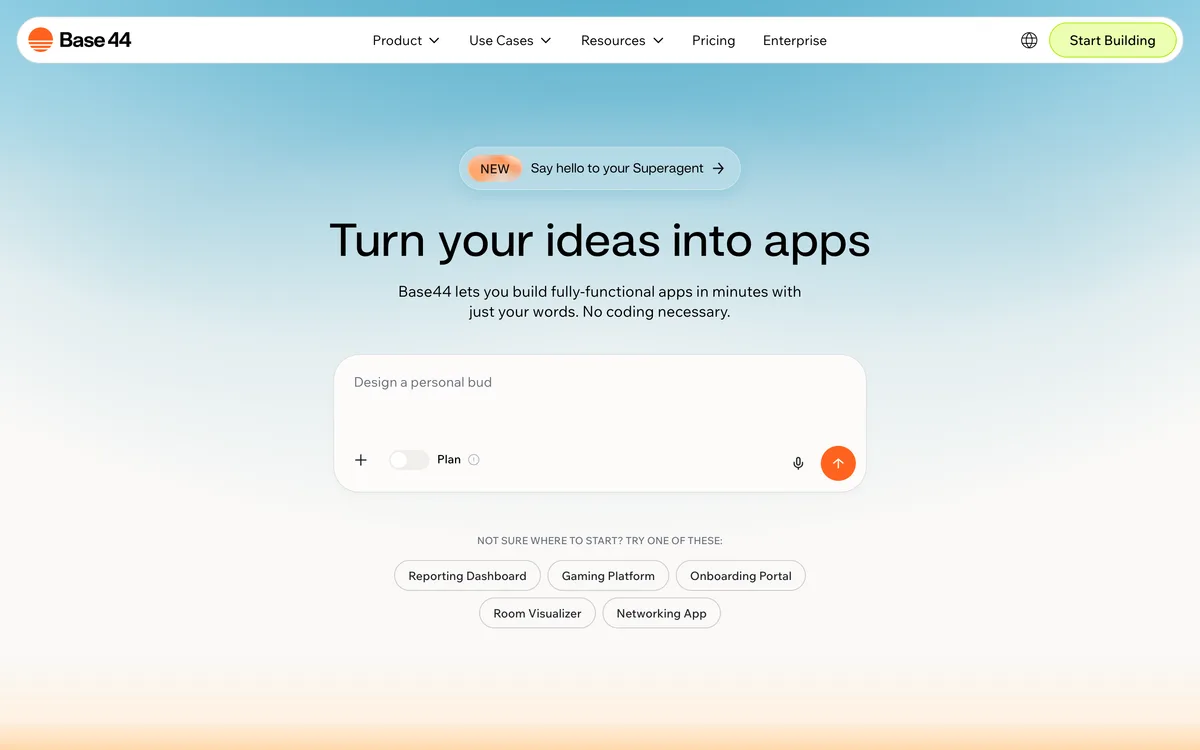
Base44 is a newer AI app builder (acquired by Wix for $80M in June 2025) aimed at non-technical founders building CRUD-shaped apps: small SaaS tools, internal trackers, simple marketplaces. The pitch is "idea to live app in minutes" with a native NoSQL database, OAuth auth, and TypeScript functions all wired by the AI.
For a focused side-by-side on backend ownership, export limits, and production tradeoffs, read our Base44 vs Playcode comparison.
What it does well: real native backend by category standards. NoSQL DB with schema-as-code, validation, migrations, and row-level security. Email/password + Google OAuth out of the box. Custom TypeScript functions for business logic. Secret storage for credentials. Hosted globally with automatic HTTPS and custom domains on Builder+ ($40/mo). Non-technical founders can ship a working CRUD app the same day they sign up.
Where it falls down - and this is where the "partial export" language gets clever: the dual-credit system is harsh. Message credits (you talking to the AI) and integration credits (your app's end users hitting AI features inside it) are billed separately, neither rolls over, and end users can drain integration credits without you knowing. Starter ($16/mo annual) gets 100 message credits/month - roughly 3 per day, one bug-fix session burns days of allowance. And the code export is "partial": you get the frontend (React/Vue components) on GitHub, but the backend (DB queries, auth, business logic) stays on Base44's SDK. You can never fully leave with the working app - only with a useless half of it.
On app-builder fit: best for non-technical founders building simple CRUD apps who accept Base44 as the permanent backend. Wrong tool if "I can export the code" is a deal-breaker for you (the exported half won't run alone).
Verdict. Real backend for non-coders, half-exportable code, dual-credit system that creates surprise bills. The Wix acquisition makes the long-term roadmap uncertain.
Best for: Non-technical founders shipping simple CRUD apps who accept Base44 as the permanent backend. Starting price: $16/mo Starter (annual) or $20 monthly. Free tier: Yes - 25 message credits/mo, 5/day cap, public apps only. Code export: Partial - frontend only on GitHub, backend stays on Base44.
Pros: real native NoSQL DB + OAuth + TypeScript functions for non-coders · custom domains on Builder+ · global hosting with auto-HTTPS · cheapest paid tier in this group ($16/mo annual).
Cons: dual-credit system (no rollover, surprise overages) · 100 msg credits/mo on Starter burns in days · "partial" export means backend stays hostage · AI model not user-selectable · Wix-acquired (roadmap uncertain).
Glide - Apps From Spreadsheets
Overall score 4.8 / 10Ranked #13 by rubric
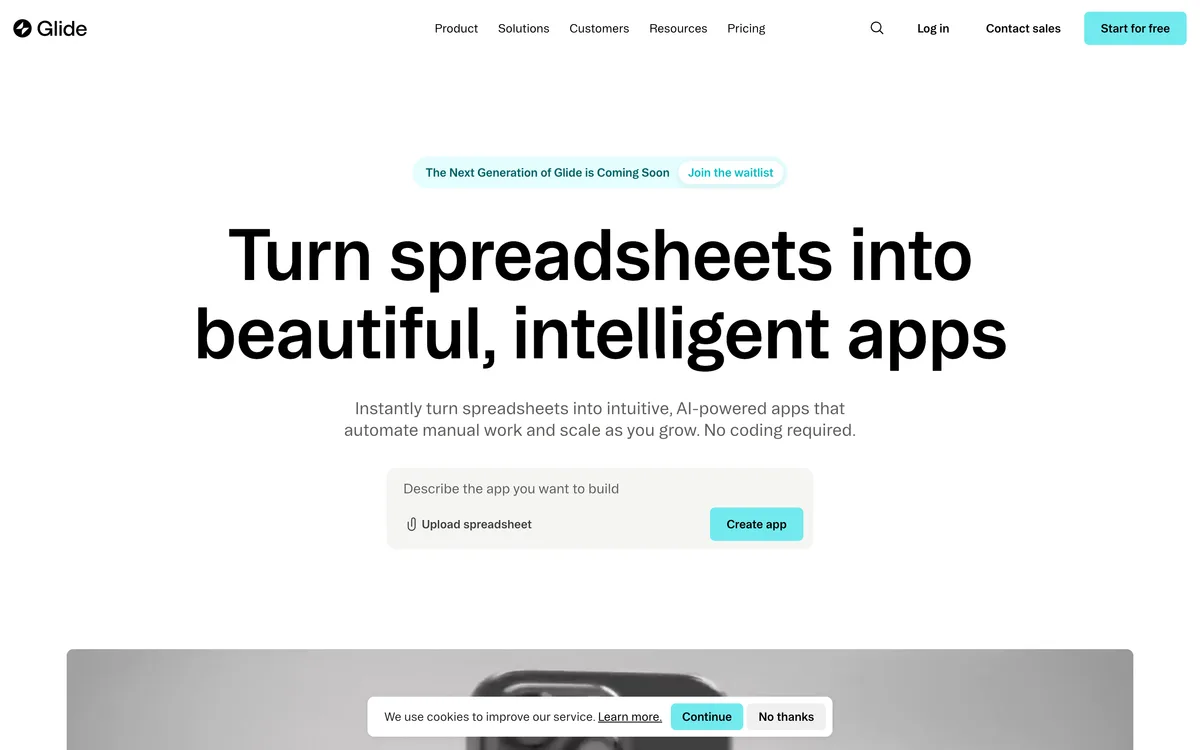
Glide launched in 2018 with the pitch "turn a Google Sheet into a mobile app." Eight years and several pivots later it's a no-code platform for internal tools and directories backed by Glide Tables (their native sheet-style DB), Google Sheets, Airtable, or Excel. The AI assistant arrived more recently as a generation layer on top - describe an app and Glide assembles it from your data.
What it does well: shortest path from a spreadsheet to a usable app interface in this list. PWA output works across mobile and desktop. Auth handles email OTP and Google OAuth with per-user row-level security via filters - genuinely useful for small directories and internal CRMs. Free tier (1 app, 25K rows, read-only) is enough for personal projects.
Where it falls down: "updates" metering is the gotcha. Every data write counts. Maker plan ($25/mo) gives 500 updates/month - a semi-active app does hundreds of updates per day, and overages bill at $0.02 each. Business jump to $249/mo with 5,000 updates and only 30 included users (+$5 each beyond) is a big cliff. No native real-time (just sync polling), API access locked to Business+, no webhooks worth speaking of. Zero code export - apps are proprietary Glide configs. The AI layer doesn't generate portable logic, only Glide-internal configurations.
On app-builder fit: best for simple internal tools and directories backed by spreadsheets. Wrong tool for customer-facing apps, anything with real-time needs, or anything you might want to take portable later.
Verdict. The spreadsheet-to-app shortcut for simple internal tools. Updates metering and total lock-in cap the ceiling.
Best for: Small internal tools, directories, inventory apps backed by spreadsheets. Starting price: $25/mo Maker. Free tier: Yes - 1 app, 25K rows, read-only, Glide branding. Code export: No - total lock-in.
Pros: shortest path from spreadsheet to app · PWA output across mobile and desktop · row-level security and auth handled · usable free tier.
Cons: updates metered at $0.02 overage (semi-active app burns this fast) · big pricing cliff Maker → Business ($25 → $249) · no real-time (sync polling only) · zero code export · API access gated to Business+.
Frequently asked questions
What is the best AI app builder in 2026?
Playcode is the best AI app builder for non-developers. It works like an agency - clarifies your idea, then builds a real full-stack app with a backend, database, files, jobs, WebSockets, hosting, and a custom domain bundled. Bring your own integrations such as Stripe, auth providers, and email services when the app needs them. Lovable and Bolt are the closest direct competitors but they skip the clarification step and either lock you to a forked Supabase variant (Lovable) or produce demos that need rebuilding for production (Bolt). For technical founders who can read code, Replit is a strong #2.
What is the difference between an AI app builder and an AI website builder?
An AI app builder ships interactive software with a database, user accounts, and custom business logic - SaaS tools, internal dashboards, marketplaces, CRUD apps. An AI website builder ships static or near-static marketing sites - landing pages, portfolios, business presence sites. Different rubric, different roster. If you're shopping for a marketing site, see our AI website builder guide instead.
Which AI app builder is best for non-developers?
Playcode. It is the only builder in this list designed primarily for non-developers that still ships real full-stack code you own. Lovable, Bolt, and v0 either lock you to a proprietary backend (Lovable) or assume you can wire up a Vercel / Supabase / Clerk stack yourself (v0, Bolt). Bubble and Base44 are non-developer-friendly but trap you with zero or partial code export. Playcode is the only one shipping both: simple onboarding AND portable code.
Can AI app builders connect to a real database?
Yes, with sharp differences. Playcode Cloud gives apps a real database and persistent files inside the hosted runtime, with snapshots and rollback across code and data. Replit gives you managed Postgres. Bubble, Base44, and Glide have proprietary native databases (you can't export them). Retool and Softr connect to your existing databases (Postgres, Airtable, Sheets, 100+ others) but lock you to their config. Cursor, Windsurf, and v0 have zero native backend - you bring your own. The comparison table flags this per builder; it's the single most important row.
Do I own the code generated by an AI app builder?
Yes for some, no for most, "partial" is a trap. Playcode, Replit, Cursor, Windsurf, v0, Bolt, and Tempo Labs give you code that runs on any server. Lovable gives you a GitHub export that doesn't realistically run elsewhere (forked Supabase variant) - that's lock-in dressed as portability. Bubble, Retool, Softr, and Glide give you no code at all - total lock-in. Base44 exports the frontend but keeps the backend captive - useless without the other half. If "I can leave with my app" matters to you, this is the rubric row to read.
About the author
Ruslan Ianberdin is the founder of Playcode. He's been building developer tools and AI-powered app tooling since 2016, when Playcode launched as a JavaScript playground and has since grown into a full AI app builder serving 1.1M+ users and powering 2.6M+ projects shipped. He has personally used 9 of the 13 AI app builders in this guide, reviewed current pricing and backend-depth data for the remaining 4, and maintains this guide on a quarterly cadence.
Disclosure: Playcode is one of the 13 builders covered. Rankings are determined by the transparent 11-criterion rubric explained above. Same weights and scoring methodology applied to every product. Where competitors beat us on a criterion, we say so. We do not accept payment from any builder for inclusion or placement.
Ready to try the #1 pick? Playcode ships real full-stack apps with real backends, real databases, and zero vendor lock-in. Start building - no credit card required.