TL;DR - Quick Answer
Windsurf is an AI-powered IDE for developers - a VS Code fork with Codeium's AI built in. You still need to install it, know how to code, set up local environments, and handle deployment yourself.
Playcode runs entirely in your browser and builds complete websites from plain English descriptions. No installation, no coding knowledge needed. Write "I want a landing page for my bakery" and watch it appear.
Bottom line: Windsurf makes experienced developers faster. Playcode makes website building accessible to everyone - developer or not.
What is Windsurf?
Windsurf is an AI-powered code editor made by Codeium. It is built on Visual Studio Code and adds an AI assistant called "Cascade" that can read your codebase, suggest changes, and write code across multiple files. Think of it as VS Code with a very capable AI pair programmer built in.
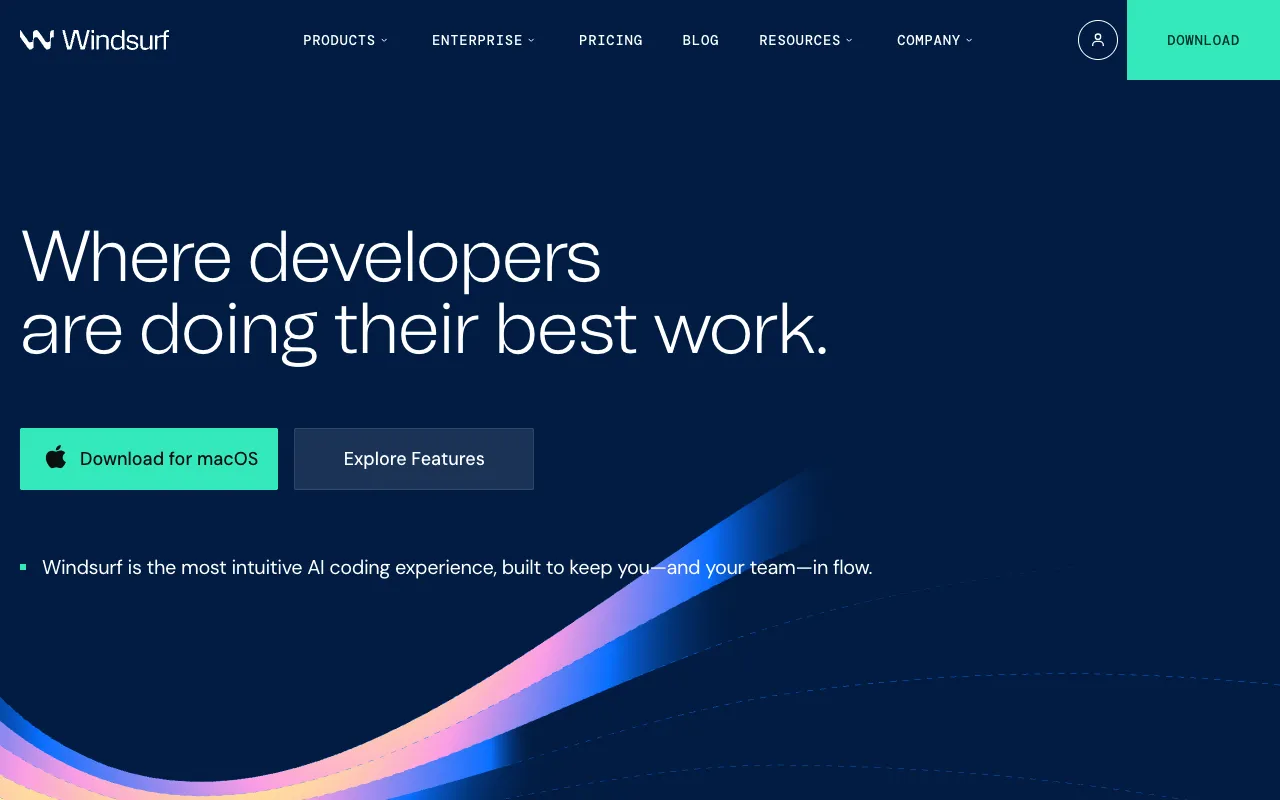
The target user is clear from the product itself: software developers who already know how to code and want AI to accelerate their workflow. If you are comfortable with terminals, local dev servers, Git, and deployment pipelines, Windsurf can genuinely make you more productive.
But here is what the marketing does not make obvious: Windsurf is strictly a developer tool. It does not build or deploy websites for you - it helps developers write code faster.
Windsurf's Strengths
- Codebase awareness - Cascade reads your entire project and understands context across files
- Multi-file edits - Can make coordinated changes across many files at once
- Familiar environment - Built on VS Code, so existing workflows transfer
- Language agnostic - Works with any programming language or framework
- Lower price point - $10-15 per month for individuals
Windsurf's Problems
- Requires installation - Desktop app, not browser-based
- Requires coding knowledge - Still an IDE, not a website builder
- Local development only - You handle hosting, deployment, and infrastructure
- Desktop only - No mobile or tablet support
- No deployment included - Build locally, deploy yourself
- Not for non-developers - The tool assumes programming fluency
The honest truth about Windsurf: it is an excellent tool for its intended audience. The problem is that its intended audience is professional developers - not the much larger group of people who just want to build a website.
What is Playcode?
Playcode is an AI website builder and code editor that runs entirely in your browser. Instead of requiring you to write code, it builds complete websites from descriptions. You tell it what you want in plain English, and it builds, previews, and deploys the result.
The experience is fundamentally different from any IDE:
- Open Playcode in your browser - no installation needed
- Describe the website you want to build
- The AI asks clarifying questions about style, functionality, and audience
- Watch it build with a live preview updating in real time
- Refine with plain language instructions
- Publish with one click - hosting, SSL, and custom domain included
Over 1.1 million people have used Playcode - the majority of them are not developers. They are founders, marketers, designers, coaches, and small business owners who need a real website without hiring a developer or learning to code.
Playcode's Strengths
- No installation - Runs in your browser on any device
- No coding required - Describe what you want in plain English
- Instant preview - See changes live as the AI builds
- One-click deploy - Hosting, CDN, SSL, and custom domains included
- Multiple AI models - Uses Claude, GPT-4, and Gemini for different tasks
- Full mobile support - Build and edit from your phone or tablet
- Code transparent - See and edit actual code anytime if you want
Playcode's Limitations
- Web-focused - Best for websites and web apps, not desktop or mobile native apps
- Not for large codebases - If you have an existing complex backend system, Windsurf is more suited
- Opinionated tech choices - Makes framework decisions for you
The Key Differences
The core difference is not about AI quality - it is about what problem each tool solves. Windsurf solves "how do I write code faster." Playcode solves "how do I build a website without knowing how to code."
Installation vs. Browser
Windsurf's approach: Download a desktop application, configure it, set up your local development environment, install dependencies, run a local server. That is before you write a single line of code.
Playcode's approach: Open a browser tab. Start building. No installation, no configuration, no local environment. Works the same on Windows, Mac, Linux, a Chromebook, or your phone.
Code Editor vs. Website Builder
Windsurf makes writing code faster. You still write code - you just get AI assistance while doing it. Understanding what the code does, structuring the project, and making architectural decisions remain your responsibility.
Playcode builds the website for you. You describe the outcome you want, and the AI handles all implementation details. If you want to inspect or edit the code, you can - but you do not have to.
Local vs. Deployed
Work done in Windsurf lives on your machine. To share it with the world, you need to figure out hosting, set up a server or cloud provider, configure domains, manage SSL certificates, and handle deployments yourself.
Work done in Playcode is immediately deployable. Hosting, CDN, SSL, and custom domain support are included. Click publish and your site is live in seconds.
Who They Are Actually For
Windsurf's ideal user: a software developer with 2+ years of experience who wants AI to accelerate their existing workflow. They know the tools, they know the language, they just want to move faster.
Playcode's ideal user: anyone who needs a real website - developer or not. Founders who want to launch fast, marketers building landing pages, designers prototyping ideas, small businesses replacing expensive agencies.
Side-by-Side Comparison
When Windsurf Works Better
Windsurf has a clear use case where it genuinely wins. Be honest with yourself about which scenario fits you.
You Are an Experienced Developer
If you already know how to code and your primary need is to write code faster, Windsurf's AI pair programming is excellent. Cascade understands your codebase context and can make intelligent multi-file edits that a general-purpose AI chat cannot.
You Are Working on a Large Existing Codebase
Windsurf shines when you have an established project with thousands of lines of code. It reads the whole thing and makes changes that stay consistent with existing patterns. Playcode is better for building new projects.
You Need Language-Specific or Backend Capabilities
Building in Python, Go, Rust, or working on server-side systems? Windsurf is the better tool. Playcode focuses on web frontend and full-stack web applications.
You Are Already Comfortable with Local Development
If your workflow already includes Git, terminal, local servers, and your own deployment pipeline, Windsurf integrates cleanly. Playcode is designed for people who want to skip that setup entirely.
When Playcode Works Better
Playcode wins clearly in these scenarios:
You Are Not a Developer
If you do not write code professionally, Windsurf is genuinely not for you - it is an IDE that assumes programming fluency. Playcode was built specifically for people who want results without needing to learn programming.
You Need to Launch Fast Without Setup
No download, no configuration, no "how do I deploy this" questions. Open a tab, describe your site, click publish. For founders, marketers, and small business owners who need something live today, this matters enormously.
You Work from Multiple Devices
Your project lives in the cloud, not on one machine. Start on desktop, continue on your phone, hand off to a collaborator on a different computer. Windsurf is tied to the machine it is installed on.
You Want Hosting Included
Playcode handles hosting, CDN, SSL certificates, and custom domains for you. With Windsurf, building the code is just the beginning - you still need to figure out how to make it accessible on the internet.
You Want AI That Builds, Not Just Assists
Windsurf helps you write code. Playcode builds entire websites from descriptions. The difference is significant: one requires coding knowledge, the other replaces the need for it.
Pricing Breakdown
The sticker price difference is smaller than it appears once you account for what is included:
Windsurf
$10-15/month
- AI pair programming in IDE
- Codebase-aware context
- Multi-file AI edits
- Installation required
- No hosting included
- No deployment tools
- Coding knowledge required
Playcode
$25/month or $21/mo yearly
- AI builds complete websites
- CDN hosting included
- Custom domain included
- SSL certificate included
- Multiple AI models
- Mobile editing
- No installation needed
Consider the real comparison: Windsurf at $15/month plus a hosting provider ($10-20) plus domain registration ($15/year) puts you at roughly the same monthly cost as Playcode - except Playcode does not require you to configure any of it.
My Verdict
After using both tools extensively, here is the honest assessment:
Windsurf is an excellent tool that the vast majority of people searching for "Windsurf alternative" do not actually need. If you are a working software developer who codes every day, Windsurf is genuinely useful. But most people searching this comparison are looking for a way to build a website - not a better code editor.
Playcode solves a fundamentally different problem. It is not "a Windsurf with a browser interface" - it is a tool that makes website creation accessible to people who do not write code. The AI does the work. You describe the outcome.
If you need to install software, configure a local environment, and deploy manually, use Windsurf. If you want to describe a website and have it live on the internet in minutes, use Playcode.
Build your first website in minutes - no installation, no code required.
Try Playcode FreeFrequently Asked Questions
Is Playcode a good alternative to Windsurf?
Yes - but they serve different purposes. Windsurf is a desktop AI IDE for developers who already know how to code. Playcode is a browser-based AI website builder that creates complete websites from plain descriptions. No installation, no coding knowledge required.
Does Playcode require installation like Windsurf?
No. Playcode runs entirely in your browser. No download, no setup, no extensions to install. Open a tab and start building. This also means it works on any device - phone, tablet, Chromebook, or any computer.
Can non-developers use Playcode?
Yes, that is the main difference from Windsurf. Windsurf requires coding knowledge - it is an IDE that makes coding faster for developers. Playcode builds complete websites from plain English descriptions. You describe what you want, the AI builds it.
How does Playcode pricing compare to Windsurf?
Windsurf costs $10-15 per month for individuals. Playcode costs $25 per month but includes CDN hosting, custom domains, SSL certificates, and deployment - things Windsurf does not include at all since it only handles local development. The real total cost is often similar.
Can I use Playcode on my phone or tablet?
Yes. Playcode has full mobile support - you can build and edit websites from your phone or tablet. Windsurf is a desktop application that requires installation and does not have a mobile version.
Does Playcode give me access to the actual code?
Yes. Playcode shows you the real code it generates and you can edit it directly. Unlike no-code tools that hide everything, Playcode is transparent. You can view, modify, and export the code at any time.
What can Windsurf do that Playcode cannot?
Windsurf is better for developers working on large existing codebases, debugging complex backend systems, or working with local development environments in any programming language. Playcode focuses on building and deploying websites and web apps without requiring local setup.
Is Playcode related to Codeium?
No. Windsurf is made by Codeium. Playcode is an independent product. Playcode uses multiple AI models including Claude, GPT-4, and Gemini depending on the task.