TL;DR - Quick Answer
Squarespace is an established managed website platform with a visual editor and built-in site, commerce, scheduling, domain, and email surfaces. It is a practical fit when those platform workflows already match the site you need.
Playcode is an AI app builder for non-technical teams. You describe the result in plain English, iterate visually or in chat, and keep access to the real code. The same project can grow from a website into a custom portal, dashboard, or workflow.
Bottom line: choose Squarespace for its built-in website ecosystem; choose Playcode when a description-first build, custom logic, exportable code, or a path beyond a standard site matters more. Compare current costs separately instead of choosing from an obsolete plan number.
What is Squarespace?
Squarespace is a long-running managed website platform used by businesses and creators who want visual site building without managing a separate hosting stack. Its current product family combines the website editor with optional commerce, scheduling, domains, and email services.
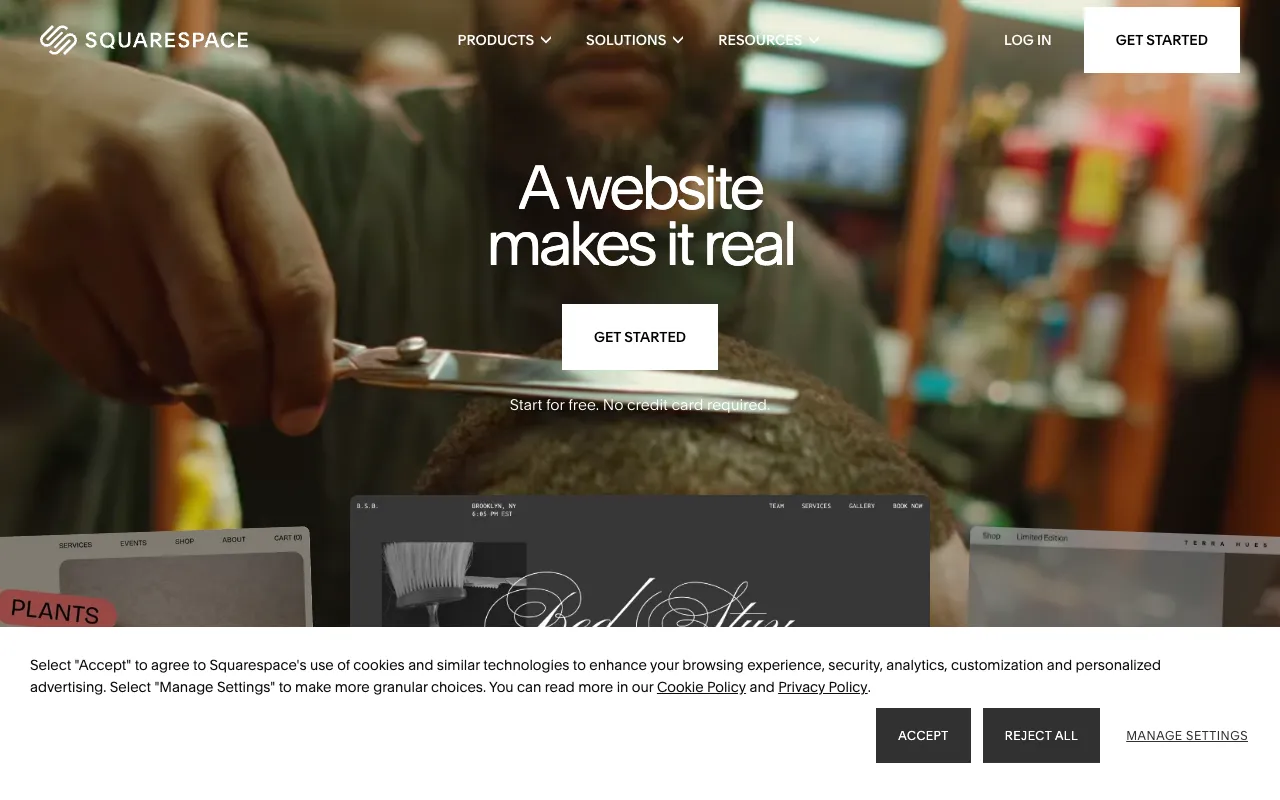
The approach is visual: start from a site design, arrange supported sections, and edit content in the platform. That is efficient when the page and business workflow fit the platform's existing building blocks.
The trade-off is scope. A custom interface or workflow can require custom code, another service, or a different tool. Audit the exact job before assuming either platform is the easier route.
Squarespace's Strengths
- Visual starting points - A guided way to establish site structure and style
- Managed website platform - Hosting and site operations stay inside the service
- Content and portfolio tools - Useful site patterns are available as built-in components
- Built-in business services - Commerce, scheduling, domains, and email are available within the wider product family
- Managed publishing - The platform handles the website publishing layer
Trade-offs to Check
- Custom workflow fit - Confirm whether your exact layout, data, and interaction model fit the platform components
- Portability scope - Check content, code, domain, commerce, and customer-data export separately before committing
- Separate subscriptions - A site, domain, email campaigns, scheduling, and workspace email can have distinct billing and cancellation rules
- Custom changes - Bespoke behavior can require code or an external service
- Per-site planning - Each site has its own plan, so a multi-site portfolio needs a per-site cost and operations inventory
- Migration work - Moving platforms means rebuilding and testing the parts that do not transfer directly
The deciding question is not whether a template is good or bad. It is whether the platform's authoring and service model fits the website and workflows you expect to maintain.
What is Playcode?
Playcode is an AI app builder for non-technical teams. Instead of beginning with a fixed site structure, you describe the result and refine the generated project in chat or with visual editing.
A practical first pass with Playcode's AI website builder looks like this:
- Describe the audience, pages, visual direction, and required workflow
- Review the first working artifact instead of approving a generic promise
- Refine layout, copy, states, and interactions in plain English
- Test the important forms, links, and responsive states
- Publish on the supported Playcode path or export the project code
The important difference is the authoring model: Playcode starts from the brief and produces a code project that can grow into a custom workflow. That flexibility still depends on a clear brief, review, and testing.
Playcode's Strengths
- Description-first building - Start from the desired result and refine the working project
- Real project code - View, edit, and export the project
- Frontier model catalog - Switch among supported model families in the picker
- Browser verification - The agent can open and test supported builds
- Visual editing - Refine supported text, colors, images, and layouts
Playcode's Limitations
- Different editing model - A prompt-first workflow may not suit someone who wants to configure only familiar site components
- Provider setup - External services need a real API or webhook path, credentials, and project-specific implementation
- Review is still required - AI output needs requirements, testing, and human approval before a live migration
The Key Differences
Both tools produce websites. But the philosophy - and therefore the experience - is fundamentally different.
Platform Components vs a Brief-Led Build
Squarespace's approach: configure a managed site using its visual editor, supported sections, and built-in service surfaces.
Playcode's approach: describe the audience, outcome, design direction, and workflow, then review and refine a generated code project.
Visual Configuration vs Verbal Iteration
With Squarespace, you make changes through the site's visual controls and supported settings. That can be predictable when the desired change maps cleanly to an existing component.
With Playcode, you can request a change in plain language and inspect the result in the working project. Use visual editing where supported, and test every material change.
Portability Must Be Audited by Asset
Before choosing any managed platform, list what you may need to move later: page content, media, domain, customer records, order data, integrations, styling, and site code. Exportability can differ for each item, so avoid treating “migration” as one checkbox.
Playcode projects are real code and can be exported. Runtime data, credentials, and provider-specific services still need a separate migration plan.
Measure Performance on the Actual Site
Do not choose either platform from a generic speed claim. Build the representative pages, connect the real media and scripts, and measure the published result with PageSpeed Insights.
Playcode includes a chat-driven PageSpeed audit workflow for public sites and can help apply fixes. It does not guarantee a score, ranking, or traffic outcome.
Side-by-Side Comparison
When Squarespace Still Makes Sense
Squarespace can be the better fit in several concrete situations:
You Need a Polished Portfolio Fast
If a supported starting design, gallery, and content structure already fit the brief, a managed visual site workflow can reduce setup decisions.
You Run a Restaurant or Appointment Business
Squarespace offers built-in or separately billed services for common website, commerce, scheduling, domain, and email jobs. Check the exact current feature and billing boundary before selecting a plan.
You Prefer Clicking Over Describing
Some people genuinely prefer visual editors. If you find it easier to click on a section and type directly into it rather than describing changes in text, Squarespace's interaction model may feel more natural.
You Want Built-in Commerce Tools
A store owner may prefer a platform-native commerce workflow over designing and maintaining a custom provider integration. Compare the required features and fee meter, not only the subscription label.
When Playcode is Better
Playcode is worth a closer look in these scenarios:
You Want a Unique Design
A brief-led build is useful when the interface needs to follow a specific brand and workflow rather than a standard site structure. The output still needs design review.
You Need Faster Iteration
You can request a layout or behavior change in plain English and inspect the working result. This can shorten the path to a first revision, but it does not remove testing or approval.
You Might Leave Someday
Playcode projects are real code and can be exported. If portability is the main concern, also document the database, files, credentials, domain, and external services that would move with a live application.
You Want to Measure and Improve Performance
Playcode can audit a public site with PageSpeed Insights and help apply fixes in the same chat. Measure the actual published build; no builder can guarantee rankings or a performance score from its category alone.
You Build for Clients
An exportable codebase can make a handoff clearer when the client or another developer needs to continue the work. Confirm hosting, data, credentials, and support ownership in the handoff as well.
The Website Is Only the First Rung
Playcode can grow the same project from a website into a portal, dashboard, or internal tool with backend and database-backed state. Choose that path only when the business actually needs the added workflow.
Compare the Full Cost Separately
This alternative guide deliberately does not reproduce Squarespace plan prices. Plan names, availability, renewal terms, selling fees, and separately billed services can change, and they answer a different search job from choosing a replacement.
For current figures, check Squarespace's own pricing page. Count the website plan separately from domain renewal, selling fees, add-ons, and hired help.
For Playcode, review the current terms on Playcode pricing. Compare both tools against the same written scope and include the cost of migration, maintenance, and outside services.
My Verdict
Squarespace is a strong fit when its managed visual site system and built-in services match the job. That can be simpler than designing a custom application and maintaining provider integrations.
Playcode is the stronger candidate when the project needs a custom interface or workflow, exportable code, or a credible path from website to portal, dashboard, or internal tool. Those benefits still require a clear brief and testing.
Choose Squarespace if: you want a managed visual website workflow, its built-in services fit, and you have verified the current subscription and portability boundaries.
Choose Playcode if: you want to build from a plain-language brief, keep access to real project code, or add custom business software behind the website.
The safest decision is a small representative trial: build the same priority page and workflow, test it with real content, measure the published output, and compare the maintenance path before moving the live site.
Ready to test the alternative? Describe one representative page and workflow, then inspect the working result.
Start BuildingFrequently Asked Questions
What is a good Squarespace alternative for a custom business website?
Playcode is worth comparing when you want to describe a custom website or workflow, keep access to the generated code, and grow beyond a standard marketing site. Squarespace remains a strong fit when its visual editor and built-in site, commerce, scheduling, and email surfaces already match the job.
Is Playcode easier to use than Squarespace?
It depends on how you prefer to work. Squarespace is centered on choosing and configuring visual site components. Playcode starts with a plain-language brief and supports visual iteration afterward. Try the same small page in both before moving a live site.
Can I migrate a Squarespace site to Playcode?
Treat the move as a controlled rebuild, not a one-click migration. Inventory URLs, content, forms, commerce, scheduling, email, and domain settings; recreate only what the new build needs; test it beside the current site; then plan redirects and DNS changes. Confirm separately which content and data each service lets you export.
Can Playcode build ecommerce features?
Playcode can build checkout or commerce flows when the selected provider exposes a suitable API and you provide the credentials and requirements. It is not a native one-click commerce connector. Squarespace may be the simpler choice when its built-in commerce workflow already fits.
Who should choose Squarespace instead of Playcode?
Choose Squarespace when you want its established visual site system and built-in service ecosystem, and the workflow fits without a custom application. Choose Playcode when a description-first build, custom logic, exportable code, or a website that can grow into a portal, dashboard, or internal tool matters more.
How should I compare Squarespace and Playcode costs?
Compare the full scope, not one headline price: site subscription, renewal, domain, selling fees, separately billed services, outside help, and the work needed to maintain the result. Use the dated Squarespace website cost guide for current vendor-specific figures and Playcode pricing for current Playcode terms.
Does Playcode let me export my project?
Yes. Playcode projects are real code and can be exported. Confirm runtime data and provider-specific migration requirements separately before choosing a host or moving a live application.